57
4. Utilities
4.1. Card printer config
SMART is produced with optimized setting.
You need to adjust setting value if required or spare parts are replaced, using
Cardprinterconfig.exe in the printer driver package - Utilities folder.
You can adjust following settings with Cardprinterconfig
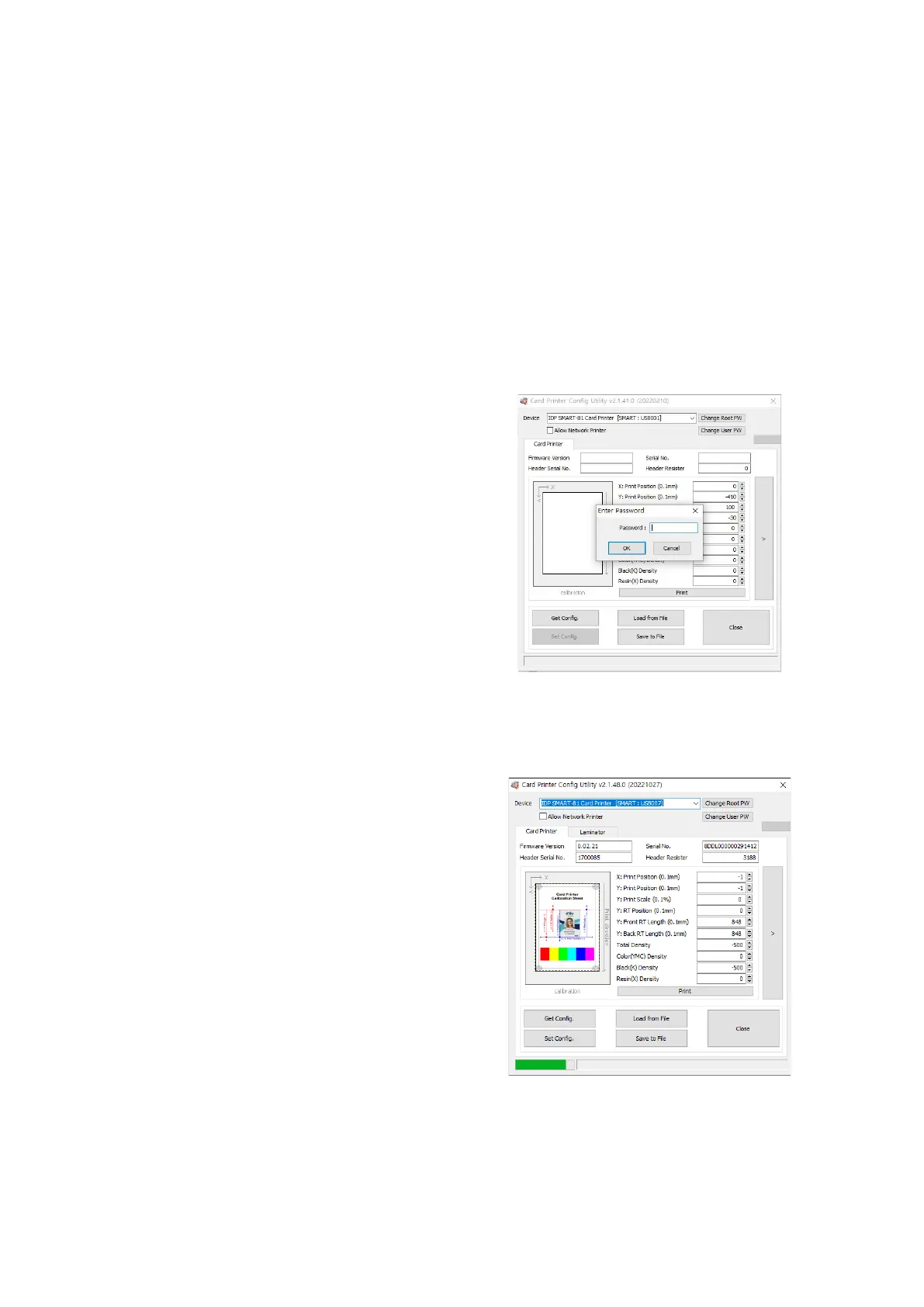
(1) Run CardPrinterConfig
Password input window is displayed when you
run this program. If you input the correct
password, the recorded setup value will be
shown and you can change values. The
password is saved to SMART
-81 printer. So if
you use another PC with same printer,
previous password is
required to run this
(Default password is none. Please press OK if
you have not set password
.)
Figure 59 CardPrinterConfig Log-in
When you are successful to log-in, you can set
values shown as left picture
.
Figure 60 CardPrinterConfig start



 To Next Page