32
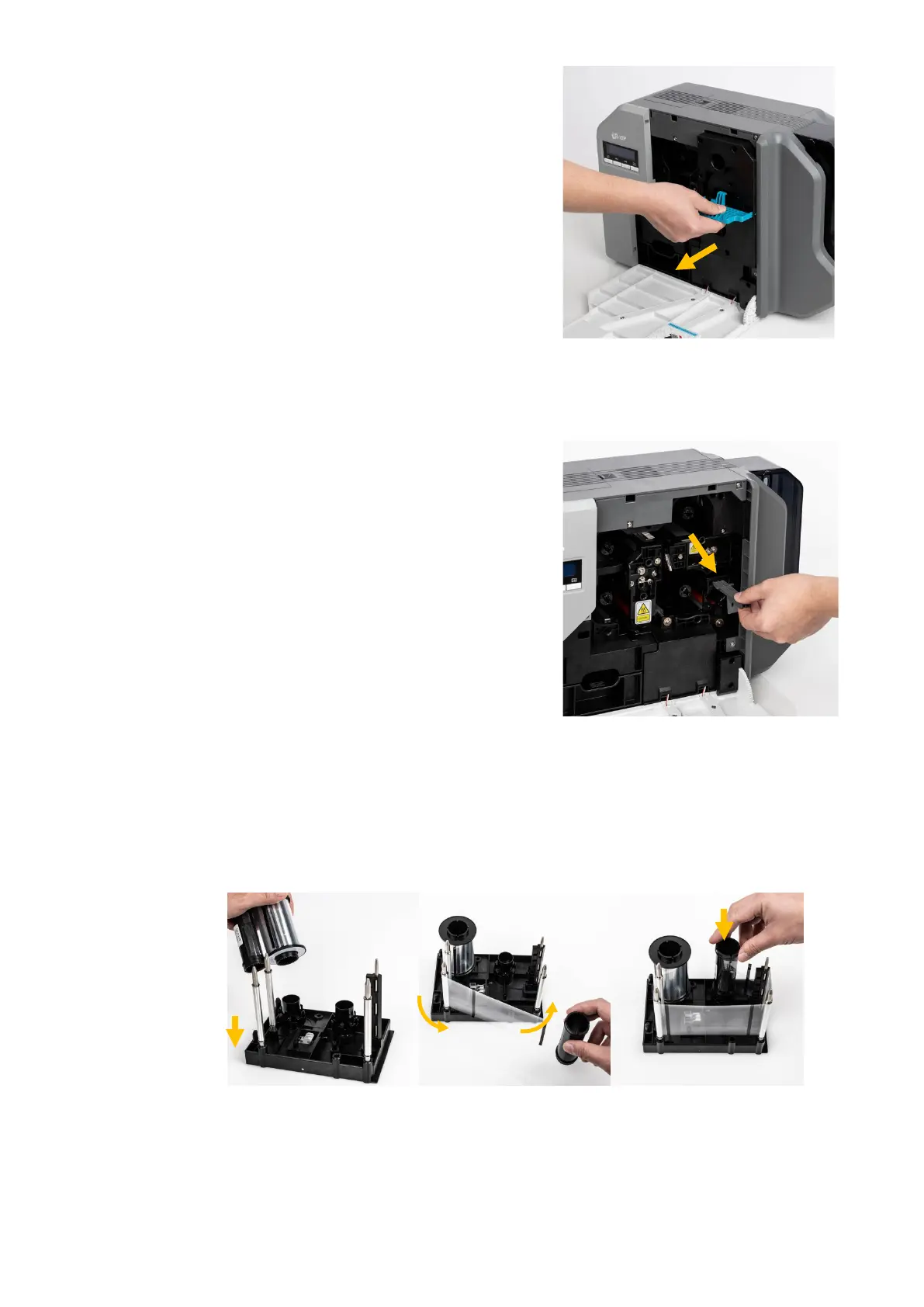
(3) Hold the Ribbon cartridge handle and
pull it out as figure 10.
Take out Ribbon Cartridge
(4) Hold the disposable cleaning roller
cartridge handle and take it out as
figure 11.
Figure 11 Take out Cleaning roller Cartridge
(5) Insert the film into the film cartridge as figure.12.
After inserting, tighten the film.
(Caution! If the film is not tightened, a rolling up error might be happened)



 To Next Page