34
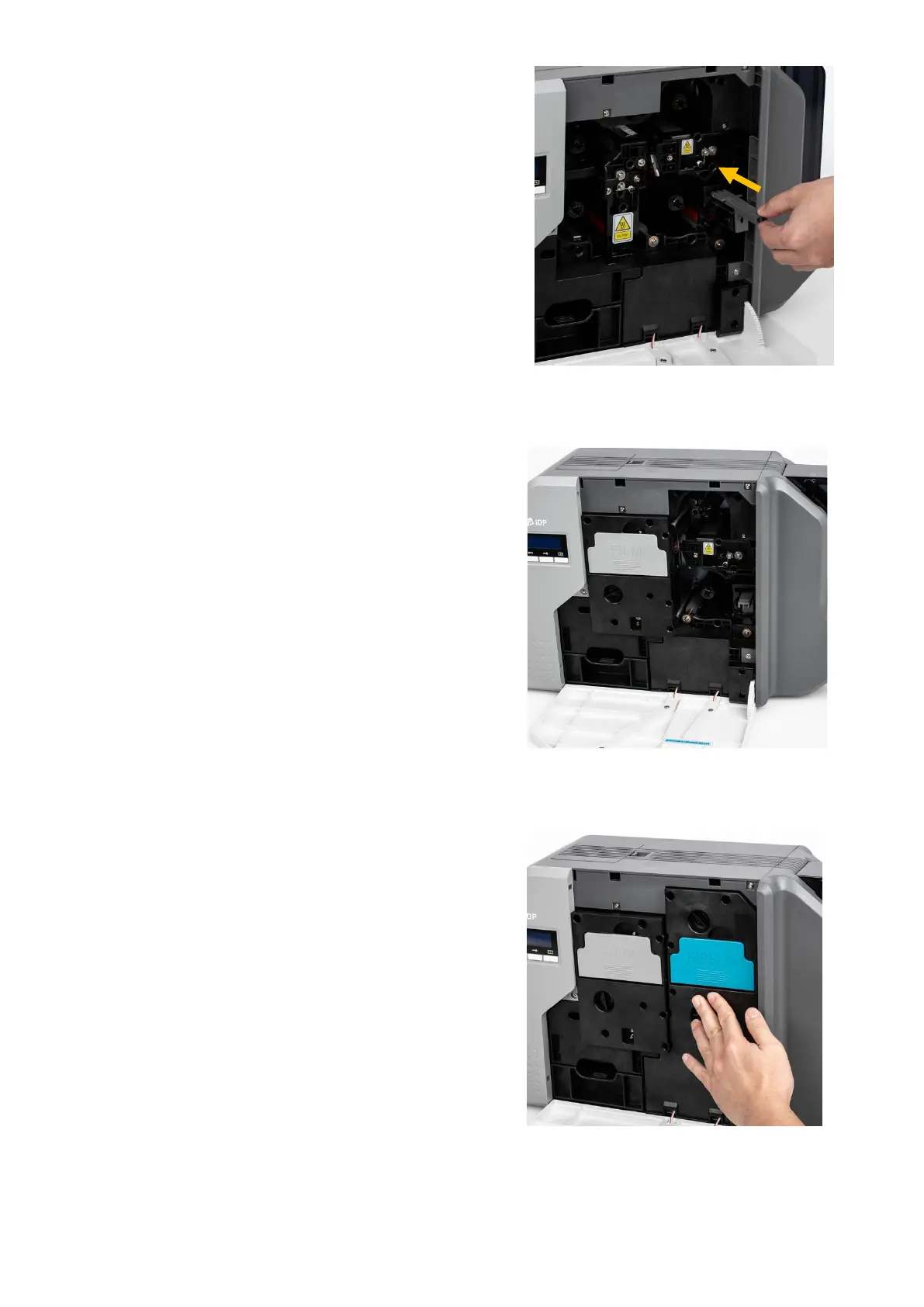
(8) Install cleaning roller cartridge into
the printer.
Figure 15 Installing the cleaning roller cartridge
(9) Install film cartridge into printer.
At this point, Do not fully mount the
cartridge to the printer as figure 16.
Figure 16 Installing film cartridge
(10) Install Ribbon cartridge into printer.
At this point, press below the handle
to fully mount and adhere the ribbon
cartridge to printer.
Figure 17 Installing Ribbon cartridge



 To Next Page