16
1.3. Display & buttons
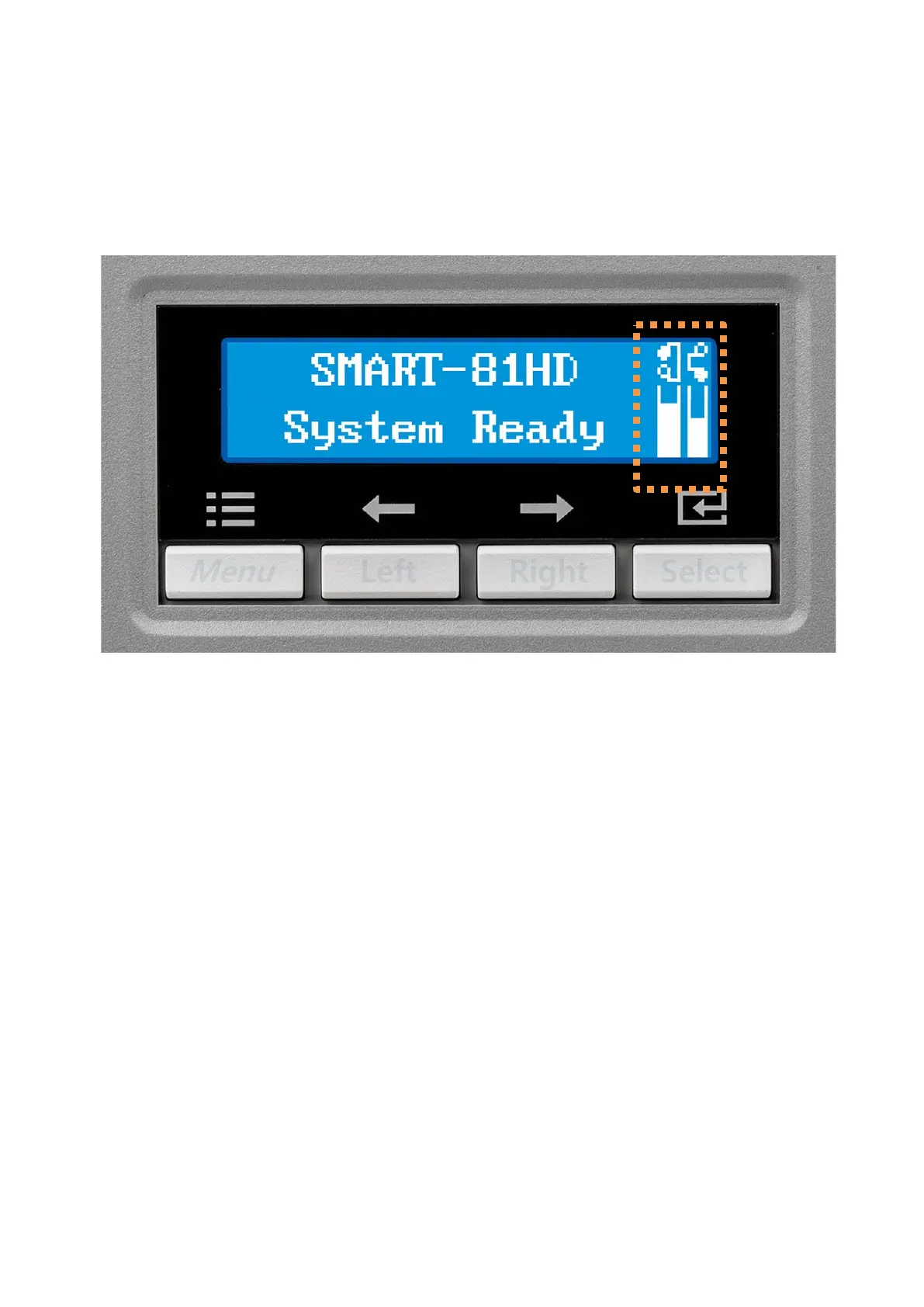
SMART-81’s control panel consists of LCD and 4 buttons. LCD shows the status of the printer,
and view each status and changes the setting with buttons.
Figure 6
SMART-81 Display and buttons
The status of SMART-81 is ‘Initializing’ when booting up.
It is changed to ‘System Ready’ if the printer is fine. It is change to ‘Printing’ when the
printer is working. In case of sensing an error, it is changed to ‘Error’ status. Whenever the
top cover is opened, the operation is stopped and the status is ‘Top Cover Open’. It also
displays remaining status of the current film and ribbon as an icon on the right side of the
screen.



 To Next Page