54
3.3. Other settings
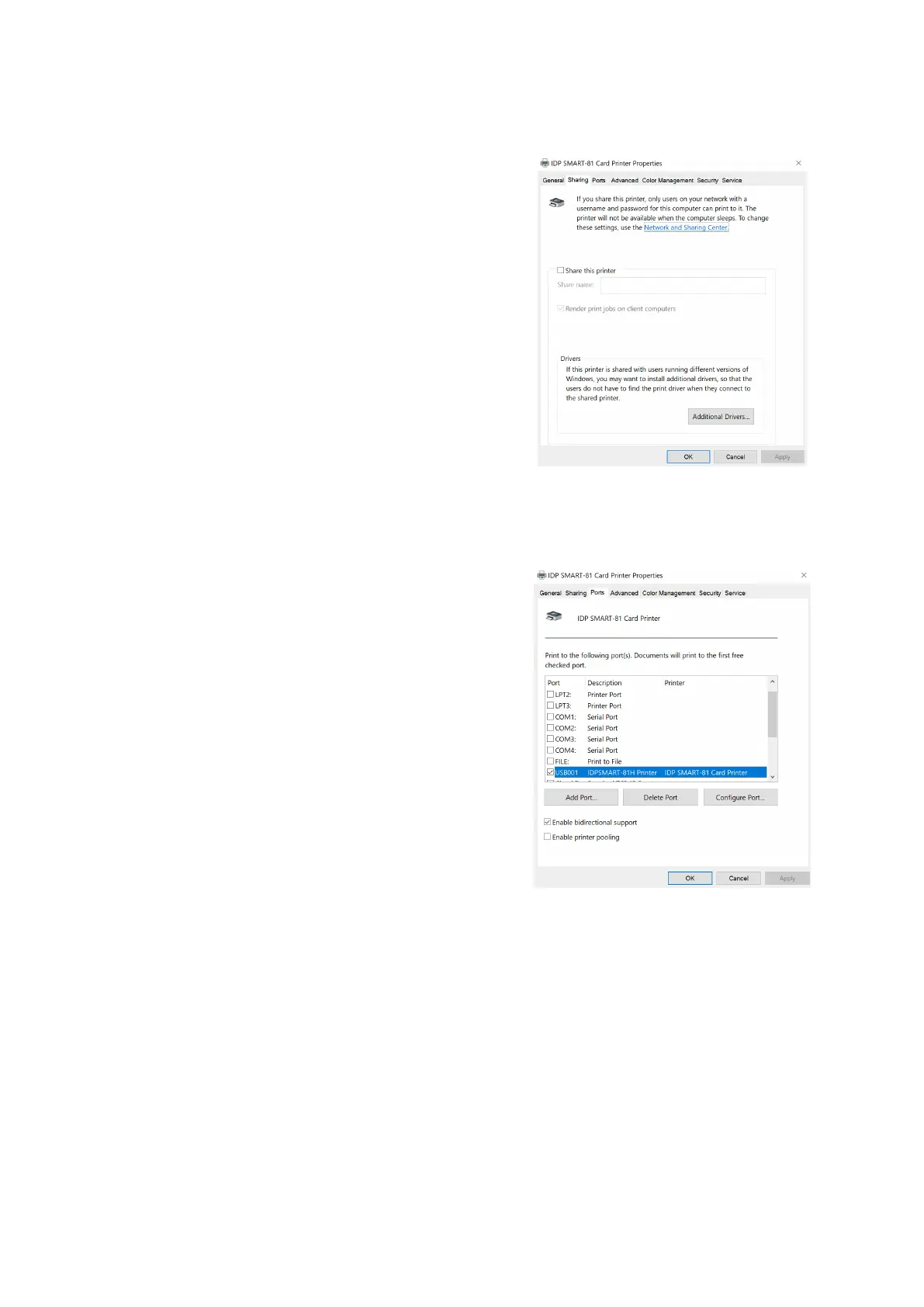
You can share a printer with Sharing tab
via Network.
Default is unchecked “Share this printer.”
Figure 53 Printer sharing
Ports
Port tab shows which port is connected
with SMART-81. SMART-81 has
connection with USB Virtual printer port as
left picture because SMART-81 uses USB
connected to PC.
(Caution! This port is selected
automatically. It is recommended to
maintain default.)



 To Next Page