44
2.6. Option installation (IC, RF)
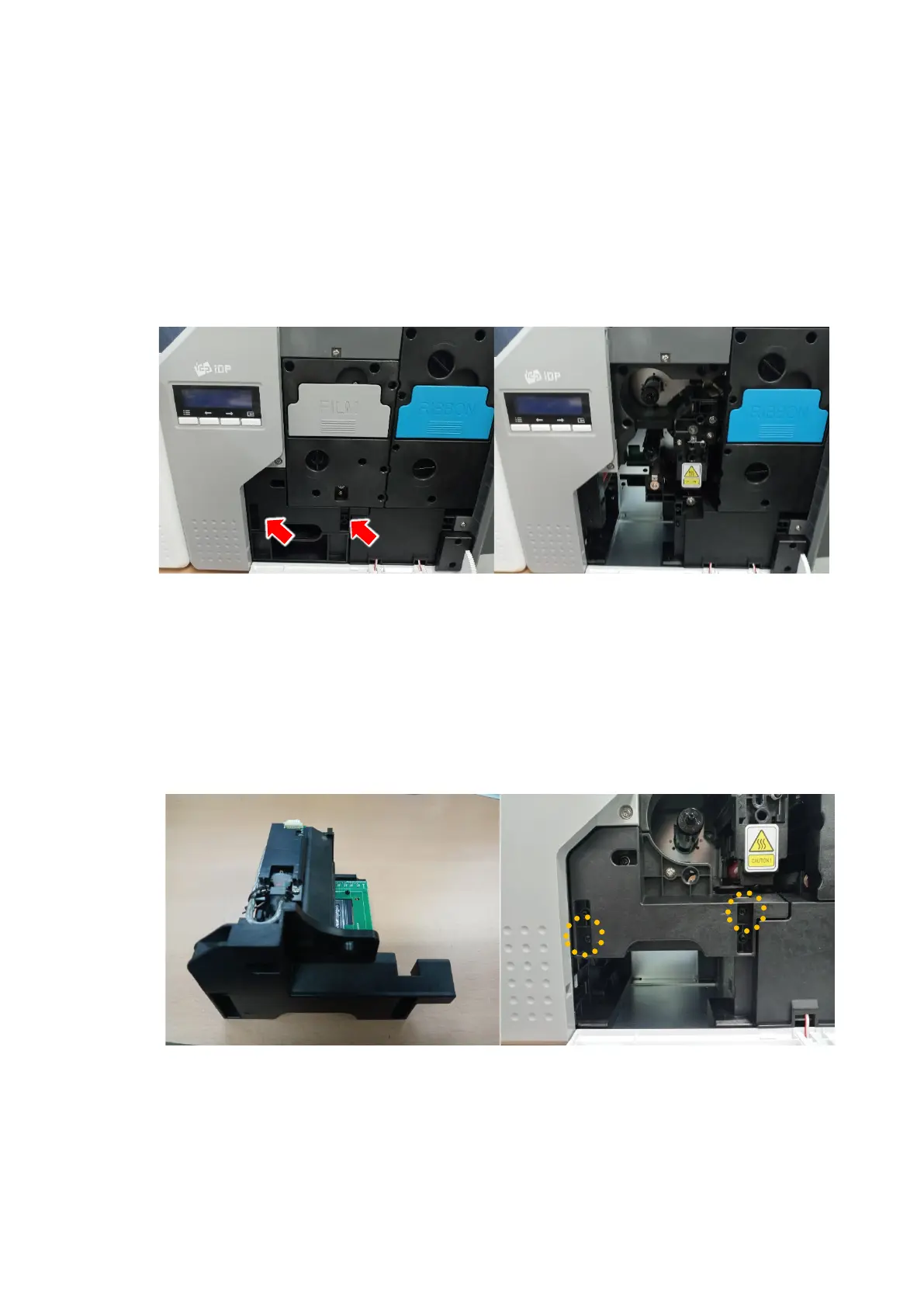
Step 1: Detach each module form main body’s top cover
(1) Turn off Printer, Open top cover, Separate Ribbon film cartridge and stacker
under the module.
(2) Release the two screws shown and remove them from main body as shown the
below picture.
Figure 39
Take out module
(IC, RF)
Step 2: Insert Module (IC, RF)
(1) Insert Module (IC, RF) and tighten two screws.
(2) Insert Film cartridge and card stacker and close the cover.
Figure 40
Take out module
(IC, RF) 2



 To Next Page