92
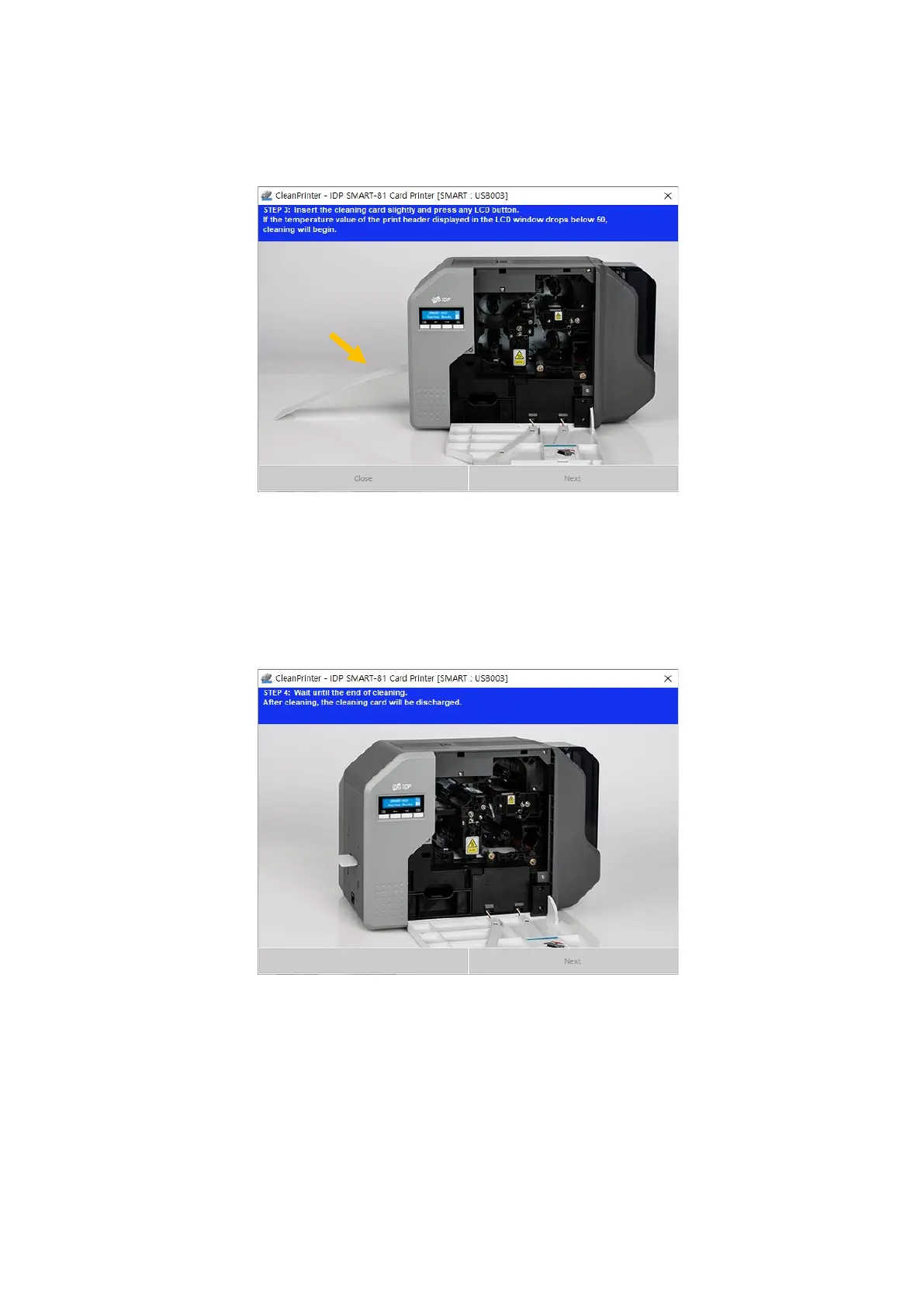
heater drops below 50degrees, cleaning card will insert to printer and moving back
and forth to clean.
Figure 90 Printer cleaning step 3
Step 4: Wait until the cleaning is completed. When the cleaning is completed, exclusive
cleaning card will be ejected automatically.
Figure 91 Printer cleaning step 4



 To Next Page