64
5.2. Contactless smartcard reader
In SMART-31 printer, you can install the two types of smartcard reader which are internal
contactless smartcard reader and external contactless smartcard reader. If you have one
or more contactless smartcard reader devices on your printer, you should install the
contactless smartcard device driver as in the following, and connect SMART-31 printer to
your PC.
(1) Connect SMART-31 printer to PC
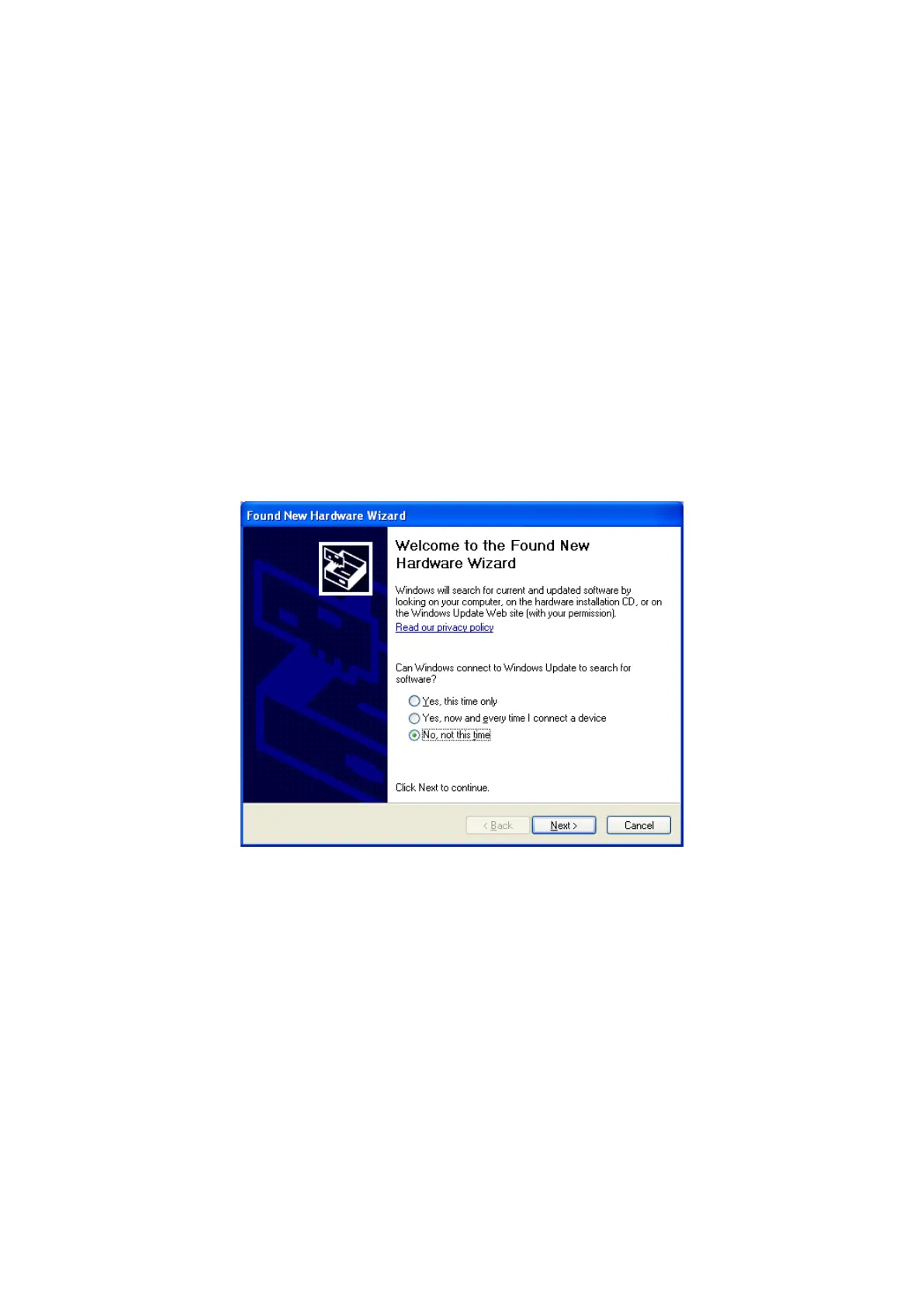
When you connect the printer to PC and turn on the printer, you can see the “Found
New Hardware Wizard” as the picture, then Check “No, not that time” and Click “Next” to
continue.
Figure 89 Found New Hardware Wizard


 To Next Page