II. Printer Driver Installation
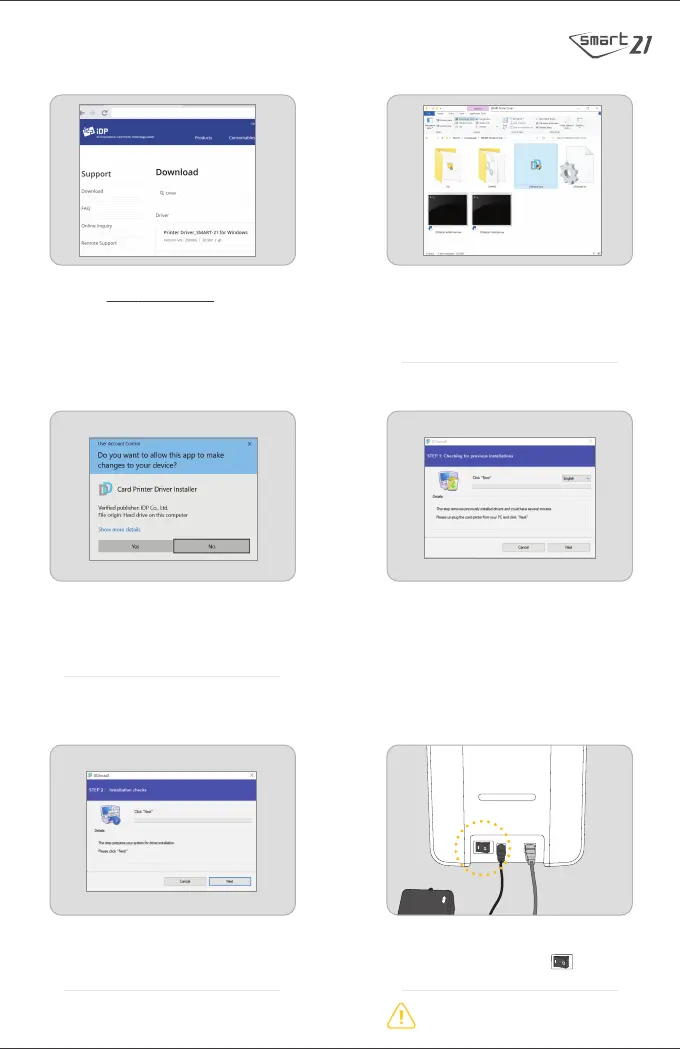
1. Go to www.idp-corp.com and search for
"Driver" in the Support - Download menu.
Download the "SMART-21 Printer Driver".
Extract the driver and all its components
(Extract All) from the ZIP file and save it on
your PC. Do not install the driver from within
the ZIP program.
2. Navigate to the extracted zipped files and
double click on the “DDinstall.exe” file to
begin the installation.
4. To change the language from the default
English to something else click “Next”.
This step may take a few moments to process.
5. Click “Next” to install the printer
driver package in STEP 2.
www.idp-corp.com
3. If “User Account Control” window is
opened, click “Yes”.
※ Depending upon your computer’s settings,
you may be prompted to supply local admin
credentials to authorize the installation of
the driver.
6. Connect the USB cable to PC and turn on
the printer by pressing the On/Off
button at the indicated point.
Connect the USB Cable to the computer
before Power on the printer.

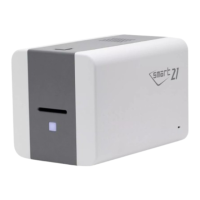

 To Next Page