p.42
Additional features
100RV
5 To check the output specified for the door contact
sensor alarm
You can check the output setting that you specifi ed in “To specify the alarm output for an
input error of the Door contact Sensor”. (See page 30.)
1. Present the Master Card to the device.
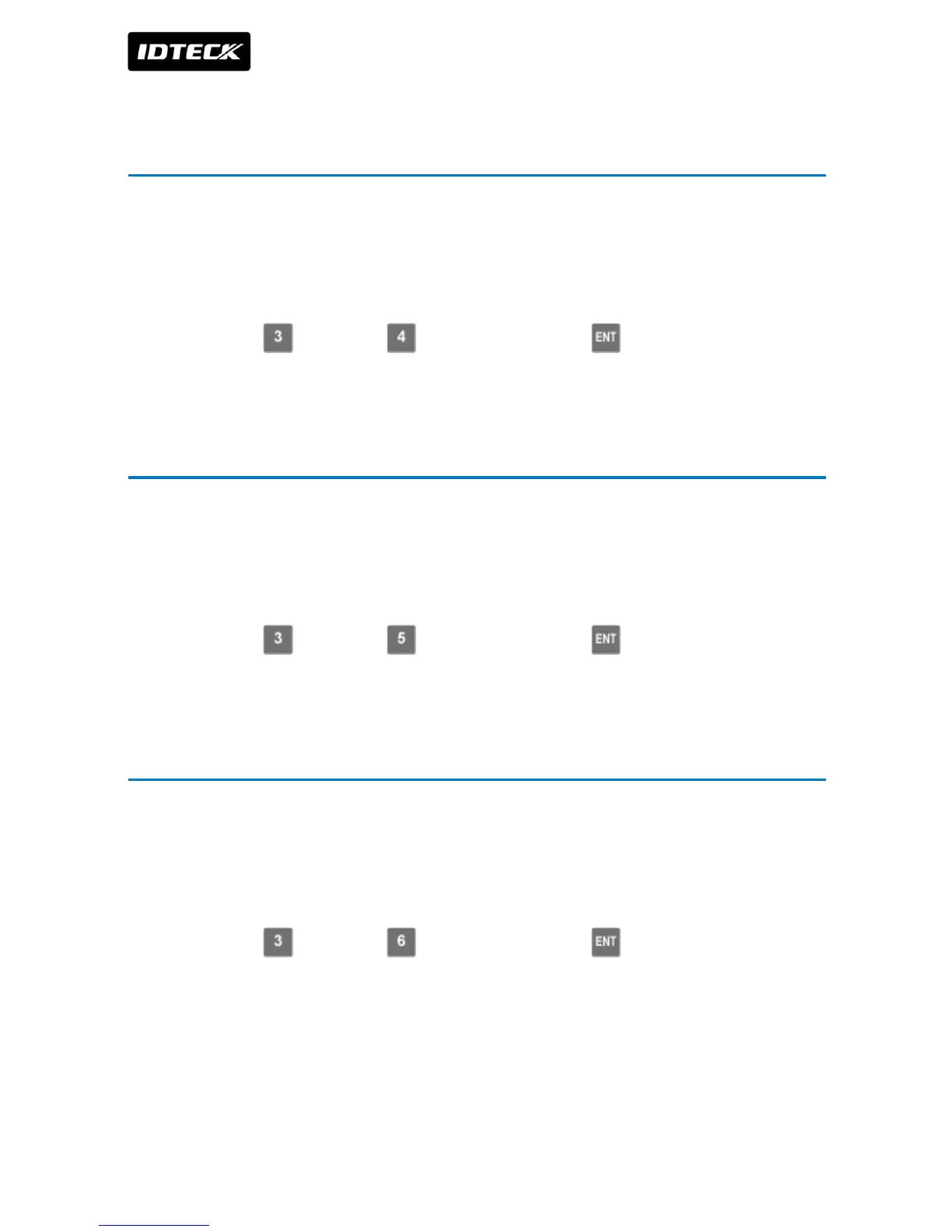
2. Press Button and Button in sequence and press .
6 To check the output specified for AUX 1
You can check the output setting that you specifi ed in “To specify the alarm operation time
for AUX 1”. (See page 30.)
1. Present the Master Card to the device.
2. Press Button and Button in sequence and press .
7 To check the output specified for AUX 2
You can check the output setting that you specifi ed in “To specify the alarm operation time
for AUX 2”. (See page 31.)
1. Present the Master Card to the device.
2. Press Button and Button in sequence and press .


 To Next Page