p.82
SETTING CHANGES
iTDC
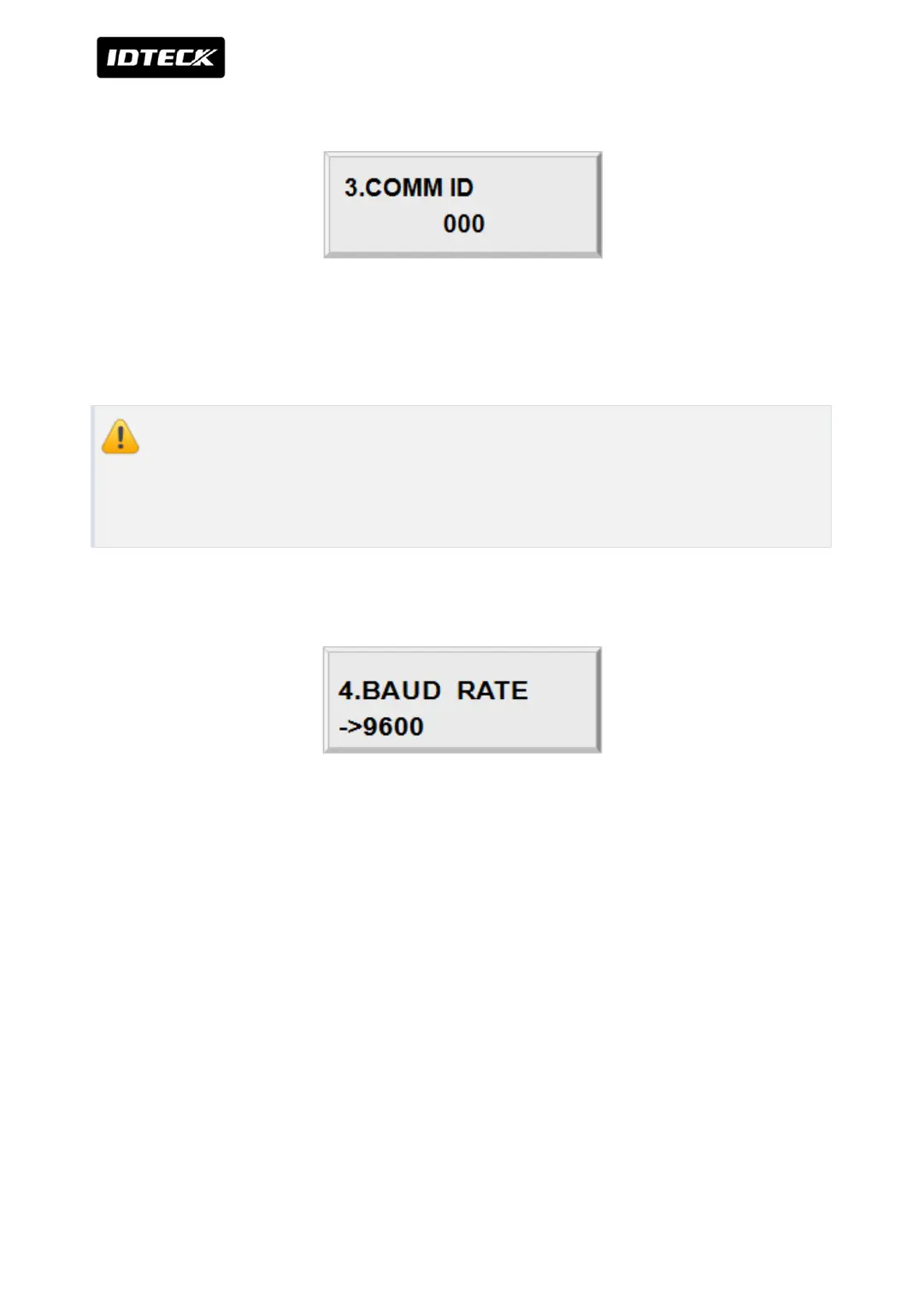
2.3 COMM ID(COMMUNICATION ID, BOARD ID) DISPLAY
Check Communication Address to communicate with PC program. Default setting is “000”.
Communication Address of the device and PC program should match each other to
communicate normally.
When you use multiple devices with one PC program, each device should have
different address from each other. In this screen, what you can do is checking the
preset address only. You can change the address by communication address setting
switch on the iTDC main board.
2.4 BAUD RATE SETTING
iTDC supports 4800, 9600, 19200 and 38400bps of baud rate and default setting is
9600bps. Wrong baud rate setting will cause communication errors and you have to set
same baud rate to iTDC and host PC. If you have communication problem, please check
followings;
●
Check COMM ID of iTDC and host PC
●
Check BAUD RATE of iTDC and host PC
●
Check communication port and cable
●
Check COM port set-up of host PC
Parity Bit: None, Data Bit: 8 bit, Stop Bit: 1 bit
To change the baud rate, press <ENT> key and select desired baud rate by pressing <4> or
<6> key then press <ENT> key.



 To Next Page