15
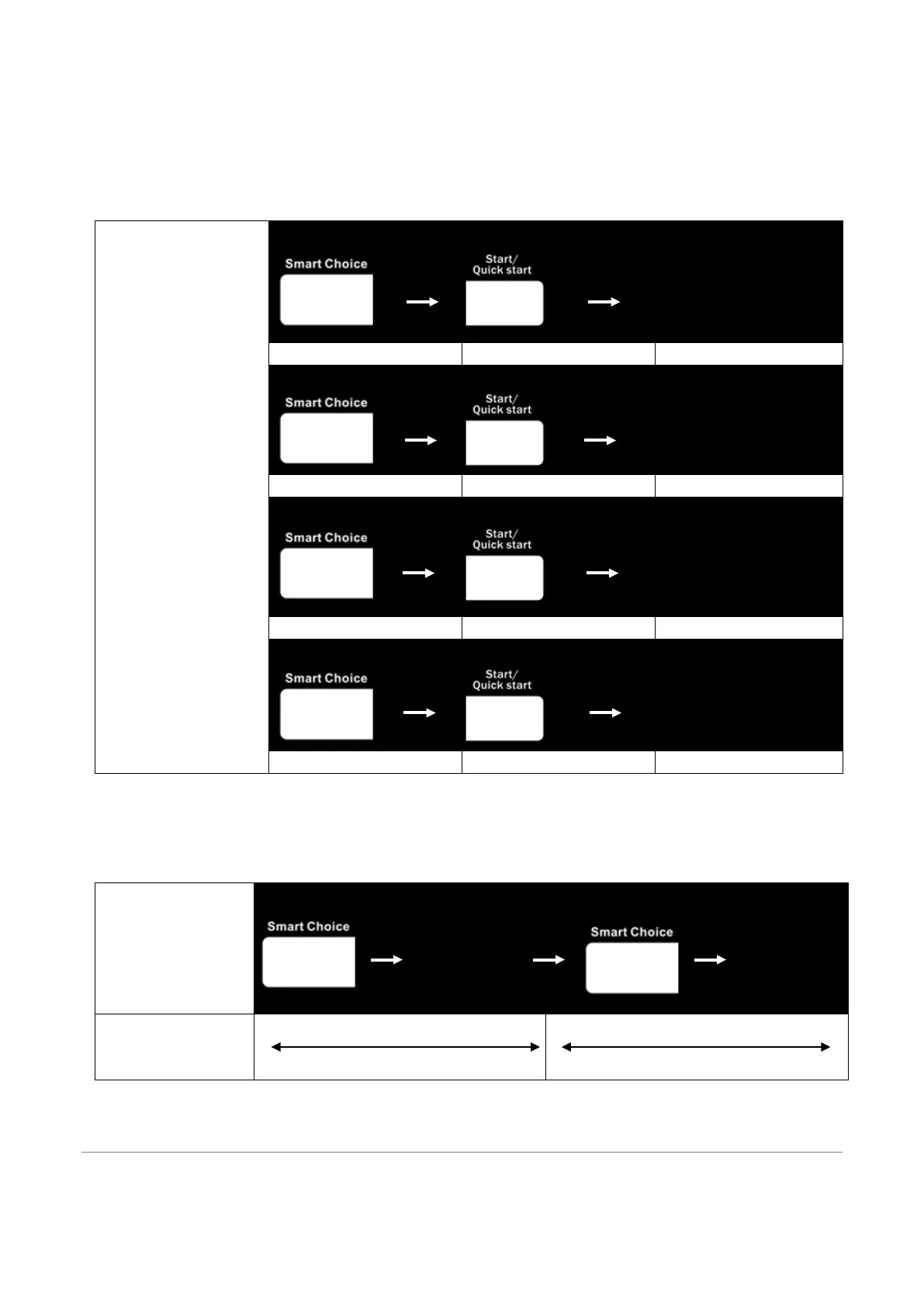
2. Press START/QUICK START. The display will show”5:00” and the oven start countdown.
Ferment
1. In standby mode, press SMART CHOICE button 4 times.
2. Press START/QUICK START. The display will show”30:00” and the oven start countdown.
Smart Choice
1
2
Keep warm mode starts
1
2
Deodorize mode starts
1
2
Steam C
starts
1
2
Ferment mode starts
Power save
In standby mode, press SMART CHIOCE button 6 times, turn off the display screen. The ovens enter power save
mode. Press any button, open or close the oven door to light the display screen exit power save mode.
Power Save
1 2
MWO
beeps/Display
goes OFF
3
4
MWO
beeps/Displa
y turns ON
Press Smart Choice 6 times
To select Power save mode
Press any button or open the door
WEIGHT DEFROST
The oven allows you to defrost food based on the weight entered by user. The defrosting time and power level are


 To Next Page