13
UK
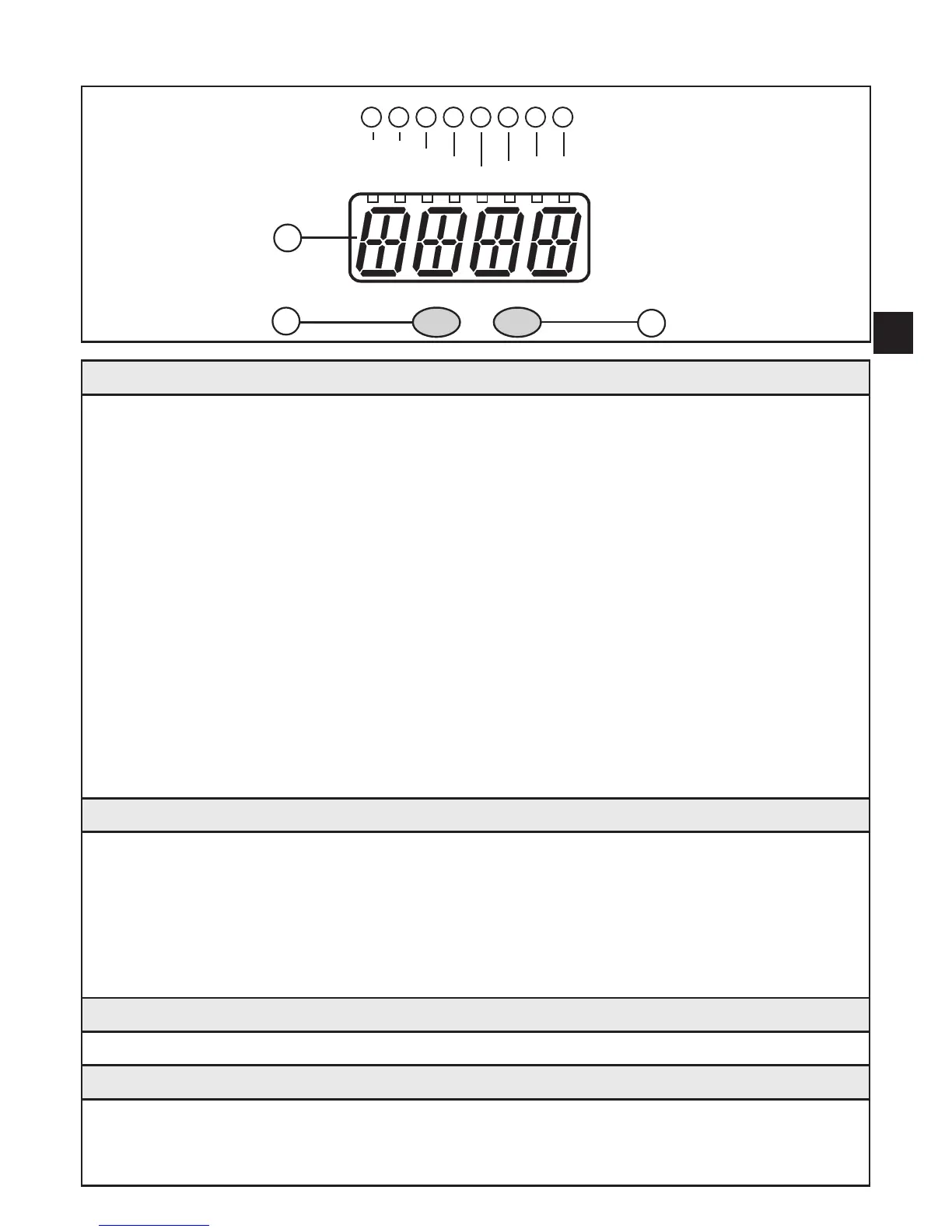
7 Operating and display elements
9
10
11
SP1
SP2
10
3
Mode/Enter Set
Nl/min
Nm
3
Nm
3
/h
°C
1 2 3 4 5 6
7
8
Nm/s
1 to 8: Indicator LEDs
- LED 1 (green) = current volumetric flow in standard litres / minute (Nl/min)�
- LED 2 (green) =current volumetric flow in standard cubic metres / hour (Nm
3
/h)�
- LED 3 (green) = current flow velocity in standard metres / second (Nm/s)�
- LED 4 (green) = current consumed quantity since the last reset in standard cubic metres
(Nm
3
)�
- LED 4 (green) flashing = consumed quantity before the last reset in standard cubic
metres (Nm
3
)�
- LED 4 (green) and 6 (green) = current consumed quantity since the last reset in standard
cubic metres (values > 9999 are displayed using the 10
3
exponential notation)�
- LED 4 (green) and 6 (green) flashing = consumed quantity before the last reset in 10
3
standard cubic metres (values > 9999 are displayed using the 10
3
exponential notation)�
- LED 5 (green) = current medium temperature in °C�
- LED 7 (yellow) = switching status of the corresponding output (LED indicates the input
status also with an active external reset)�
- LED 8 (yellow) = switching status of the corresponding output�
9: Alphanumeric display, 4 digits
- Indication of the current volumetric flow quantity (if [Uni] = [Lmin] or [nm3h] and [SELd] =
[FLOW] is set)�
- Indication of the current flow velocity (if [Uni] = [nmS] and [SELd] = [FLOW] is set)�
- Indication of the meter reading (if [SELd] = [TOTL] is set)�
- Indication of the current medium temperature (if [SELd] = [TEMP] is set)�
- Indication of the parameters and parameter values�
10: Mode/Enter button
- Selection of the parameters and acknowledgement of the parameter values�
11: Set button
- Setting of the parameter values (scrolling by holding pressed; incremental by pressing
briefly)�
- Change of the display unit in the normal operating mode (Run mode)�












 To Next Page