19
UK
9.3.2 Settings for quantity monitoring via the preset counter
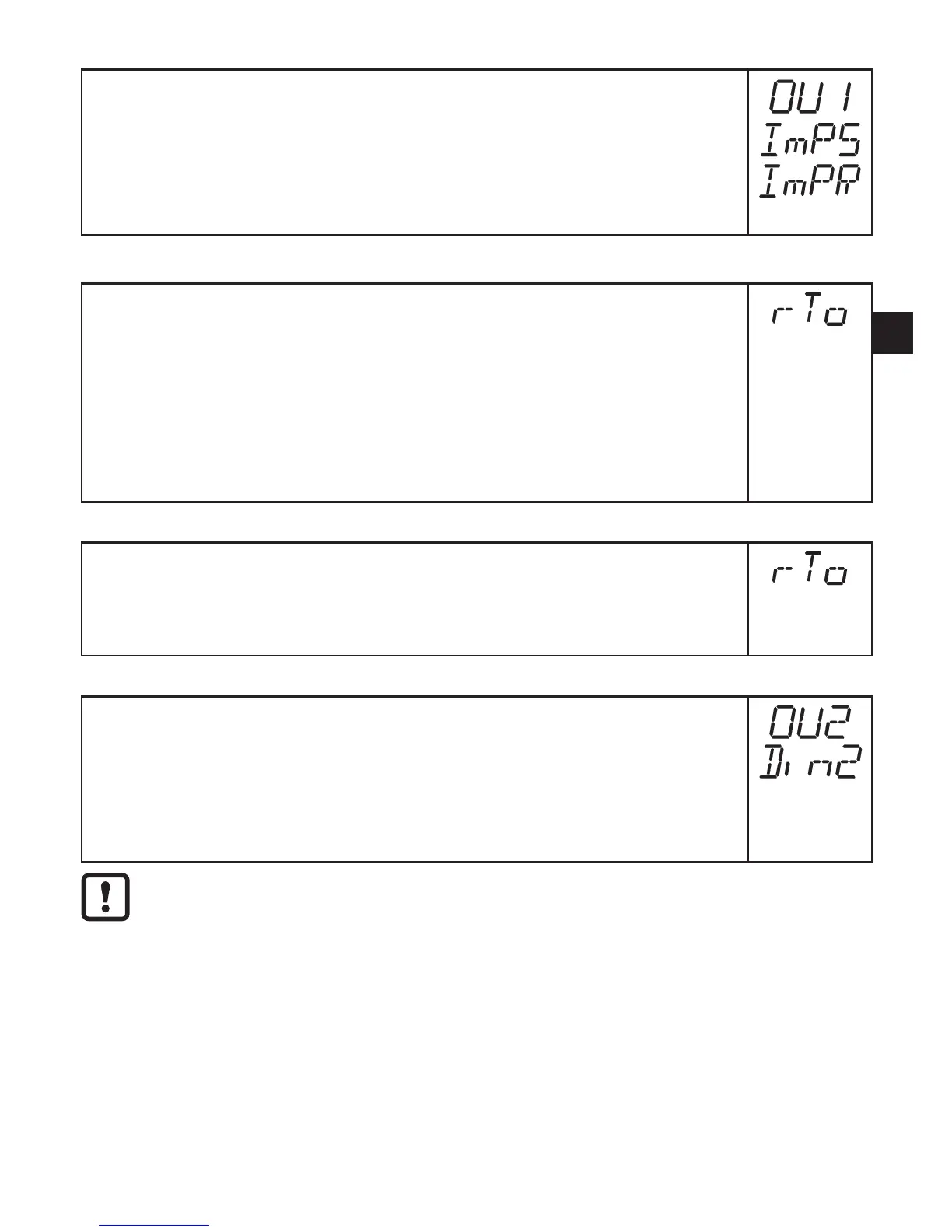
► Select [OU1] and set [ImP]�
► Select [ImPS] and set the volumetric flow quantity at which output 1
switches(→9.7).
► Select [ImPR] and set [no]�
> Pulse repetition is not active� The output switches ON if the value set in
[ImPS] is reached� It remains set until the counter is reset�
9.3.3 Settings for program-controlled counter reset
► Select [rTo] and continue with a) or b)
a) Reset the counter manually
► Press [Set] until [rES�T] is displayed, then briefly press [Mode/Enter]�
b) Enter the value for time-controlled reset
► Press [Set] until the requested value is displayed (intervals from 1 hour
to 8 weeks), then briefly press [Mode/Enter]�
► Press [Set] until [rES�T] is displayed, then briefly press [Mode/Enter]�
9.3.4 Deactivation of the counter reset
► Select [rTo] and set [OFF]�The meter is only reset after overflow (= fac-
tory setting)�
Overflow: After the maximum value (9,999,999 Nm³) the counter is reset to
0�
9.3.5 Counter reset using an external signal
► Select [OU2] and [InD]�
► Select [Din2] and set the reset signal�
- [HIGH] = reset for high signal
- [LOW] = reset for low signal
- [+EDG] = reset for rising edge
- [-EDG] = reset for falling edge
LED7(→7Operatinganddisplayelements)indicatestheinputstatus
also with an active external reset�












 To Next Page