22
9.6 Service functions
9.6.1 Reading of the min/max values for the volumetric flow
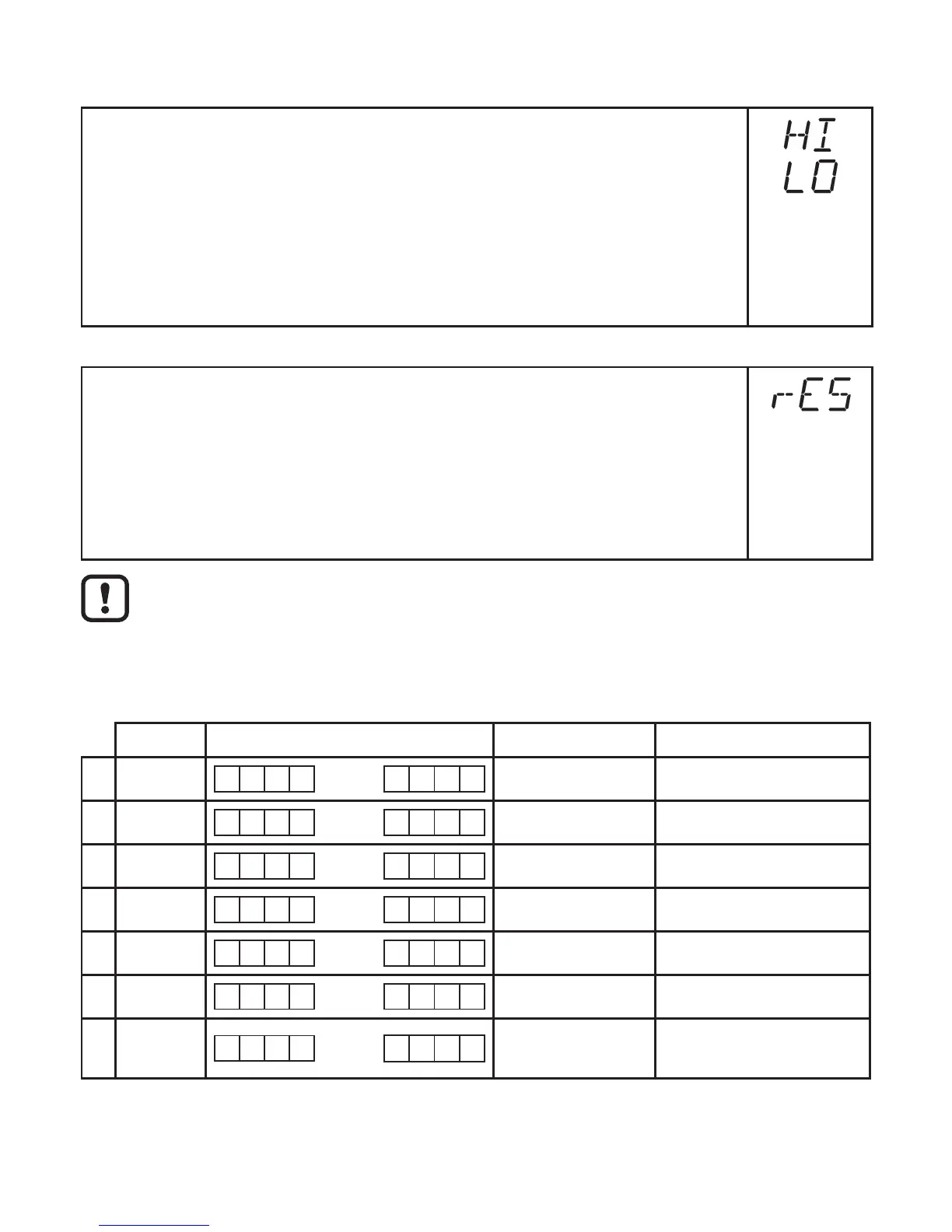
► Select [HI] or [LO], briefly press [Set]�
[HI] = maximum value, [LO] = minimum value
Delete memory
► Select [HI] or [LO]�
► Press [Set] and keep it pressed until [----] is displayed�
► Press [Mode/Enter] briefly�
It makes sense to delete the memories as soon as the unit operates under
normal operating conditions for the first time�
9.6.2 Reset of all parameters to factory setting
► Select [rES]�
► Press [Set] and keep it pressed until [----] is displayed�
► Press [Mode/Enter] briefly�
Forthefactorysettingspleaserefertotheendoftheseinstructions(→13
Factory setting)�
We recommend taking down your own settings in that table before carrying
out a reset�
After reset to factory setting the value of the memory is set at zero�
9.7 Setting of the preset counter / the pulse value (ImPS)
The unit has 7 setting ranges:
LED Display Step increment Setting range
1 4 0 �0 0 3 ��� 9 �9 9 9 0�001 Nm³ 0�003���9�999 Nm³
2 4 1 0 �0 0 ��� 9 9 �9 9 0�01 Nm³ 10�00���99�99 Nm³
3 4 1 0 0 �0 ��� 9 9 9 �9 0�1 Nm³ 100�0���999�9 Nm³
4 4 1 0 0 0 ��� 9 9 9 9 1 Nm³ 1,000���9,999 Nm³
5 4 + 6 1 0 �0 0 ��� 9 9 �9 9 10 Nm³ 10,000���99,990 Nm³
6 4 + 6 1 0 0 �0 ��� 9 9 9 �9 100 Nm³ 100,000���999,900 Nm³
7 4 + 6 1 0 0 0 ���
3 0 0 0
1,000 Nm³
1,000,000 Nm³
���3,000,000 Nm³












 To Next Page