24
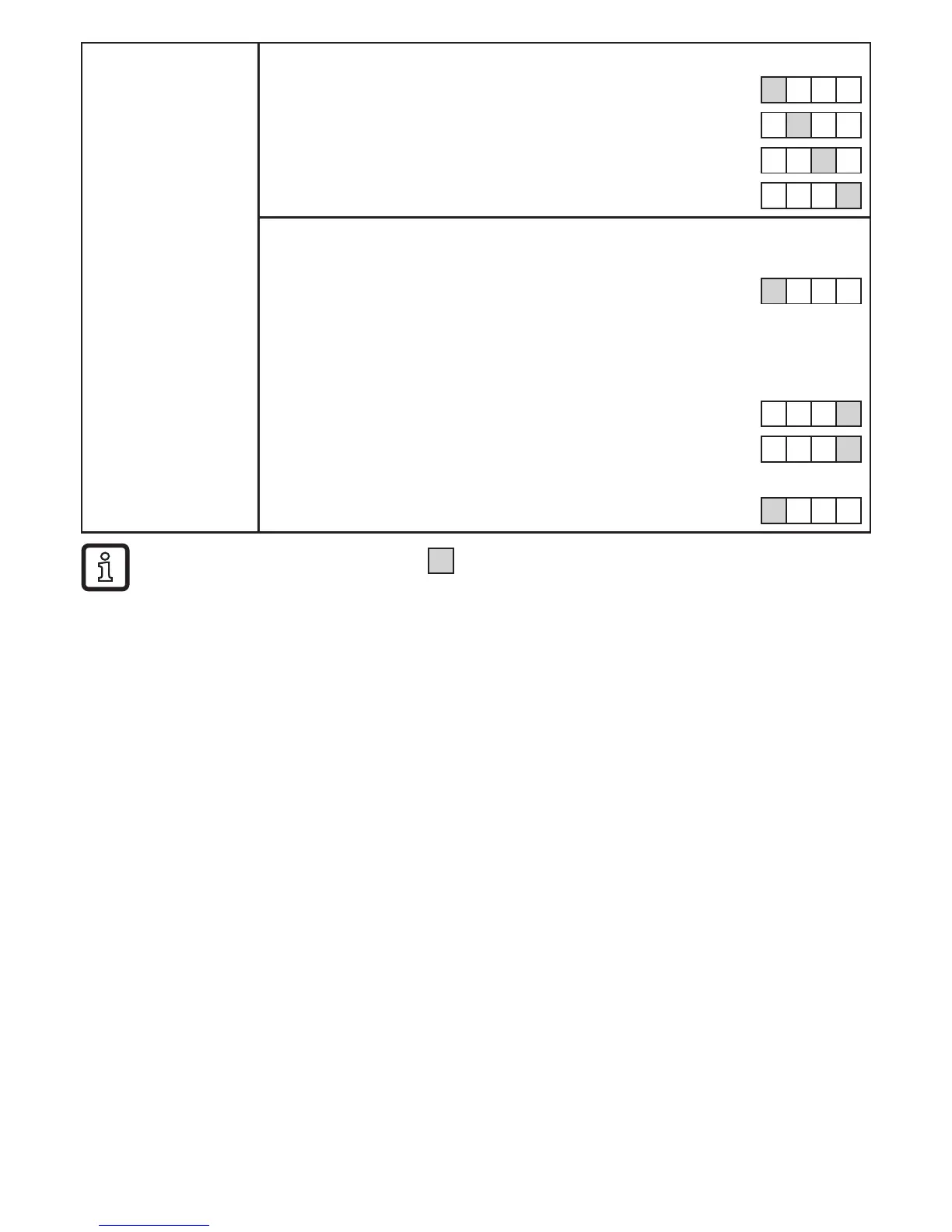
► Wait 3 s (do
not press any
button)�
The next digit on the right flashes (= becomes active)�
8 1 2� 3
No button pressed; after 3 s 8 1 2� 3
after 3 s 8 1 2� 3
after 3 s 8 1 2� 3
If the 4th digit flashes for 3 s without being changed, digit 1 becomes
active again if it has a value > 0�
after 3 s 8 1 2� 3
If digit 1 has the value "0", the display changes to the next lower set-
ting range (the decimal point is moved one digit to the left or the LED
display changes to the 10
3
exponential notation)�
0 1 2� 3
after 3 s 1 2� 3 0
Next: change digit 4 or wait 3 s and set digit 1�
after 3 s 1 2� 3 0
•Numbers highlighted grey (e�g�
1
) = flashing digit�
•if [Set] is pressed continuously, the display moves through all ranges; after the end
value it jumps back to the start value� After this, release [Set] briefly and start the
setting again�
10 Operation
Correct operation and compliance with the measurement accuracy can only be
ensurediftheenvironmentalconditionsspecifiedinthetechnicaldata(→12)
are adhered to� Ensure that the maximum pressure range, measuring range and
permitted operating temperature are not exceeded�
After power on and expiry of the power-on delay time (approx� 1 s) the unit is in
the Run mode (= normal operating mode)� It carries out its measurement and eval-
uation functions and generates output signals according to the set parameters�
• Operationindication→chapter7Operatinganddisplayelements.
• During the power-on delay time the outputs are switched as programmed: ON
for NO function (Hno, Fno), OFF for NC function (Hnc, Fnc)�
• If output 2 is configured as analogue output, the output signal is at the final
value of the measuring range during the power-on delay time�












 To Next Page