23
UK
Setting operation:
► Set[OU1]to[ImP](→9.3.2).
► Press [Mode/Enter] until [ImPS] is displayed�
► Press [Set] and keep it pressed�
> The current numerical value flashes for 5 s, then one of the 4 digits becomes
active (digit flashes, can be changed)�
► Set the requested pulse value as shown in the following table�
► First select the requested setting range (1, 2, 3): keep the set button pressed until the
setting range has the requested value�
► Then set the value from left (first digit) to right (fourth digit)�
► Press [Mode/Enter] briefly when all 4 digits are set�
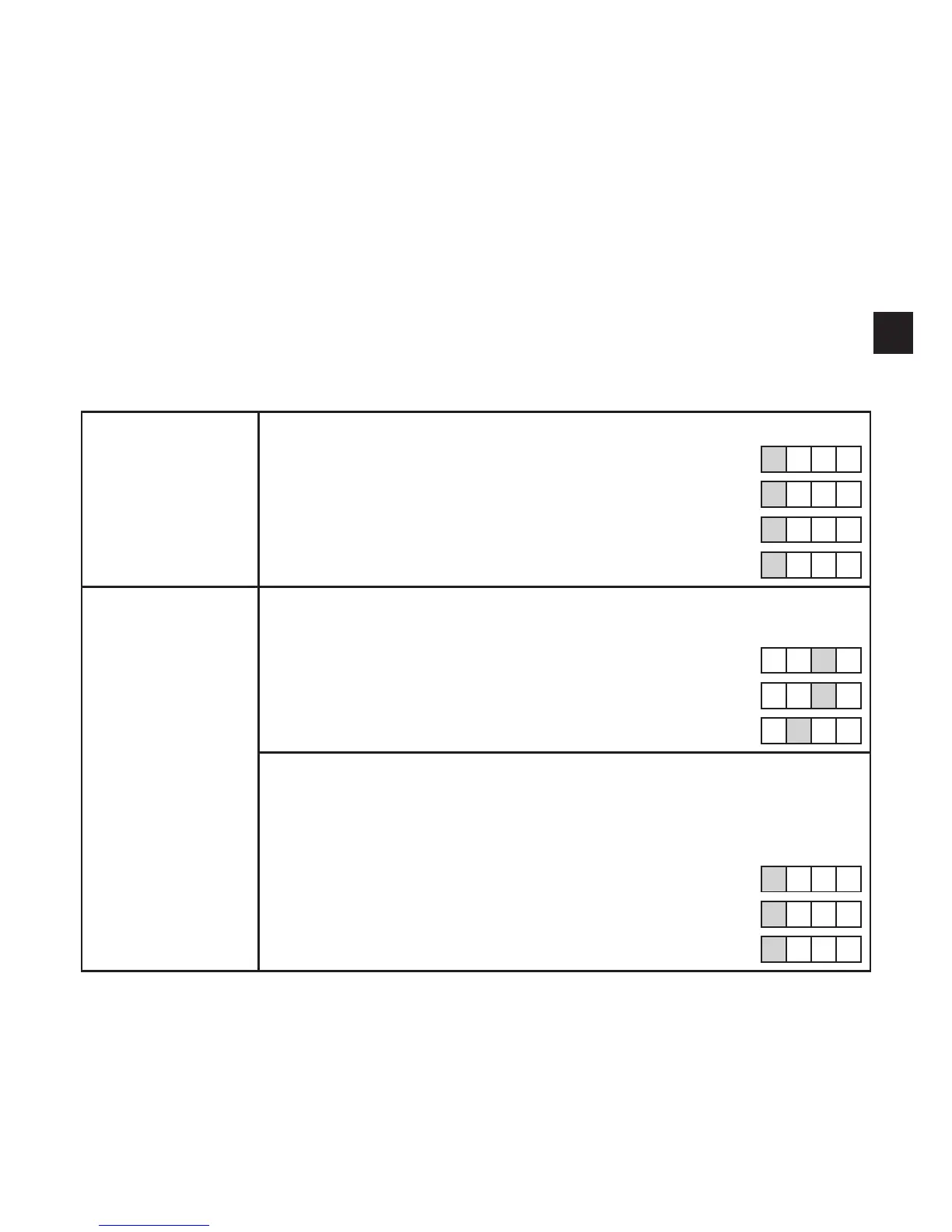
As soon as the first digit flashes there are 3 options:
► Briefly press
[Set] 1 x
The flashing digit increments� 9 is followed by 0 - 1 - 2, etc�
8 1� 2 3
[SET] pressed 1 x 9 1� 2 3
[SET] pressed 1 x 0 1� 2 3
[SET] pressed 1 x 1 1� 2 3
► Press [Set]
and keep it
pressed
The flashing digit increments, 9 is followed by 0 and the next digit on
the left becomes active�
8 1� 7 3
[Set] permanently pressed 8 1� 9 3
[Set] kept pressed 8 1� 0 3
If digit 1 is increased this way, the display changes to the next higher
setting range (9 is followed by 10; the decimal point is moved one
digit to the right or the LED display changes to the 10
3
exponential
notation)�
7 1� 2 3
[Set] permanently pressed 9 1� 2 3
[Set] kept pressed 1 0 1� 2












 To Next Page