19
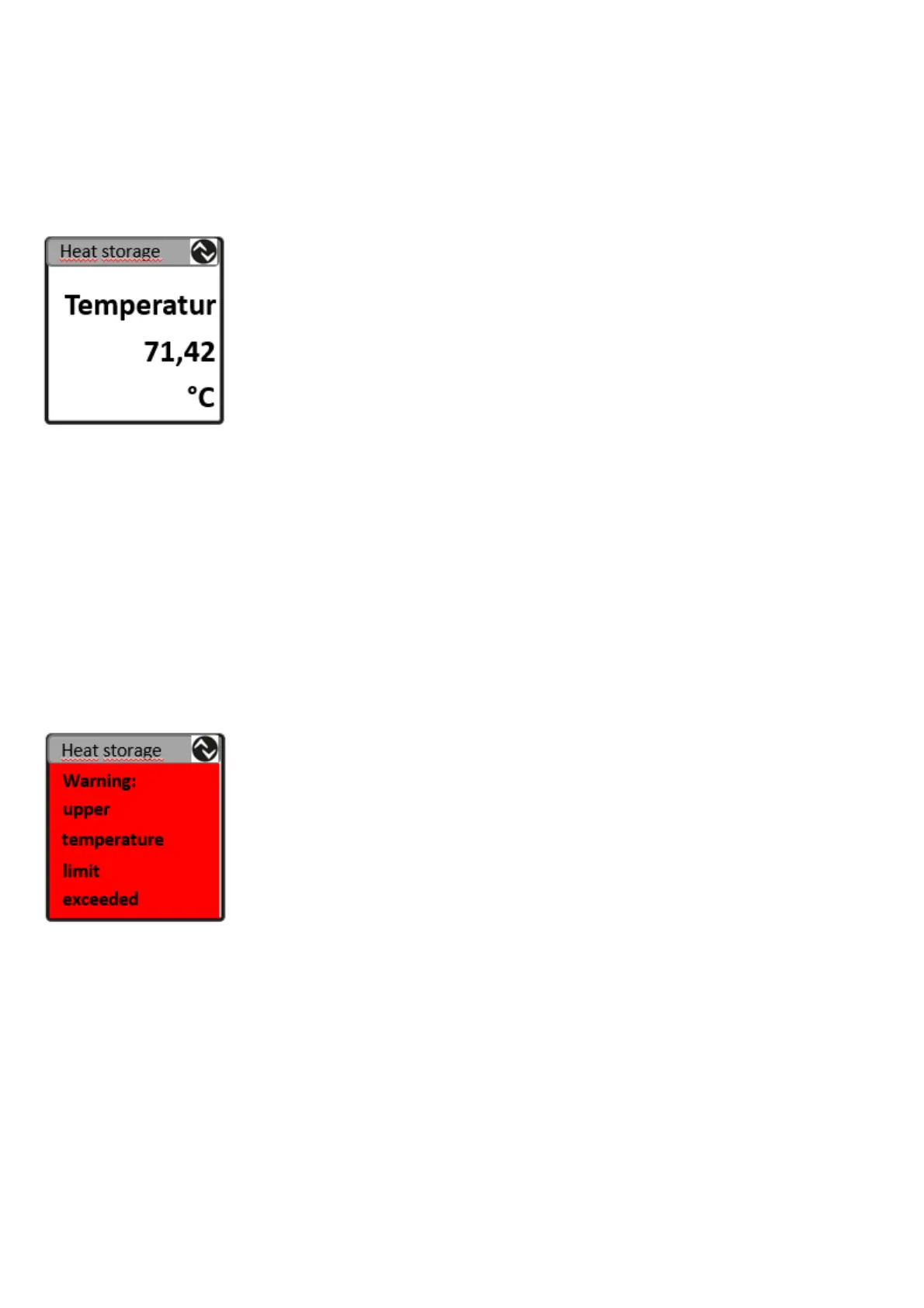
4.3.3. Example 3: display text instead of process values
1.
Define text for a certain text ID (index 160 to 174 → 3.5; 0).
2.
Use this text ID for the requested process value by setting text
red or text black and white. At the same time this defines a
text colour (bytes 8 to 11 → 4.1).
4.3.4. Example 4: display info pages
1.
Define text of info page 1. Up to 16 characters per line can be
used (index 120 to 124 → 3.3).
2.
As an option select a background colour (index 140 → 3.4).
3.
During the runtime set the layout to 11 to display info page 1
(byte 13 → 4.1).


 To Next Page