3
Technical data, approvals, accessories and further
information at www.ifm.com
1. Installation and electrical connection
For installation and electrical connection please read see the
operating instructions → www.ifm.com.
2. Set-up
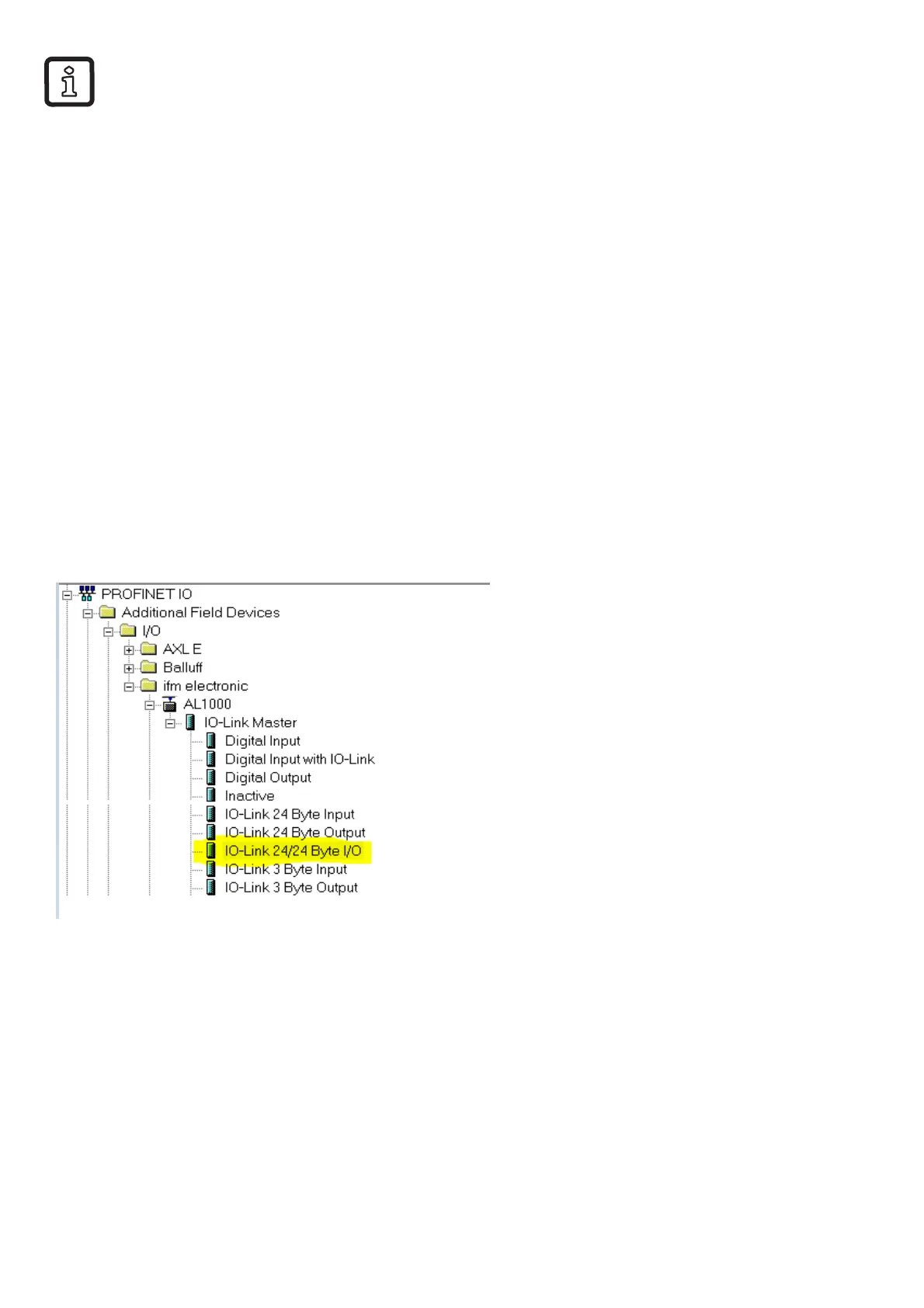
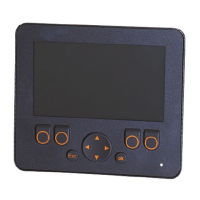
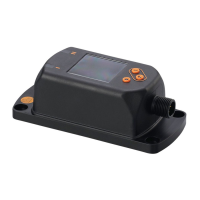
When the IO-Link Display is connected to an IO-Link master the
IO-Link port has to be configured.
In this example the IO-Link master AL1000 from ifm electronic
is used with the Siemens software Step 7.
The IO-Link Display has an interface with 1-byte input (→ 4.2 Input
data) and 14-byte output (→ 4.1 Output data).


 To Next Page