20
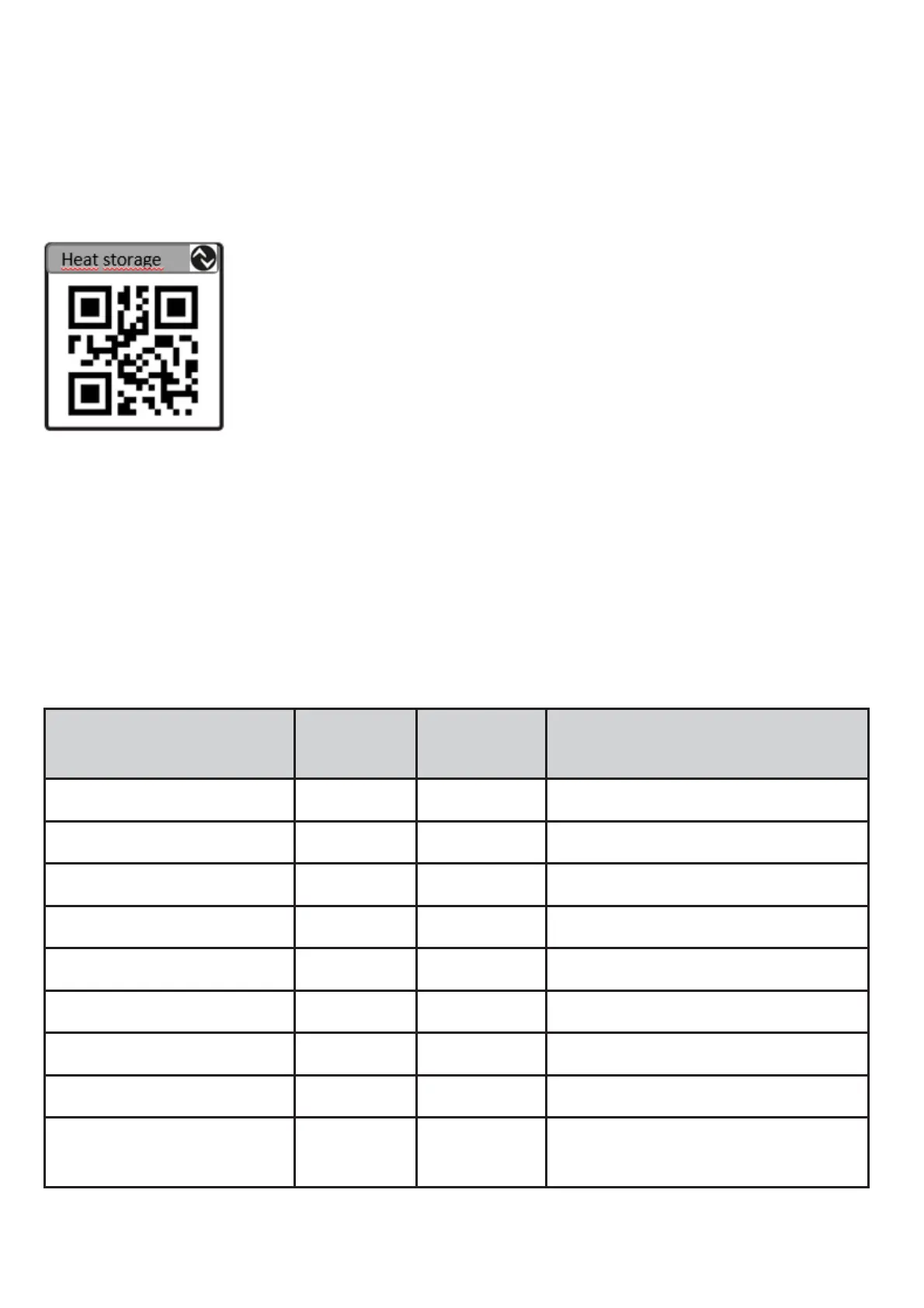
4.3.5. Example 5: Display QR-Code
1.
Define the QR-Code’s text (Index 830→ 3.8).
2.
In order to display the QR-Code on the display
set the layout to 21 during run time (Byte 13 → 4.1).
5. Technical data
Technical data and scale drawing at www.ifm.com.
5.1.
Identification parameters
These parameters contain the identification data of the IO-Link device.
Name Index /
subind
Type /
length
Content
Vendor name 16/0
String/19
ifm electronic gmbh
Vendor text 17/0 String/11 www.ifm.com
Product name 18/0 String [9 E30391_AB
Product ID 19/0 String/6 E30391
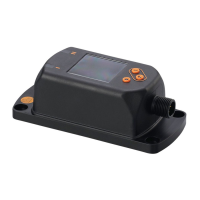
Product text 20/0 String/15 IO-Link Display
Serial number 21/0 String/12 Unique device identification
Hardware version 22/0 String/2 Hardware version
Software Version 23/0 String/5 Software Version
User-specific
marking
24/0 String/32 Free text of measuring
point or device


 To Previous Page