16
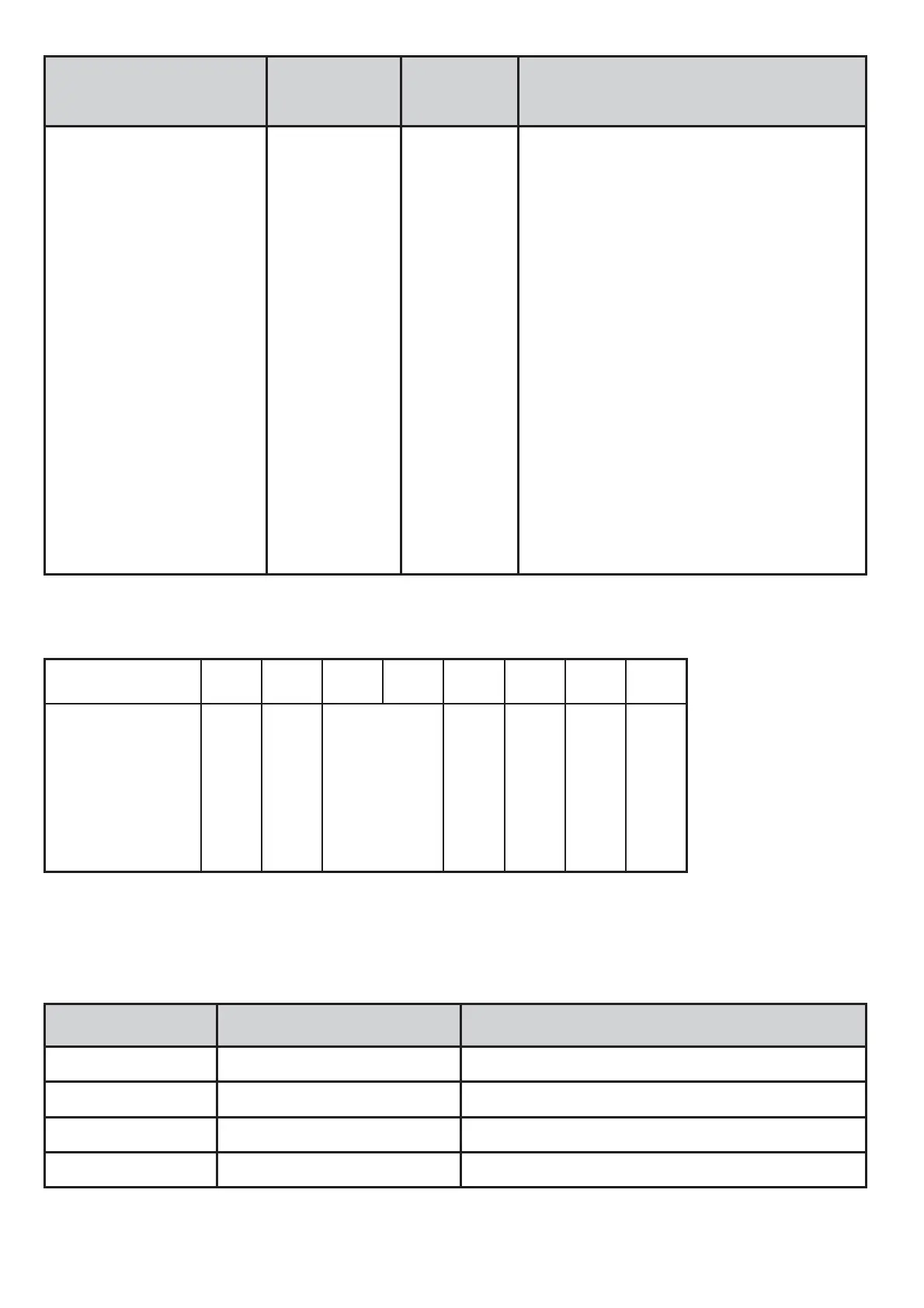
Name Byte
offset
Type /
length
Note /
content
Display layout 13.0 INT8/1
0 = Start screen
1 = layout 1 for one process value
2 = layout 2 for two process values
3 = layout 3 for three process values
4 = layout 4 for four process values
11 = display info page 1
12 = Display info page 2
13 = Display info page 3
14 = Display info page 4
15 = Display info page 5
16 = Display info page 6
17 = Display info page 7
18 = Display info page 8
19 = Display info page 9
20 = Display info page 10
21 = display of the QR code
4.2.
Input data
Bit
7
6
5
4
3
2
1
0
Function
PDout inv
Content inv
Reserved
ESC
Enter
Up
Down
If a key is pressed, the corresponding flag is active.
During the runtime the following input data is available as INT8
value:
Address / bit
Function Description
0 Down Down key pressed
1 Up Up key pressed
2 Enter Enter key pressed
3 ESC Up and down keys pressed


 To Next Page