100
ifm Device Manual SmartSPS AC14 with EtherNet/IP interface (AC1421, AC1422), Firmware 3.1.2 2015-11-30
Menu Interfaces
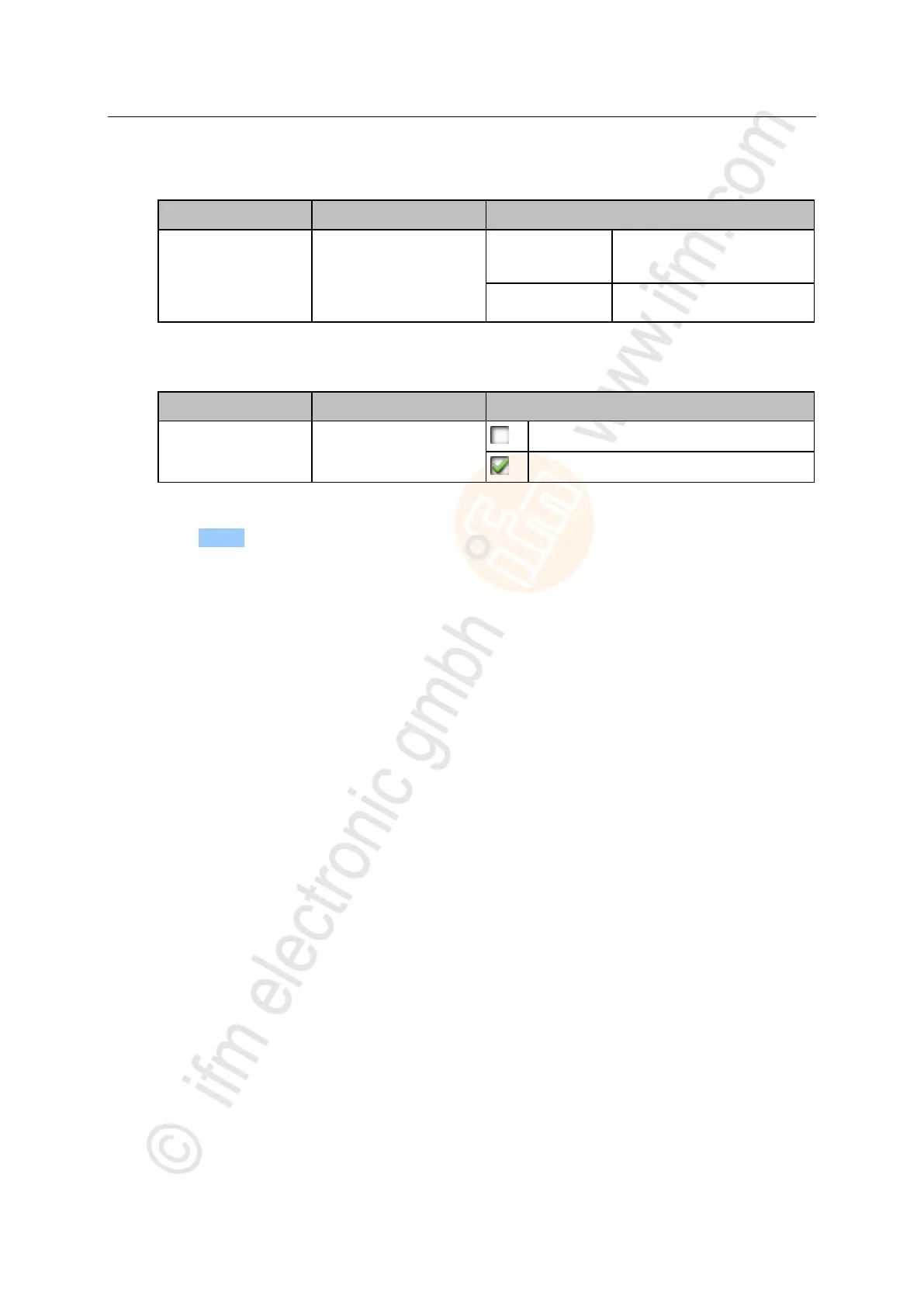
4 Set the failsafe state
► Set the following parameter as required:
Behaviour of the slave
outputs in case of an
interrupted EtherNet/IP
connection
The outputs hold the values which
were present immediately before
the connection was interrupted.
The outputs are reset to their initial
values.
5 Set the byte order of a word
► Set the following parameter as required:
Byte order in a data word
Byte order remains unchanged.
6 Save the changes
► Press [Accept].
> Selected values are applied.



 To Next Page