47
ifm Device Manual SmartSPS AC14 with EtherNet/IP interface (AC1421, AC1422), Firmware 3.1.2 2015-11-30
Menu Quick setup
>
5.2.1 Quick setup: Project AS-i networks
8973
During projection adaptation, the AS-i master carries out the following actions:
The configuration data of all detected AS-i slaves (LDS) is saved
The detected AS-i slaves are added to the list of projected slaves (LPS)
To carry out the projection adaptation on AS-i master 1 and/or AS-i master 2:
1 Select the menu page
►
► Select [Project all] tab.
2 Select the AS-i master for projection adaptation
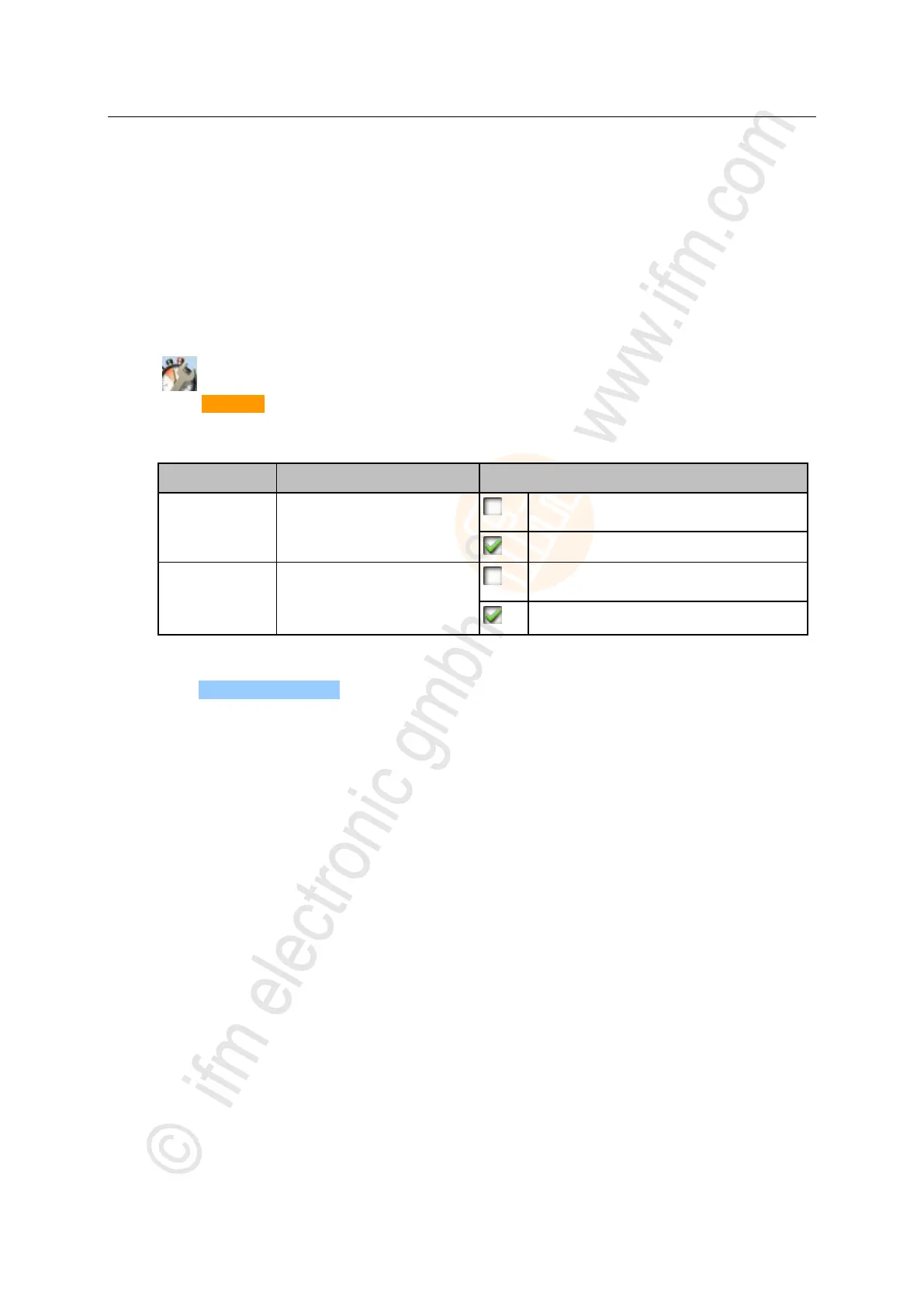
► Set the following parameters as required:
Select AS-i master 1 for projection
adaptation
Exclude AS-i master 1 from projection
adaptation
Include AS-i master 1 in projection adaptation
Select AS-i master 2 for projection
adaptation
(only available for devices with 2
AS-i masters)
Exclude AS-i master 2 from projection
adaptation
Include AS-i master 2 in projection adaptation
3 Start the projection adaptation
► Press [Start projection process].
> The selected AS-i masters go into "projection mode".
> A projection adaptation is carried out on the selected AS-i masters.
> After the projection adaptation, the selected AS-i masters go into "protected mode".



 To Next Page