52
ifm Device Manual SmartSPS AC14 with EtherNet/IP interface (AC1421, AC1422), Firmware 3.1.2 2015-11-30
Menu Quick setup
>
5.2.7 Quick setup: Set the configuration interface
8991
The device provides the following options for configuration of the EtherNet configuration interface:
The operator sets the interface parameters (IP address, network mask,
gateway address) manually.
The interface parameters are set automatically. The operator can choose
between these protocols:
– Dynamic Host Configuration Protocol (DHCP)
– Zero Configuration Networking (Zeroconf)
The device must be connected to a DHCP server to automatically receive the interface
parameters via DHCP.
► Connect the configuration interface (X3) to a DHCP server.
To configure the IP parameters of the configuration interface:
1 Select the menu page
►
► Select [Configuration interface] tab.
2 Show the active settings
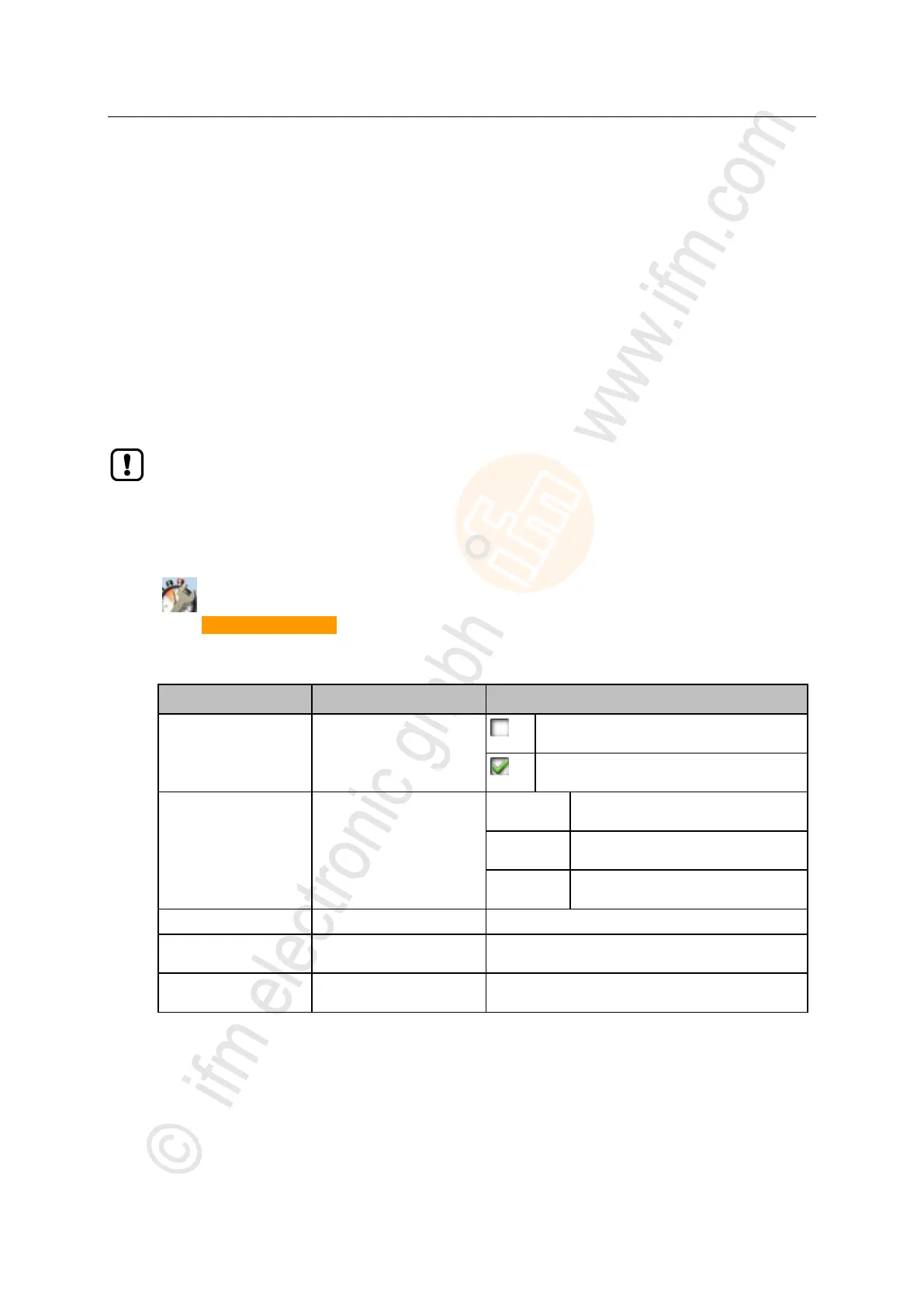
> The parameters below show the active settings:
[Optain IP address
autom.]
Active method for the
configuration of the interface
parameters
Manual assignment of the interface parameters
through the operator
Automatic assignment of the interface
parameters
Configuration protocol used
The operator sets the IP parameters
manually.
The IP parameters are set by a DHCP
server.
The IP parameters are set automatically
with the Zeroconf protocol.
IP address of the interface
Network mask of the network
segment
IP address of the network
gateway
► Take one of the following actions:
– Configure the IP parameters manually: continue with → step 3
– Configure the IP parameters automatically: continue with → step 4
3 Configure the IP parameters manually
► Uncheck [Optain IP address autom.].
► Set the following parameters as required:
– [IP address]



 To Next Page