22
10.3 Teach mode
10.3.1 Setting of the sampling rate
The sampling rate indicates the time after which a new result of
measurement is provided and the outputs are updated�
The switching frequency is typ� approx� 1/3 of the sampling rate�
► Select [TEAC], then press [SET] and keep pressed until [WAIT] is
displayed�
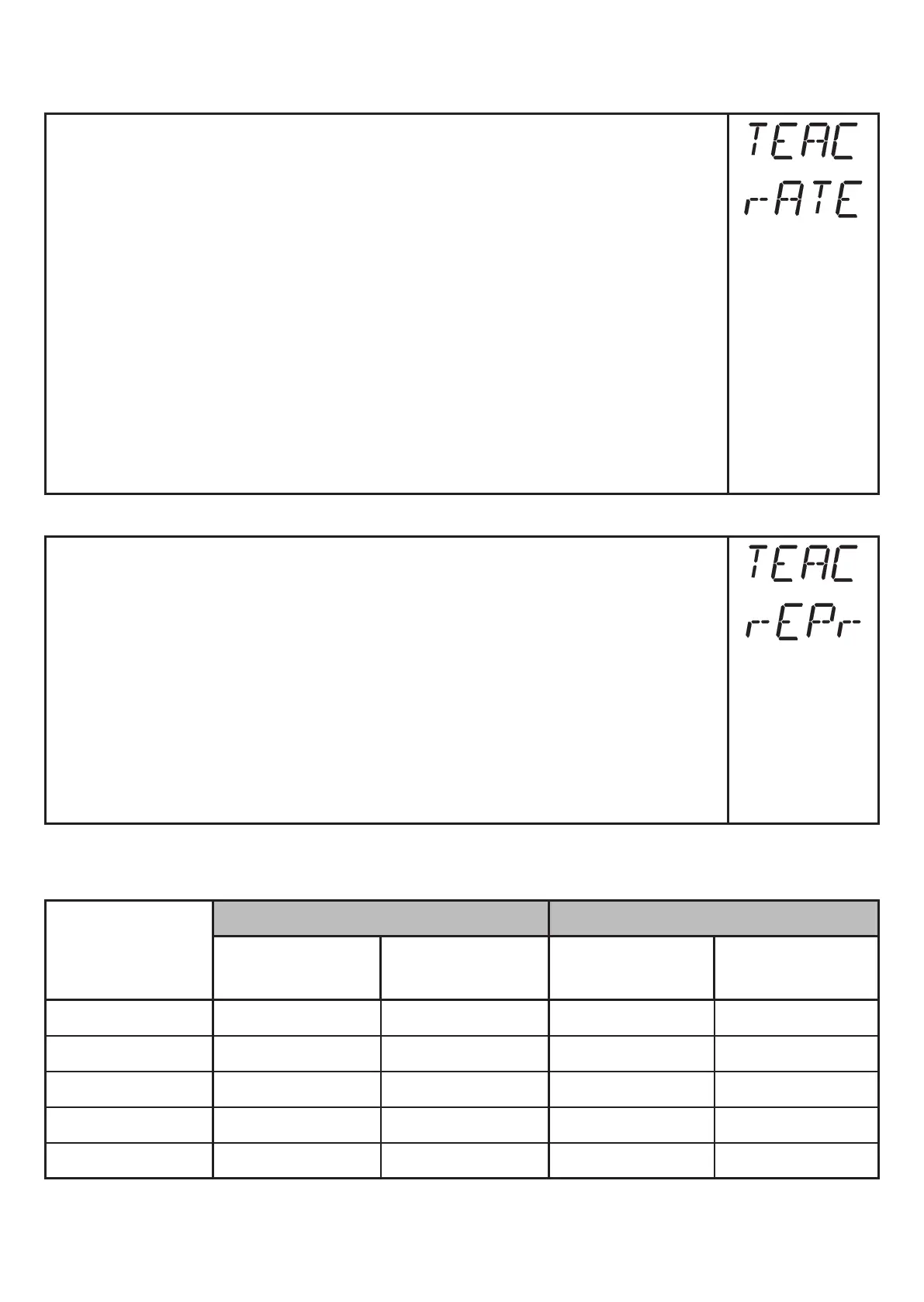
> [rATE] and [rEPr] are displayed alternately�
► When [rATE] is displayed: Press [SET] until the preset measured
sampling rate value flashes�
► Enter a value incrementally by pressing [SET] once�
► Confirm with [MODE/ENTER]�
> [WAIT] is displayed while the repeatability [rEPr] is calculated�
> The sampling rate [rATE] and the repeatability [rEPr] are displayed
alternately�
10.3.2 Setting of the repeatability
► Select [TEAC], then press [SET] and keep pressed until [WAIT] is
displayed�
> [rATE] and [rEPr] are displayed alternately�
► When [rEPr] is displayed: Press [SET] until the preset repeatability
value flashes�
► Enter value incrementally by pressing [SET] once�
► Confirm with [MODE/ENTER]�
> [WAIT] is displayed while the sampling rate [rATE] is calculated�
> The sampling rate [rATE] and the repeatability [rEPr] are displayed
alternately�
10.3.3 Table repeatability and accuracy
Values for sampling rate 50 Hz, extraneous light of max. 40 klx*
Distance
in [mm]
Repeatability Accuracy
white
90 % remission
grey
18 % remission
white
90 % remission
grey
18 % remission
200���1000 ± 5�0 mm ± 7�5 mm ± 15�0 mm ± 18�0 mm
1000���2000 ± 5�5 mm ± 10�0 mm ± 15�0 mm ± 20�0 mm
2000���4000 ± 17�5 mm ± 22�5 mm ± 25�0 mm ± 32�0 mm
4000���6000 ± 27�5 mm ± 40�0 mm ± 35�0 mm ± 50�0 mm
6000���10000 ± 60�0 mm — ± 70�0 mm —



 To Next Page