14
9.2 Setting of the output signals
9.2.1 Setting of the unit of measurement for system pressure
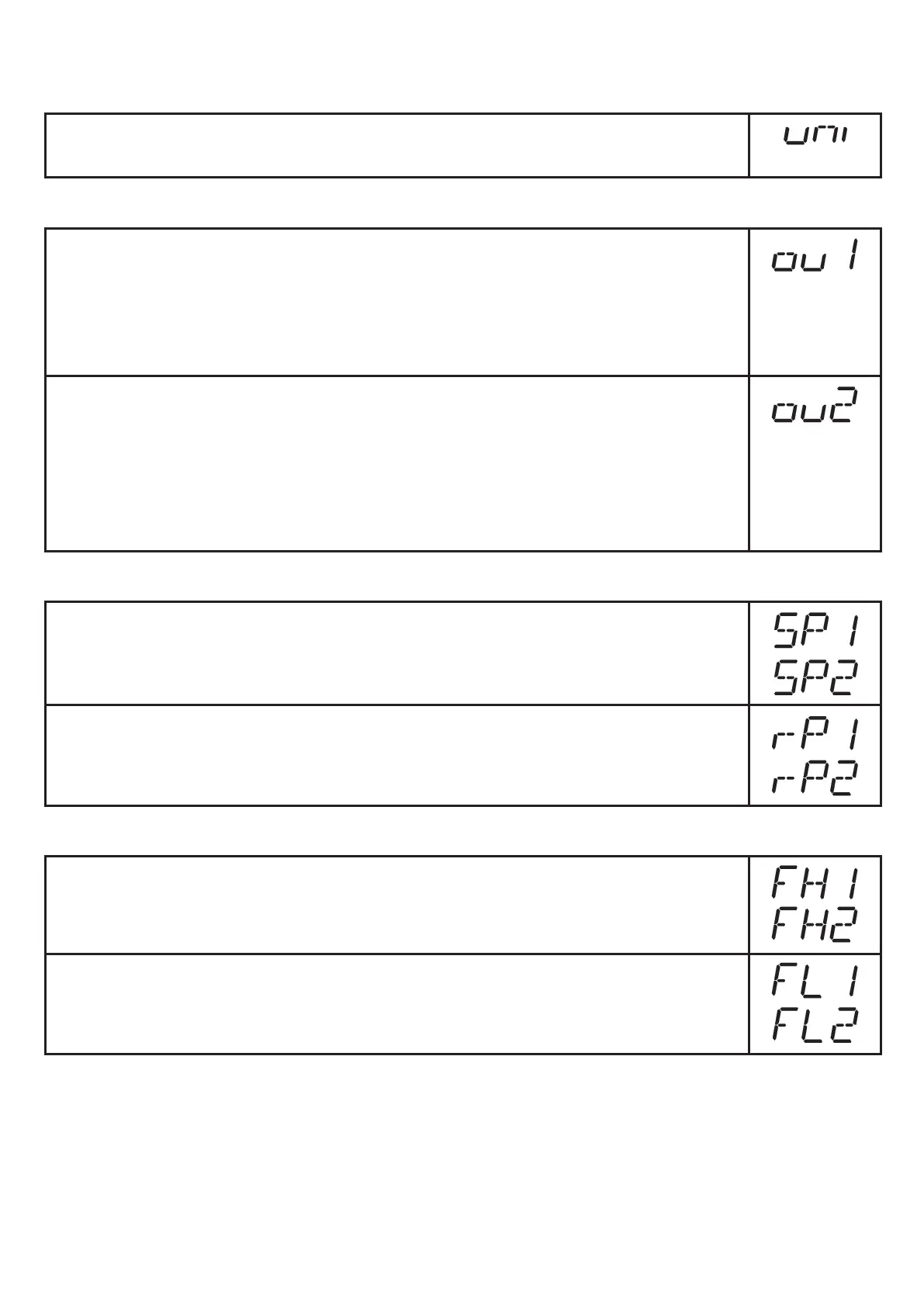
► Select [uni] and set the unit of measurement:
[bAr], [kPa], [PSI], [inHg]�
9.2.2 Setting of the output function
► Select [ou1] and set the function:
- [Hno] = hysteresis function / normally open
- [Hnc] = hysteresis function / normally closed,
- [Fno] = window function / normally open,
- [Fnc] = window function / normally closed�
► Select [ou2] and set the function:
- [Hno] = hysteresis function / normally open,
- [Hnc] = hysteresis function / normally closed,
- [Fno] = window function / normally open,
- [Fnc] = window function / normally closed,
- [diA] = output 2 is used as a diagnostic output�
9.2.3 Setting of the switching limits (hysteresis function)
► Make sure that the function [Hno] or [Hnc] is set for [ou1] or [ou2]�
► Select [SP1] / [SP2] and set the value at which the output switches�
► Select [rP1] / [rP2] and set the value at which the output switches off�
rPx is always smaller than SPx� The unit only accepts values which are
lower than the value for SPx�
9.2.4 Setting of the switching limits (window function)
► Make sure that the function [Fno] or [Fnc] is set for [ou1] or [ou2]�
► Select [FH1] / [FH2] and set the upper limit of the acceptable range�
► Select [FL1] / [FL2] and set the lower limit of the acceptable range�
FLx is always lower than FHx� The unit only accepts values which are lower
than FHx�



 To Next Page