16
9.3.4 Zero point calibration
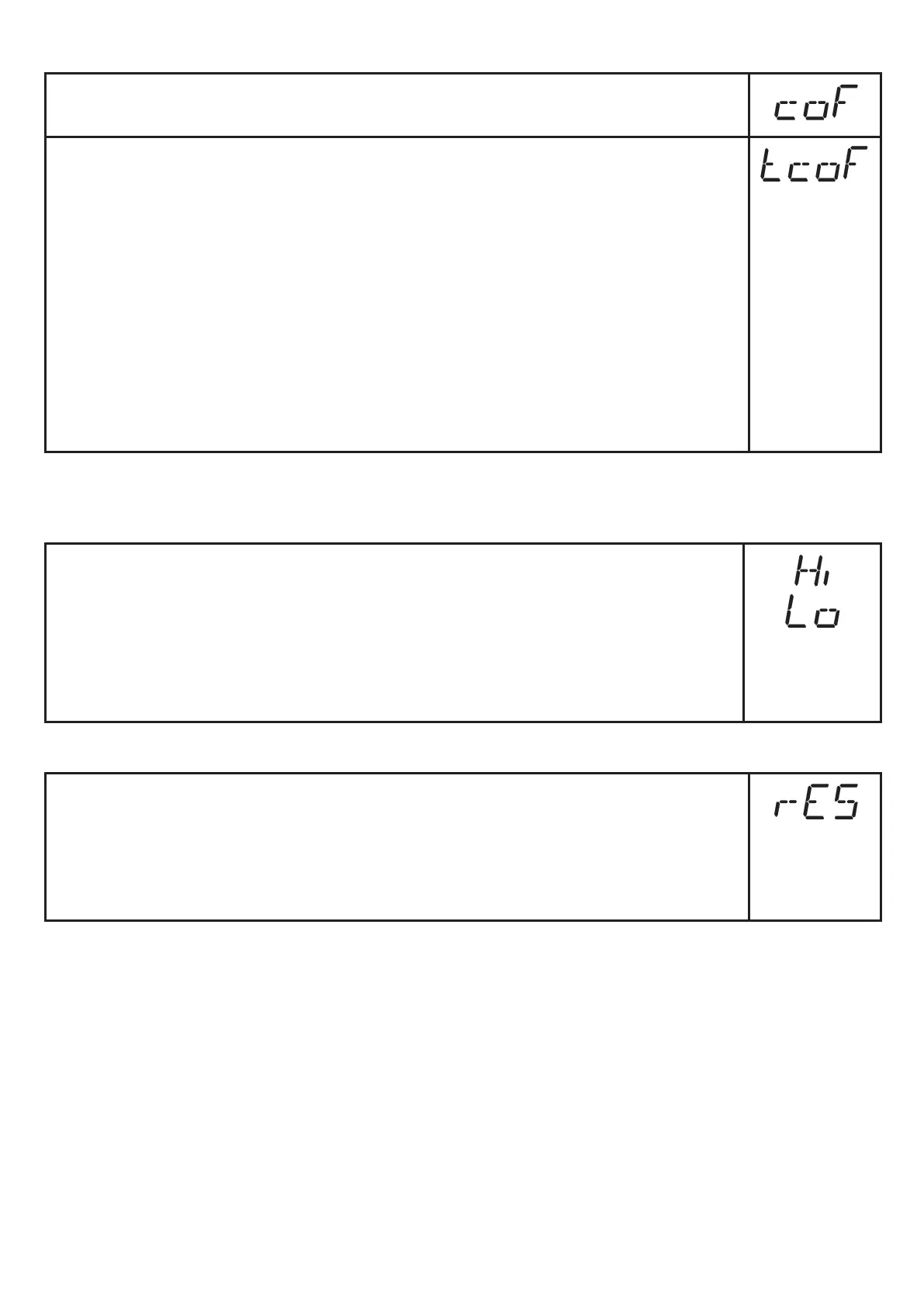
► Select [coF] and set a value between -5 % and 5 % of the measuring
span� The internal measured value "0" is shifted by this value�
As an alternative: automatic adjustment of the offset in the range 0 bar ± 5
% of the measuring span�
► Make sure that the differential pressure is 0 bar or as close as possible
to the 0 bar mark�
► Press [Mode/Enter] until [tcoF] appears�
► Press [Set] and keep it pressed�
> The current offset value ( in %) briefly flashes�
► Release [SET]�
► Press [Mode/Enter] briefly (= to confirm the new offset value)�
Reset of the teached value:
► Select [coF] and set the value [0]�
9.4 Service functions
9.4.1 Reading of the min/max values for system pressure
► Select [Hi] or [Lo], briefly press [Set]�
[Hi] = maximum value, [Lo] = minimum value�
Delete memory:
► Select [Hi] or [Lo]�
► Press [Set] and keep it pressed until [----] is displayed�
► Press [Mode/Enter] briefly�
9.4.2 Reset of all parameters to factory setting
► Select [rES]�
► Press [Set] and keep it pressed until [----] is displayed�
► Press [Mode/Enter] briefly�
We recommend taking down your own settings in the table before carrying
out a reset (→ 13 Factory setting).



 To Next Page