15
UK
9.3 User settings (optional)
9.3.1 Setting of a time delay for the switching signals
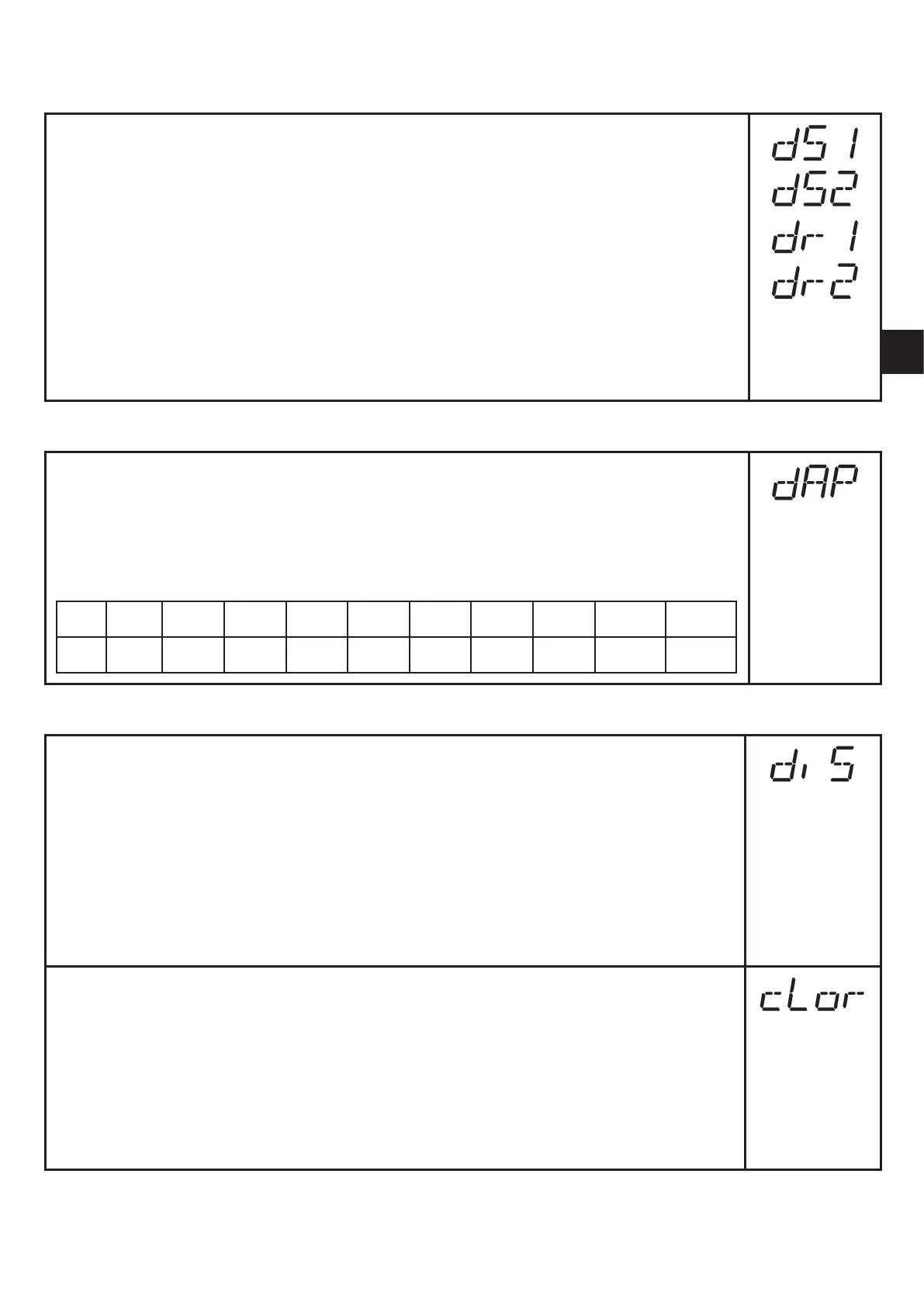
• [dS1] / [dS2] = time delay for SP1 / SP2 / FH1 / FH2�If the system
pressure exceeds SPx or if the system pressure enters the acceptable
range (window), the output changes the switching status when the time
dSx has elapsed�
• [dr1] / [dr2] = time delay for rP1 / rP2 / FL1 / FL2� If the system pressure
falls below rPx or if the system pressure leaves the acceptable range
(window), the output changes the switching status when the time drx has
elapsed�
► Select [dS1], [dS2], [dr1] or [dr2] and set the value between 0 and
5000 ms in steps of 2 ms (at 0 the time delay is not active)�
9.3.2 Setting of the damping for the switching outputs
► Select [dAP] and set a value�
dAP value = response time between pressure change and change of the
switching status in milliseconds�
The following fix values can be set; they define the switching frequency (f)
of the output:
dAP 2�5 5 10 30 60 100 250 500 1000 2000
f 200 100 50 16 8 5 2 1 0�5 0�25
9.3.3 Configuration of the display
► Select [diS] and set the update rate and orientation of the display:
- [d1]: update of the measured values every 50 ms�
- [d2]: update of the measured values every 200 ms�
- [d3]: update of the measured values every 600 ms�
- [Ph]: Display of the measured peak value remains for a short time
(peak hold)�
- [rd1], [rd2], [rd3], [rPH]: display as for d1, d2, d3; rotated by 180°�
- [OFF]: the display is switched off in the operating mode�
► Select [cLor] and define the colour of the digital display�
- [r-on]: display = red if output 1 is switched; display = green if output 1
is not switched�
- [G-on]: display = green if output 1 is switched; display = red if output
1 is not switched�
- [red]: the colour of the display is red / does not change�
- [Gren]: the colour of the display is green / does not change�



 To Next Page