IGEA I-ONE - User Manual
Page 3
without the need for medical or nursing supervision. The device operates on a rechargeable battery with an external
power supply.
1.6 Expected clinical benefits
The expected clinical benefits of using the I-ONE CBA04 pulsed electromagnetic field generator are:
• Chondroprotection,
• pain relief,
• functional recovery,
• a better quality of life.
These clinical benefits and claims of product performance are reported in multiple scientific articles and confirmed
by clinical trials.
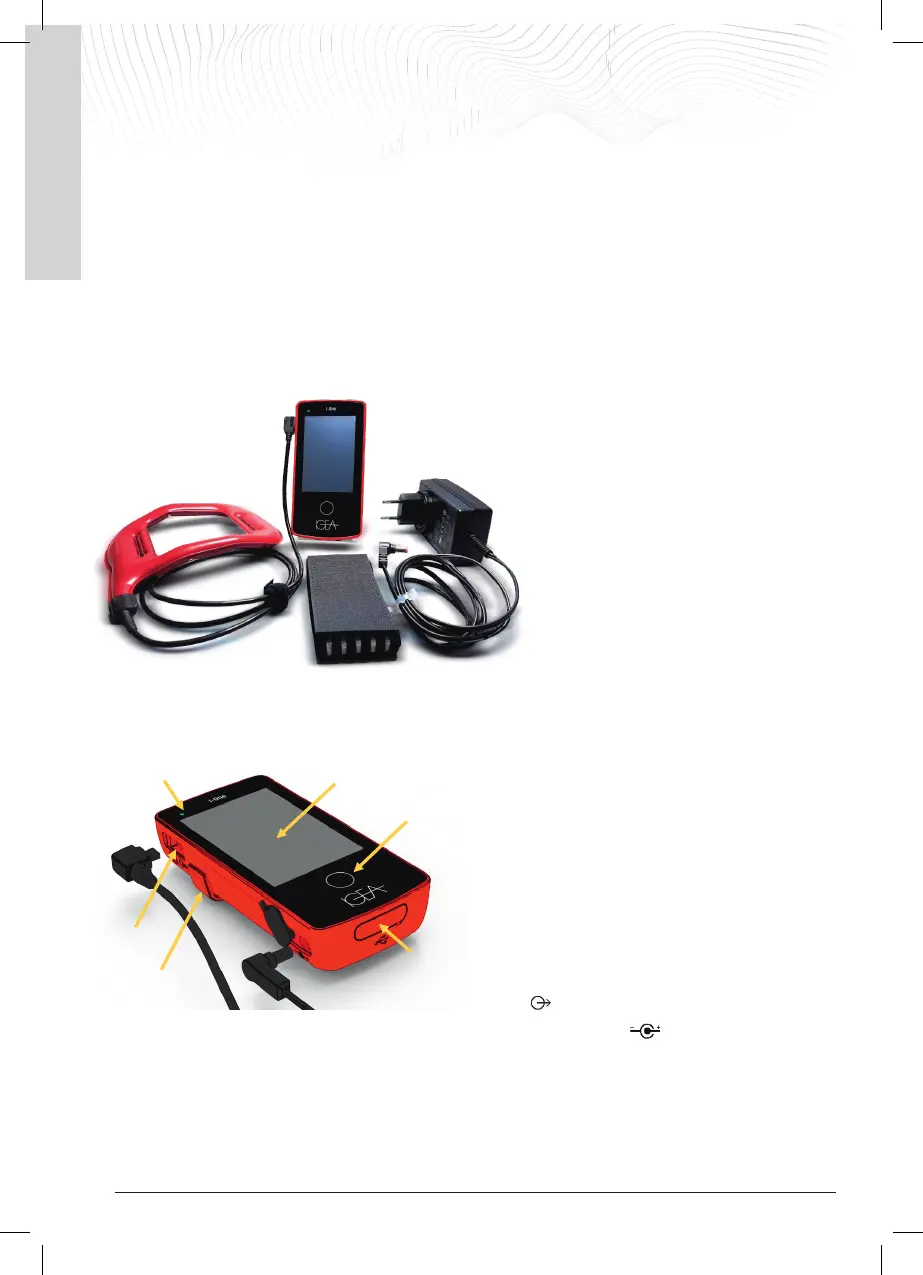
2. I-ONE DEVICE COMPONENTS
The I-ONE device consists of the following
components:
① The generator that incorporates the
rechargeable battery
② The coil, the applied part of the device
③ The external power supply unit
④ An elastic band to keep the coil in the
correct position during the treatment
2.1 Generator
The generator is equipped with:
(A) A display with a touch-screen function that
shows the status of the device and allows certain
functions to be activated by pressing the button
shown on the display
(B) A multifunctional button for switching the
device on/off/reset
(C) A multi-coloured LED whose activation and
colour indicates the status of the device in addition to
the messages on the display.
(D) A coil connection socket, marked with the
symbol
(E) A socket for connection to the external power supply, marked with the symbol
(F) A service socket at the bottom of the generator which is reserved for technical support.
(G) A removable attachment clip that the user can use to carry the generator on a belt and perform the treatment
on the move.
IGEA I-ONE - User Manual
Page 4
3. DEVICE PREPARATION
3.1 Initial battery charge
Upon receipt, the battery must be charged before treatment using the external power supply.
With the generator switched off, connect the power
supply to the generator by inserting connector [A] into
the socket on the bottom left of the generator. Then
connect external power supply plug [B] to the mains
socket.
Within a few seconds, the device will start to charge the
battery:
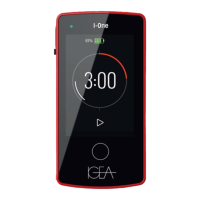
The generator beeps, the display lights up and shows a
progressively filling battery symbol to indicate that the
battery is charging.
The charge percentage also
appears above the battery symbol.
- charging a completely empty battery can take up to 3 hours
- it is a normal for the device to heat up when charging and it should not be cause for concern
- when charging is complete, the display shows the battery charged symbol.
Disconnect the power supply unit from the generator and the mains socket.
NOTE on the room temperature: if the I-ONE is charged in an environment with a
temperature above 30 °C, the battery may take longer than 3 hours to fully charge.
To avoid this, the I-ONE should be charged in an environment with a temperature that does
not exceed 30 °C, where possible.
IMPORTANT
Only use the supplied power supply unit for charging. The use of other devices may cause damage to the device
or the user and the manufacturer waives any liability for this.
If the device comes from a place with a different temperature (e.g. due to transportation or storage), wait about
10 minutes for it to adjust to the room temperature before using it.
If the device is not used for long periods, the battery may go flat or may not have enough energy left to complete
the treatment; it is therefore recommended to charge the battery before each use.
1. Under special conditions, e.g. after long periods of storage or inactivity, the battery may be completely
flat and the device may not be able to switch on; in this case, connect the external power supply to the
generator and wait up to 30 seconds; the battery should begin to charge as described in section 3.1.
2. Leave the generator on charge until it is fully charged before using the device.
3. The power supply battery contained in the device cannot be removed/replaced by the user. The battery
may only be replaced, if necessary, by the manufacturer or by the manufacturer's authorised technical
support.
4


 To Next Page