12
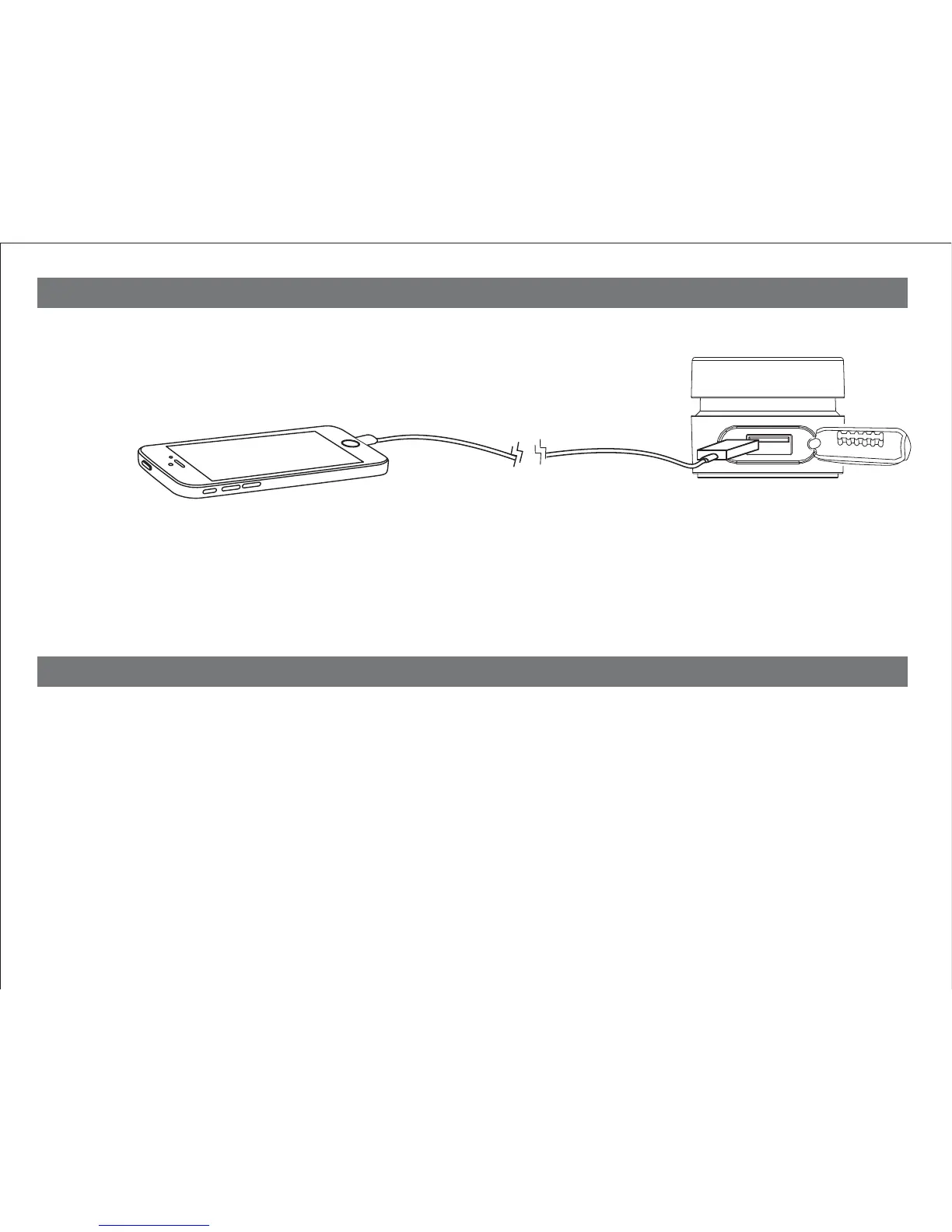
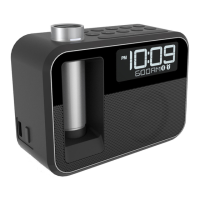
Connect a USB cable (not included) to the 1 Amp USB Charging Port located under the rubber seal on the
right end of the unit and connect the other end to the device you wish to charge.
Monitor charging status
on the device. Some devices require higher output USB. If device does not charge, use charger that
came with device.
Unit must be connected to AC to charge devices via USB: it will not charge when
operating on backup battery.
Lithium Battery Warning
The backup battery in this unit uses is a Lithium battery
• Lithium batteries can explode or cause burns if disassembled, shorted, recharged, exposed to water,
fire, or high temperatures & not handled appropriately
• Do not place loose batteries in a pocket, purse, or other container containing metal objects. Do not store
with hazardous or combustible materials.
• Store in cool, dry, ventilated area. Keep Battery Pack away from moisture.
• Follow applicable laws and regulations for transport and disposal.
Charging Devices Using the USB Port


 To Next Page