7
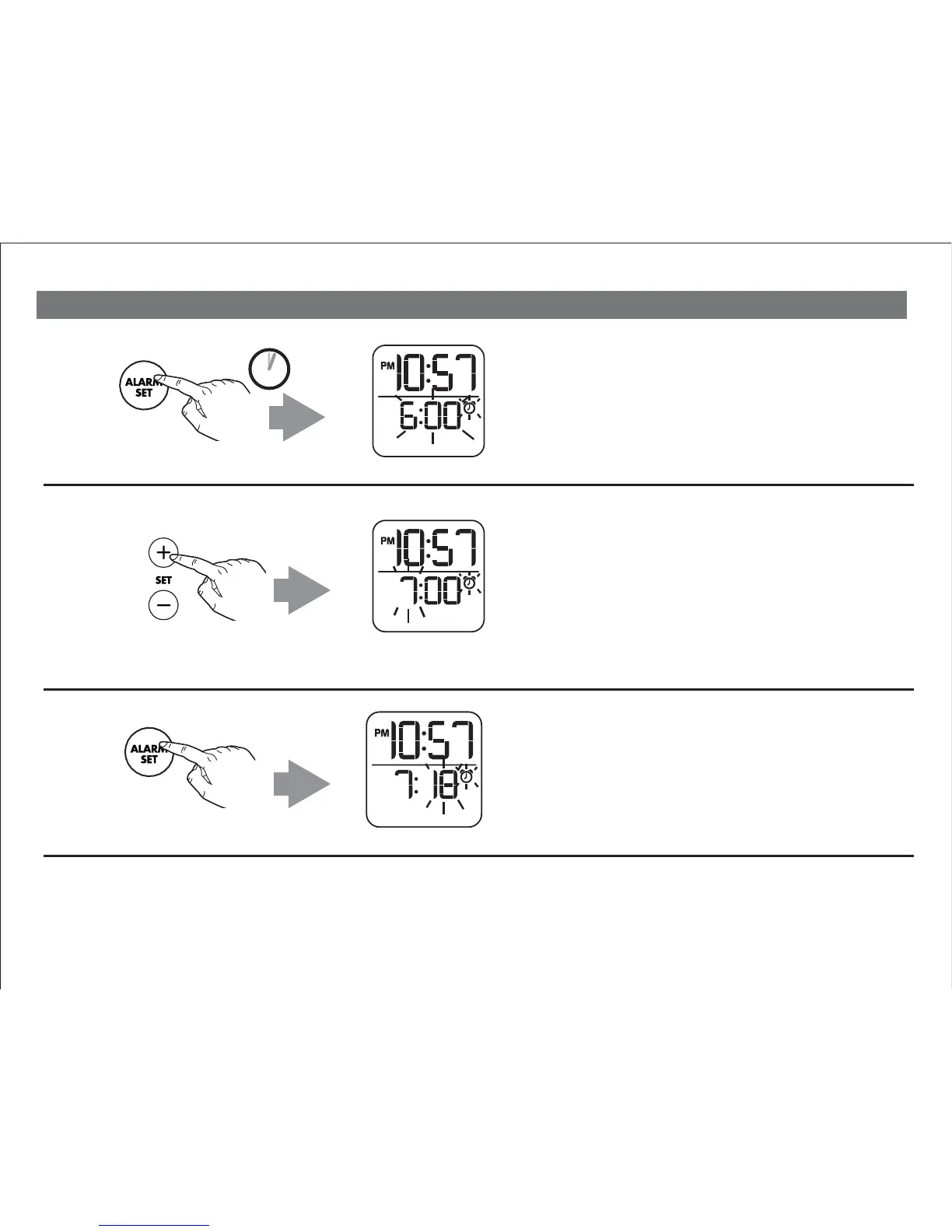
Press and release the Plus or Minus
Setting Button as needed to set the
desired alarm hour (hold for faster setting).
NOTE: The PM indicator will light when
the alarm time is set for PM.
There is no AM indicator.
Press and release the Alarm Set
Button to confirm hour setting.
The minutes will flash on the
display.
Setting and Using the Alarm
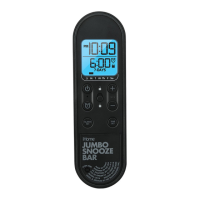
Press and hold the Alarm Set Button
until the hour and alarm icon flash on the
lower half of the display and a beep
sounds.
2 SECS
1
2
3


 To Next Page