AmpliTube X-SPACE
Expression pedal calibration
10
Expression pedal calibration
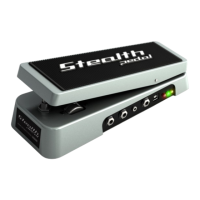
If you feel that your expression pedal doesn’t work as expected, you may need to calibrate it to get its full
functionality.
To calibrate an expression pedal do as follows:
1. Hook it up to the EXT. CONTROL in the rear panel.
2. Hold the PARAMETER encoder and choose GLOBAL SETUP.
3. In the GLOBAL SETUP select EXP. CALIBRATION.
4. While HEEL is being displayed move your expression pedal to its heel position then press the
PARAMETER encoder to confirm.
5. While TIP is being displayed move your expression pedal to its tip position then press the PARAMETER
encoder to confirm.
6. When the display shows DONE, the calibration is set.


 To Next Page
 Loading...