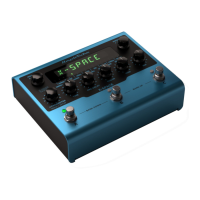
AmpliTube X-SPACE
Firmware update
6
Firmware update
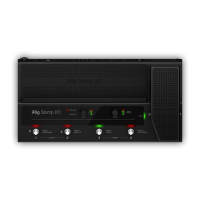
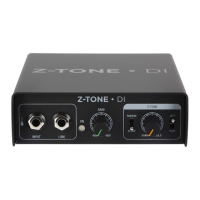
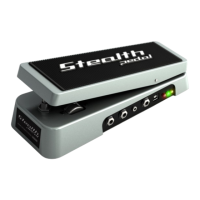
Before doing anything with your X-GEAR pedal it’s highly recommended to hook it up to the X-GEAR Librarian
and check if any firmware update is available to make sure you are running the most updated and stable
firmware available.
To do so:
1. Install the X-GEAR librarian on your computer following the instructions found in the box.
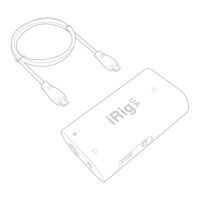
2. Connect your pedal to your computer using the provided USB cable.
3. Launch the X-GEAR librarian and select the connected pedal.
4. Click the top right gear icon and click “Check for updates.”
5. If the librarian or the X-GEAR need to be updated, you’ll be asked to do so and by clicking “Update” you’ll
start the updating process.
After updating you can start using your X-GEAR pedal.


 To Next Page
 Loading...