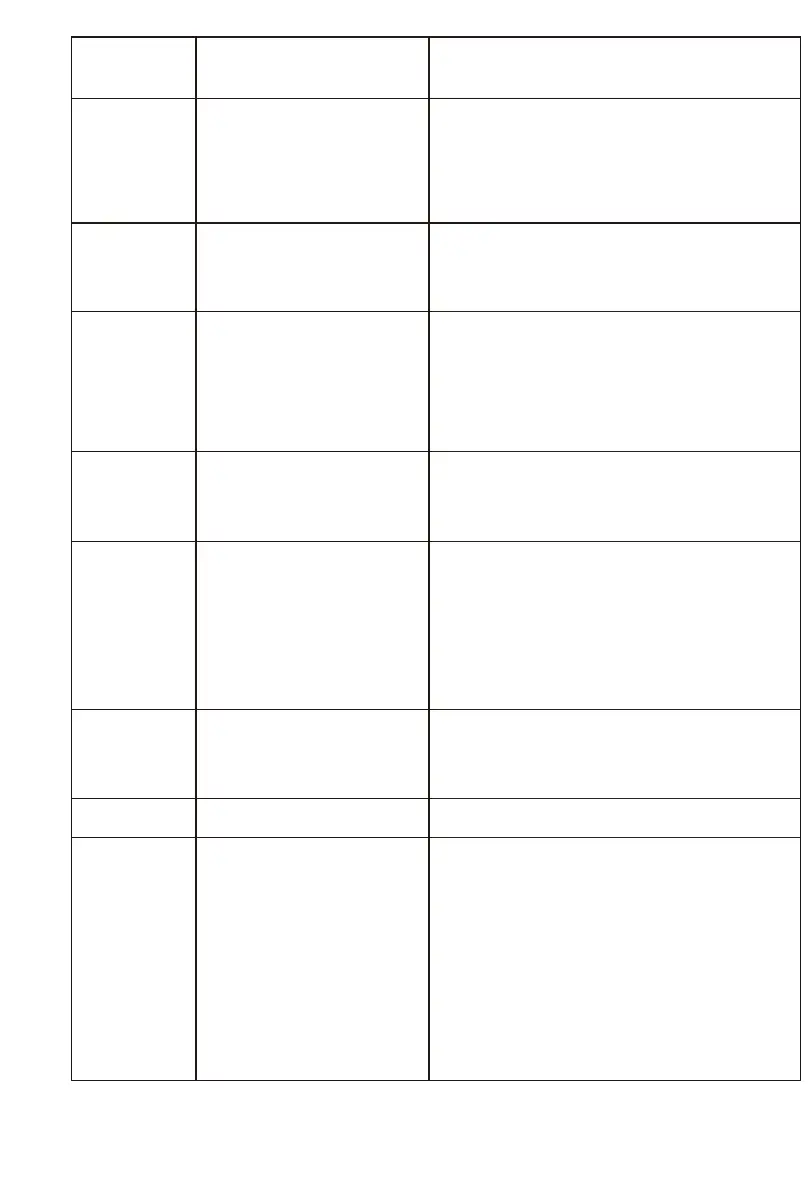
Circle
around
a
small area
-
Remove hair and debris from side wheels.
-
While reinstalling, push the wheels in
and
out to make sure they can rotate
freely.
-
Restart robot in another spot.
Cliff sensor is dirty
or
broken
Check cliff sensor lens. Clean or replace
it if needed.
Bump
into
obstacles
repeatedl
y
Tap the bumper 10-20 times to remove
debris lodged in it.
Loosen the screw of the bumper.
-
Battery capacity dropped
-
Robot is not fully
charged
-
Replace battery
-
Recharge robot
CLEAN
button
light
is off
while
charging
-
Hair or small debris
stuck
in charging
pins.
-
Robot is not properly
connected to charging
pins.
-
Clean charging pins
-
Check if robot is connected to
charging
pins
Pick up less
dirt and
debris
Robot
doesn't
start
at
scheduled
time
-
Schedule was not
saved
successfully
-
Schedule was
canceled after you
restarted robot
-
Power Switch is off
-
Battery is low
-
Debris jammed
in
components
-
Reset schedule. Wait for a beep to
confirm completion of scheduling.
-
Turn on power switch on robot
-
Keep the robot's
power
switch on and
put it on charging dock to make sure
robot is
fully charged for the next job
-
Turn off the power switch on robot
and empty the dustbin
-
Clean side brushes and main brushes



 To Next Page