EasyManua.ls Logo

Ilife V7s - Remote control operating

Ilife V7s
17 pages
Print Icon
To Next Page IconTo Next Page
To Previous Page IconTo Previous Page
Loading...
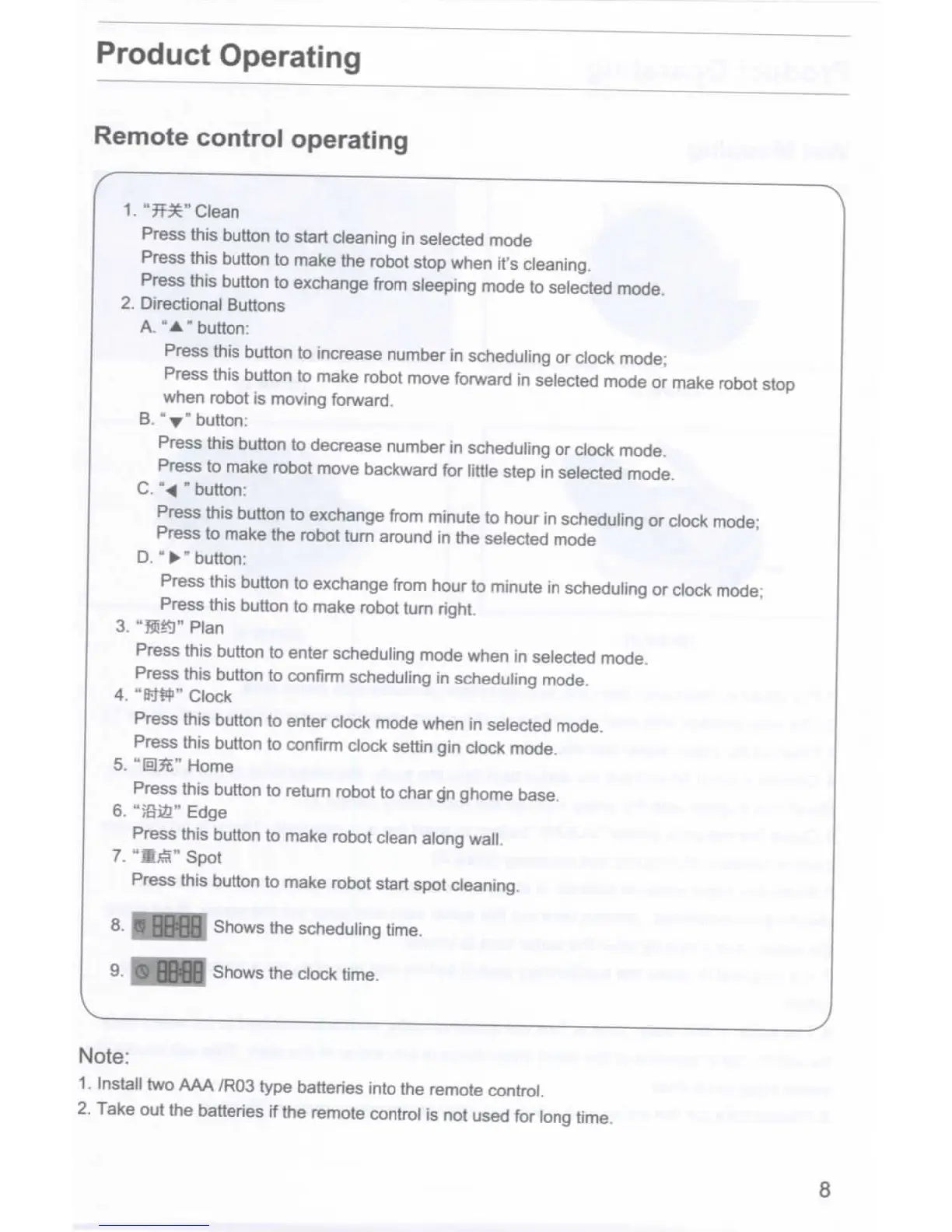
Product
Operating
Remote
control
operating
1."Jf$r
Clean
Press
this button
to
start cleaning
in
selected mode
Press
this
button
to
make
the
robot
stop
when
it's
cleaning.
Press this button
to
exchange
from
sleeping mode
to
selected mode.
2.
Directional
Buttons
A.
"A"
button:
Press
this
button
to
increase
number
in
scheduling
or
clock
mode;
Press this button
to
make robot move
forward
in
selected mode
or
make
robot
stop
when robot
is
moving forward.
B.
"Y"
button:
Press
this button
to
decrease number
in
scheduling
or
clock mode.
Press
to
make robot move backward
for
little
step
in
selected mode.
C.
"^
"button:
Press this button
to
exchange from minute
to
hour
in
scheduling
or
clock mode;
Press
to
make
the
robot turn around
in the
selected mode
D.
"*"
button:
Press
this button
to
exchange from hour
to
minute
in
scheduling
or
clock mode;
Press
this
button
to
make robot
turn
right.
3.
"««)"
Plan
Press
this
button
to
enter scheduling mode when
in
selected mode.
Press this button
to
confirm scheduling
in
scheduling mode.
4.
"BW
Clock
Press
this button
to
enter clock mode when
in
selected mode.
Press
this button
to
confirm clock
settin
gin
clock mode.
5.
"@?t"
Home
Press
this button
to
return robot
to
char
g'n
ghome
base.
6.
";Si2"
Edge
Press
this button
to
make robot clean along
wall.
7.
"KfS"
Spot
Press
this button
to
make robot start spot cleaning.
Shows
the
scheduling time.
Shows
the
clock time.
Note:
1.
Install
two AAA
/R03
type batteries into
the
remote control.
2.
Take
out the
batteries
if the
remote control
is not
used
for
long time.

Related product manuals