EasyManua.ls Logo

ILLKO REVEXplus USB - Protective Class II Appliances

Default Icon
35 pages
Print Icon
To Next Page IconTo Next Page
To Previous Page IconTo Previous Page
Loading...
User’s Manual REVEXplus, REVEXplus USB
Copyright © 20062019 ILLKO, s.r.o.
23
4.6.1. Protective class II appliances
1
IPE
M
mA
cos
A V
VA
W
K
PROTEC T
EXT
INV
Function selection
2
Connect tested appliance
Connect tested appliance to
test socket 1
3
START
Cal
LOCK
STARTSTART STARTSTART
Test socket 1 energizing
(Locking of the START
key)
4
Switch on tested
appliance
5
Press the test tip
connected to the I
D
terminal against
exposed conductive
part of tested
appliance.
Touch leakage current
measurement
7
Switch off tested
appliance
End of measurement
with L-N default
8
START
Test socket 1 deenergizing
(Unlocking of the START
key)
9
IPE
M
mA
cos
A V
VA
W
K
PROTECT
EXT
INV
L-N reversal in test socket 1
Proceed once more with above described procedure from Step 3 to Step 8.
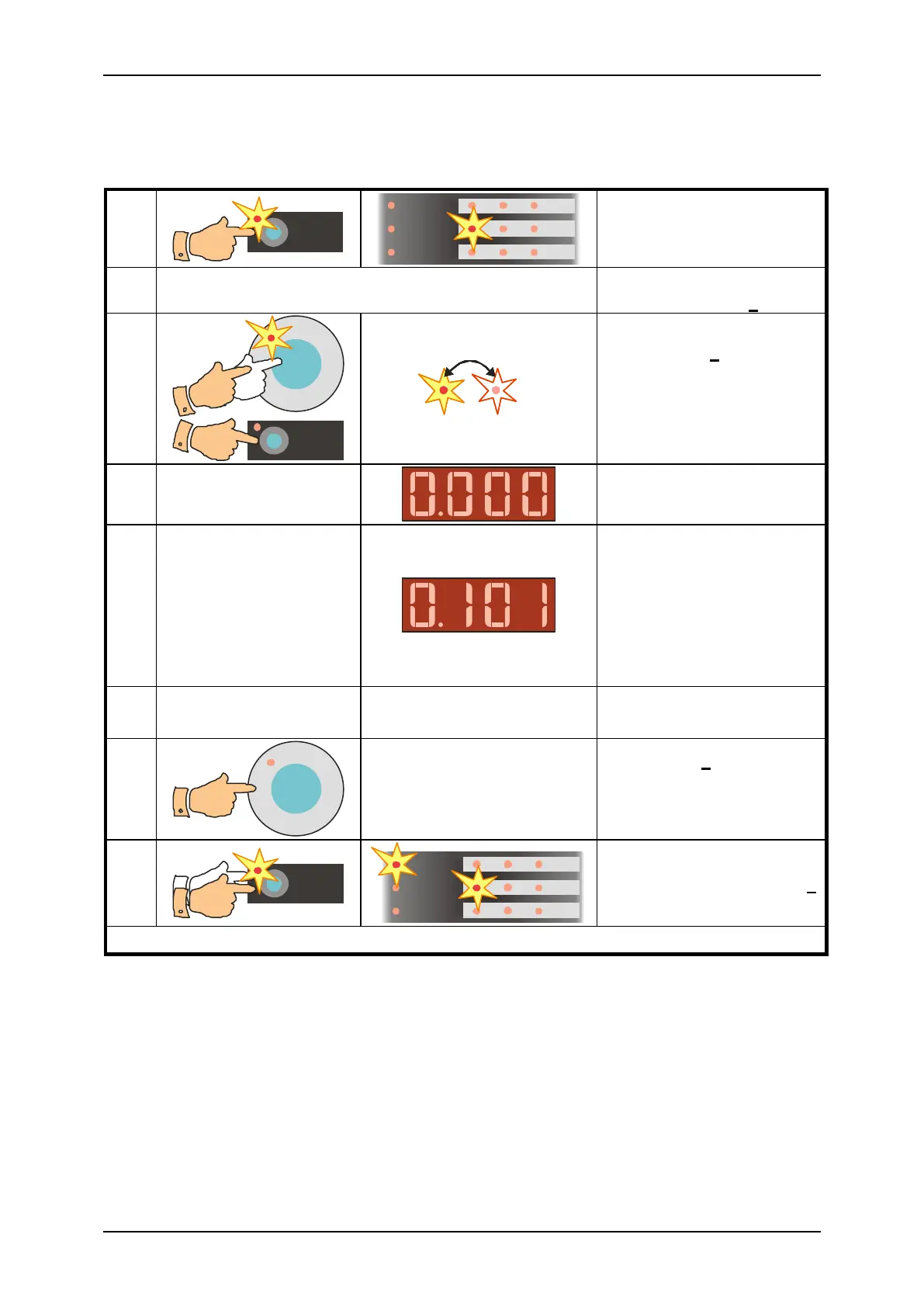
Fig. 11 Touch leakage current of protective class II appliances measurement
Step 1 - preparation for measurement
Connect test lead P2011 with test tip P3011 to the I
D
terminal.
Accomplish preparation for measurement described in chapter 4.5.1. Step 1.
Step 2 measurement with L-N default
Press and release either the I
PE
or the I
key. If the indicator (INV) lights up, then
press and release corresponding key once more in order to turn off the indicator (INV).
Press the START key. It is recommended to lock the measurement - press the
START key and then press the LOCK key. Release both keys. The presence of

Table of Contents