14
EN
CHANNEL LIST
The Channel List function lets you skip the unnec-
essary channels from the Channel registration list.
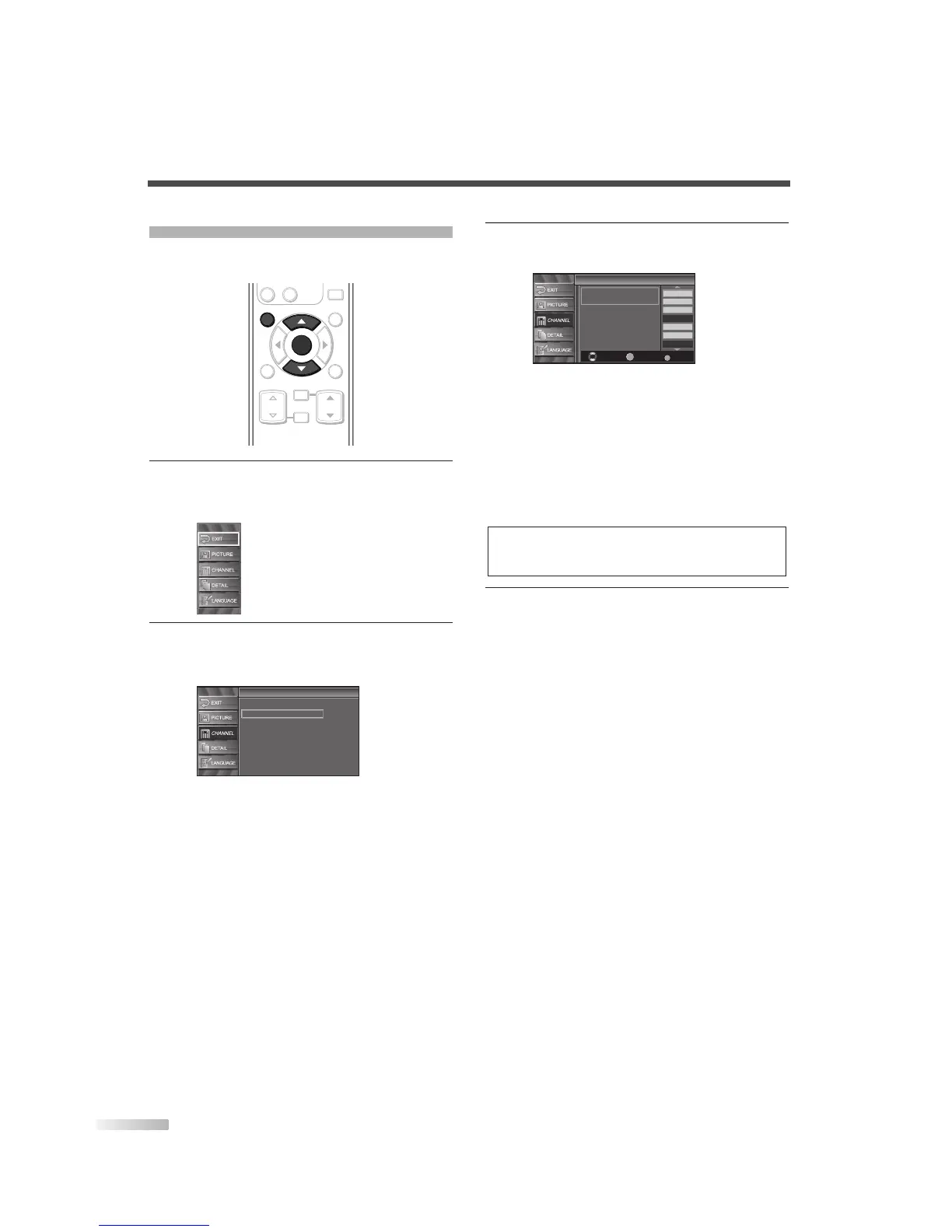
1
Display the setup screen.
• Press
[SETUP].
The following setup screen is displayed.
2 Select “CHANNEL” and press [ENTER] to con-
firm.
• Using [
K
/
L
], select “Channel List”.
• Press
[ENTER].
3 Select the channel you want to skip.
• Using
[
K
/
L
], select the channel.
• Press
[ENTER], and the highlight on the
selected channel disappears, then the channel
is set as skip. With
[CH
K
/
L
], you cannot
select the channel set as skip.
• If you want to receive the skipped channel,
select your desired channel and press
[ENTER].
• If you skip a major channel, you skip the minor
channels too.
4
To exit the setup, press [SETUP].
NOTE:
• The channel with “DTV” indicated on the display is ATSC,
otherwise the channel is NTSC.


 To Next Page