31
EN
OPTIONAL SETTINGS
HDMI AUDIO
Set the method of sound input for HDMI jack.
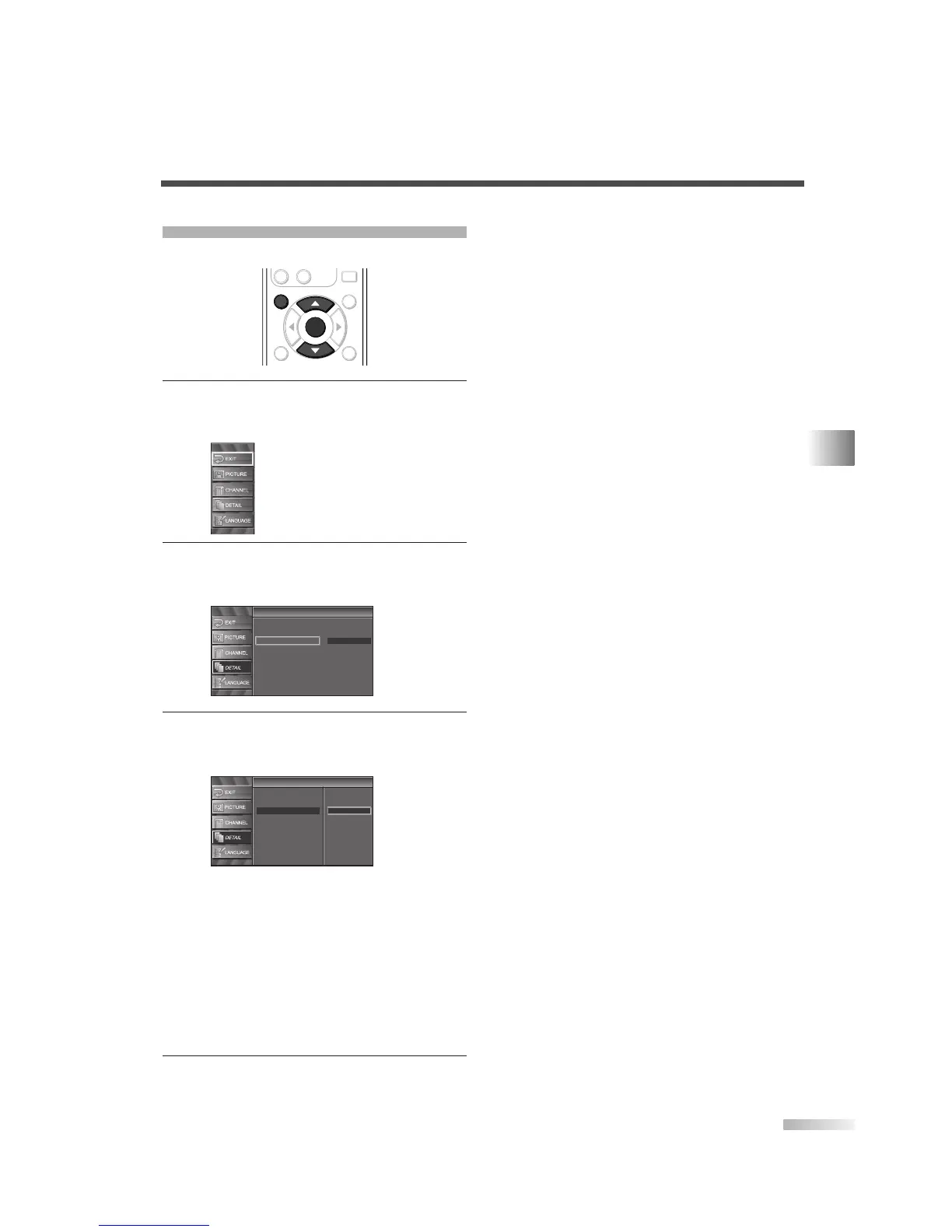
1
Display the setup screen.
• Press
[SETUP].
The following setup screen is displayed.
2 Select “DETAIL” and press [ENTER] to confirm.
• Using
[
K
/
L
], select “HDMI Audio” and press
[ENTER] to confirm.
3
Switch the HDMI Audio.
• Using
[
K
/
L
], select the desired HDMI Audio,
then press
[ENTER].
• Select “Auto” if you connected to both digital
device with HDMI jack and analog device for
audio sources. Digital audio input signal has
priority in this setting.
• Select “Digital” if you connected to digital
device with HDMI jack for digital audio input
signal.
• Select “Analog” if you connected to analog
device with analog jacks for analog audio input
signal.
4 To exit the setup, press [SETUP].



 To Next Page