LOAD DATA PROGRAM
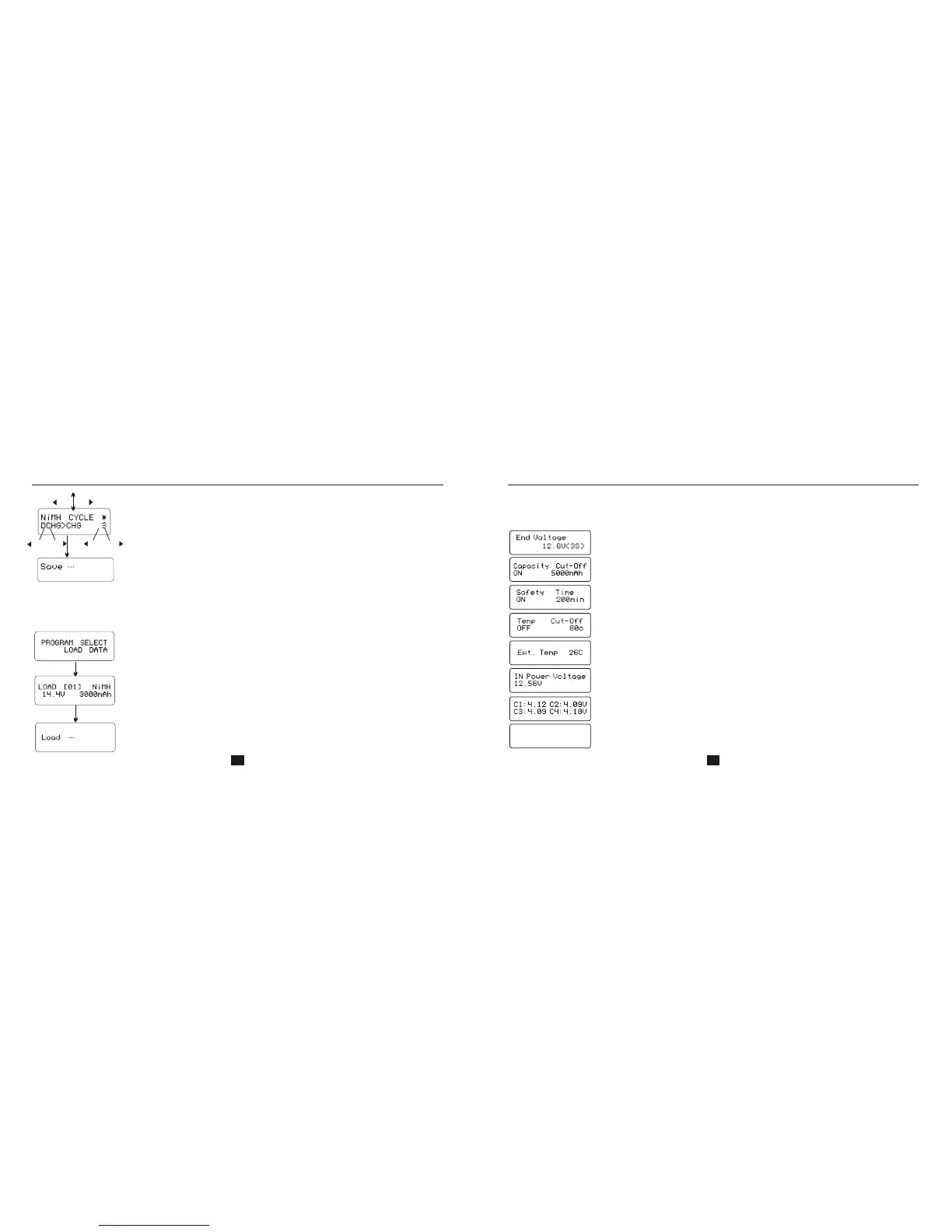
This program is to load the data stored at the “save data” program. Press START/ENTER key
to make the data field blink and press INC or DEC for more than 3 seconds to load the data.
Start
Enter
Start
Enter
‘>3seconds’
Choose the data number you want to call back. The data you
want to call back will be displayed.
Loading the data.
Load data program
VARIOUS INFORMATION IN THE PROGRAM
It comes to the final voltage when the program ended.
Displayed temperature cut-off function is turn on.
The external temperature is displayed when the temperature
probe is used.
Present input voltage.
You can inquire various information on the LCD screen during the charging and discharging process.
Press DEC key, the charger will display users' setting. You can press INC key to monitor voltage of
each cell while the battery’s balance lead is connected to the charger.
Displayed safety timer is turn on and duration of time in
minutes.
Displayed capacity cut-off function is turn on and the setting
value of capacity.
Various information in the program
The battery is connected with balance lead, you can check voltage
of each cell in the battery pack.
33 34
C5:4.18 C6:4.15V
C7:0.00 C8:0.00V
Saving the data
DEC
INC
DEC
DEC
-
-
INC
INC
+
+
Start
Enter
‘>3seconds’
Set up the charge/ discharge sequence and cycle number.


 To Next Page