WARNING AND ERROR MESSAGE
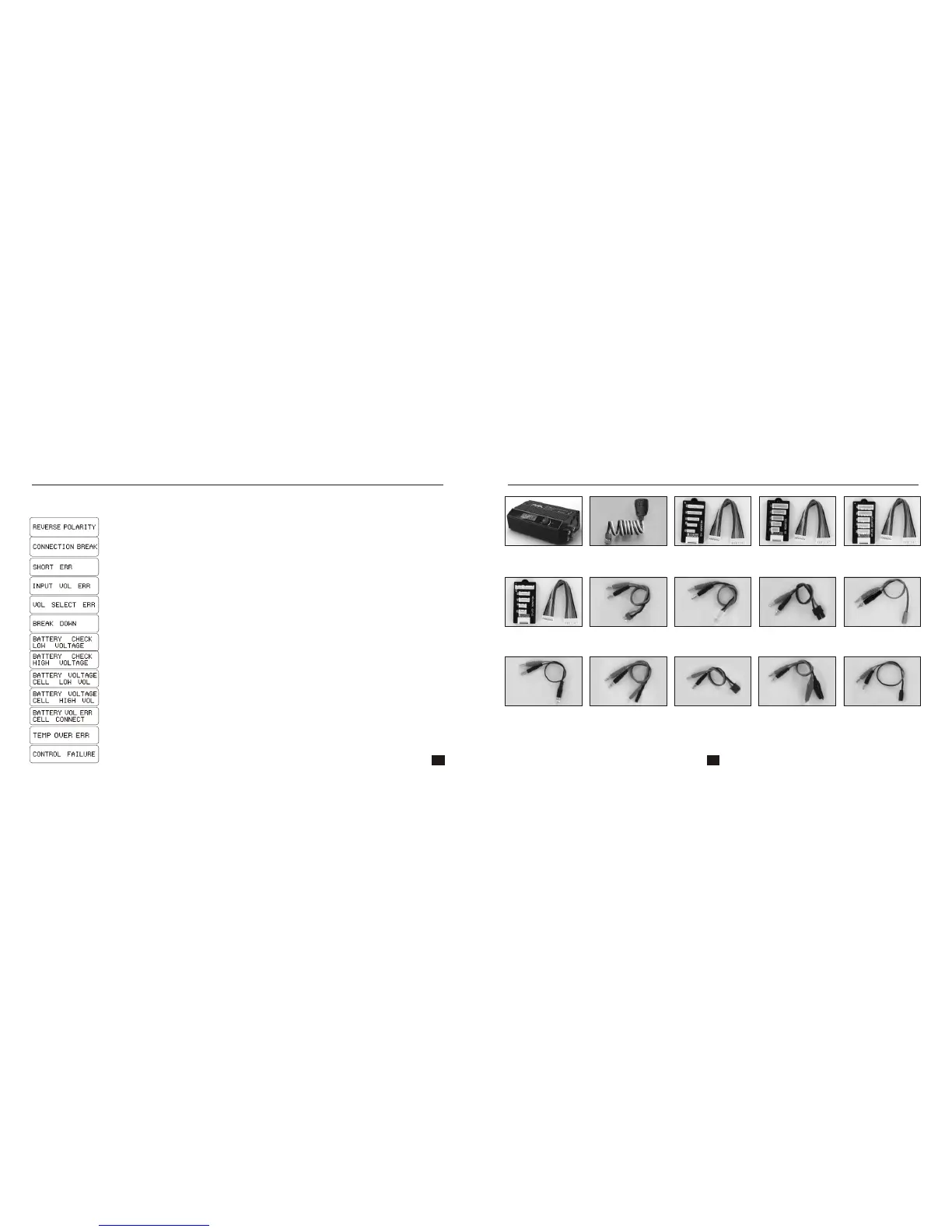
IMAX B6 Ultimate incorporates a various functions of protective and monitoring the system to verify
functions and the state of its electronics. In any case of occurring error, the screen displays the cause
of error that is self-explanatory with audible sound.
Incorrect polarity connected.
Battery connection is interrupted.
Short-circuit of the output termination.
Input voltage wrong.
The voltage of the battery pack has been selected incorrectly!
The charger has malfunctioned for some reason. Seek professional advice.
The voltage is lower than which is set. Please check the number of cells in the battery pack.
The processor cannot control the feeding current, please repair it.
Wrong connection of the connector detected; please check the connector and cable.
Voltage of one cell in the battery pack is too high; please check the voltage of each cell.
Voltage of one cell in the battery pack is too low, please check the voltage of each cell.
The voltage is higher than which is set. Please check the number of cells in the battery pack.
The internal temperature of the unit goes too high. Cool down the unit.
20A DC
Power Supply
RECOMMENDED ACCESSORIES
HP/PQ Adaptor
XH AdaptorTemperature
Sensor Cable
EH Adaptor
TP/FP Adaptor
Dean charging cable
Tamiya charging
cable
TRAXXAS charging
cable
Glow charging cable
Bullet charging cable
EC3 charging cable Crocodile clip
charging cable
Futaba RX
charging cable
JST/BEC charging
cable
35 36


 To Next Page