iDrive2 inverters Keypad Operation Procedure
19
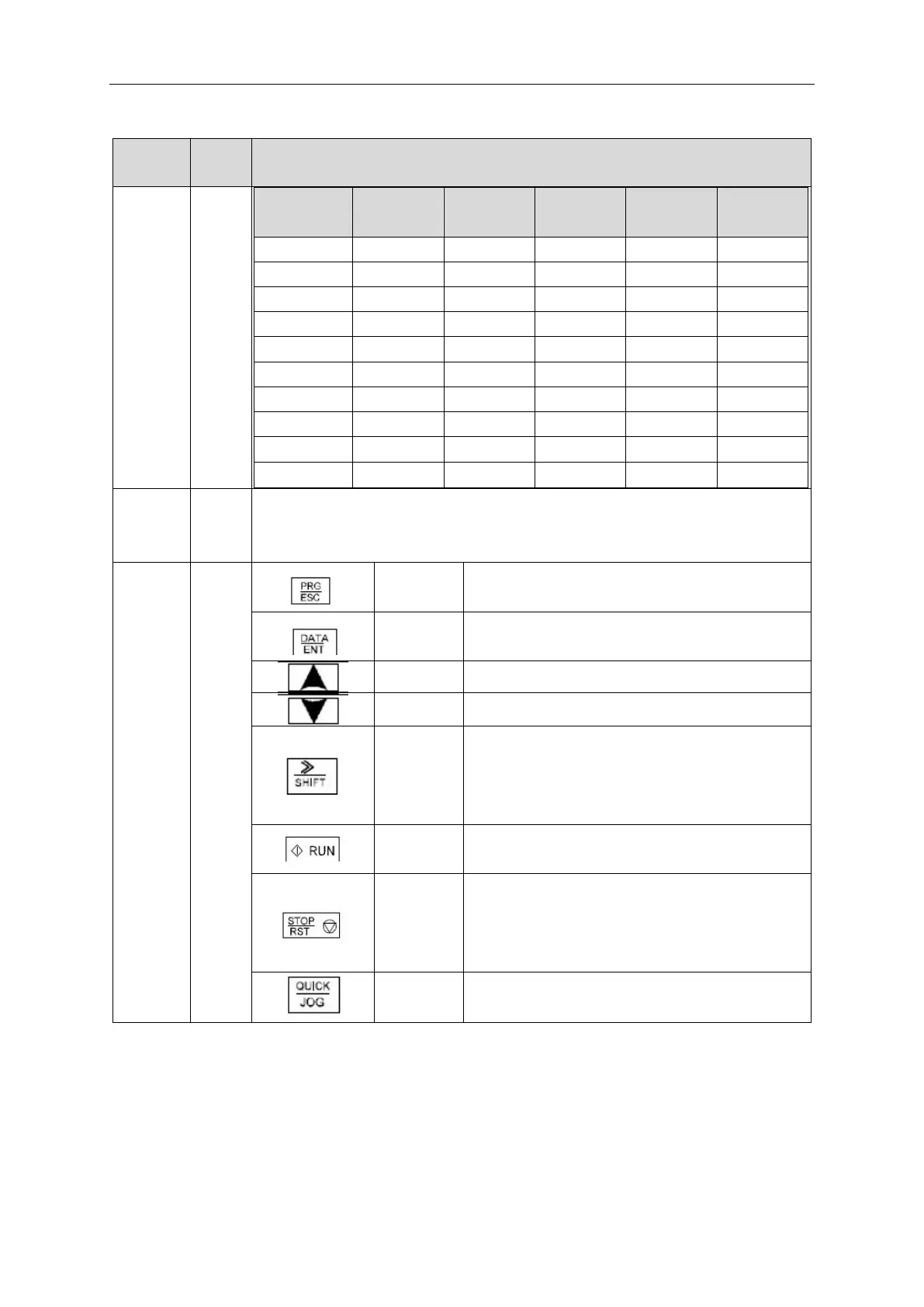
Enter or escape from the first level menu and remove
the parameter quickly
Enter the menu step-by-step
Increase data or function code progressively
Decrease data or function code progressively
Move right to select the displaying parameter circularly
in stopping and running mode.
Select the parameter modifying digit during the
parameter modification
This key is used to run the inverter in key operation
mode
This key is used to stop in running state and it is limited
by function code P07.04
This key is used to reset all control modes in the fault
alarm state
The function of this key is confirmed by function code
P07.02.
4.1 Keypad display
The keypad display of IMO XKL series inverters is divided into stopped state parameter, running state parameter,
function code parameter editing state and fault alarm state etc.
4.1.1 Display state of stopped parameter
When the inverter is in the stopped state, the keypad will display stop parameters which is shown in figure 4-2.



 To Next Page