31
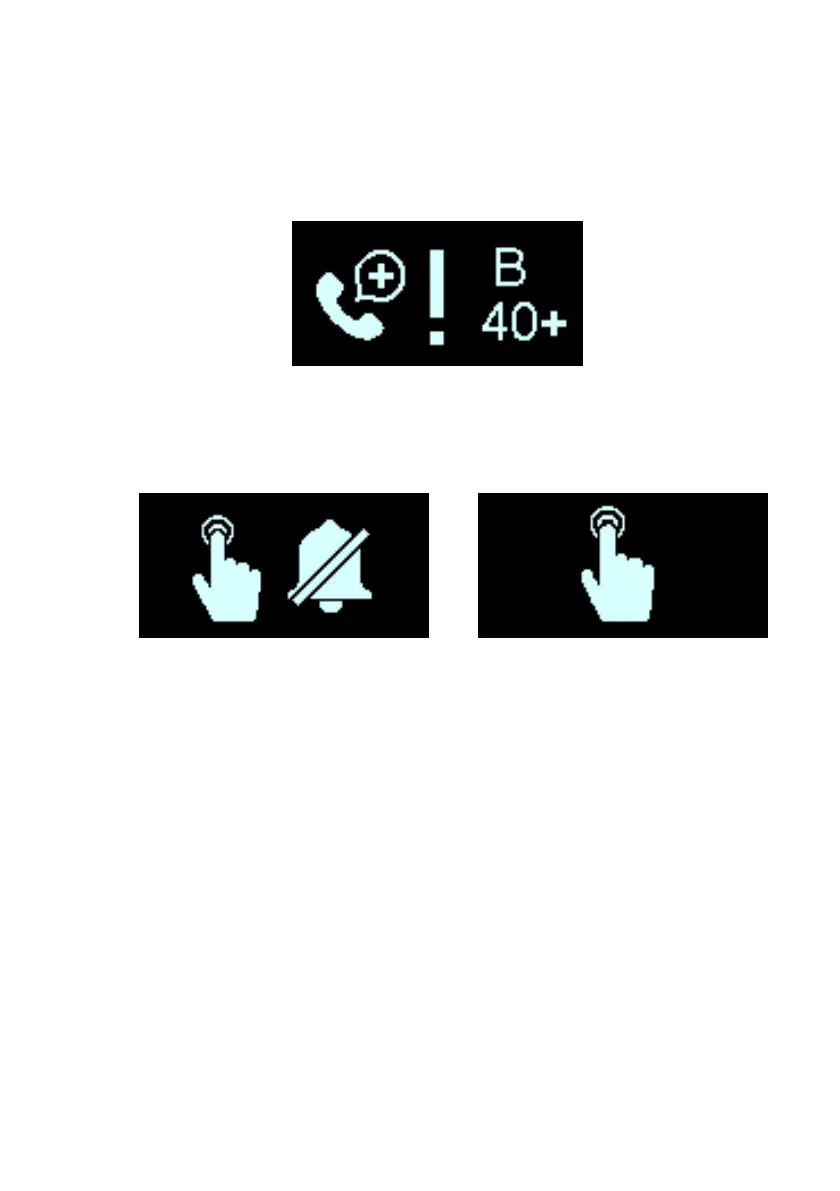
If a detected alert condition is associated with a Call Doctor Alert,
your Guardio Charger will emit a beeping tone and display a Call
Doctor Alert screen, with a flashing exclamation point at the center
of the screen and a Call Doctor Code (preceded by a letter
denoting the IPG model code). See Figure 30.
Figure 30: Example of Call Doctor Alert Screen
The Call Doctor Alert screen will be followed by the Snooze
Buzzer Alert screen (see Figure 31), or if at night, the Snooze
Alert screen (see Figure 32).
Figure 31: Snooze Buzzer Figure 32: Snooze Alert Screen
Alert Screen
If a Call Doctor Alert Code appears on the screen of your Guardio
Charger, take note of the code that is displayed and then press
the Power Button on your Guardio Charger to snooze the
activated alert. Afterwards, use the information below to determine
your next course of action.
• If the Call Doctor Alert Code “B1”, “B3”, “B5”, “B7”, “B9”,
“B11”, “B12”, “B13”, “B14”, “B15”, “B16”, “B17”, “B18”,
“B19”, “B21”, “B23”, “B25”, “B27” or “B29” is displayed,
please call the 24-hour Support Hotline (866-312-5370)
and inform them of the alert code displayed by your
Guardio Charger. Then, unless the alert code displayed is
“B1” or “B9”, proceed to charge your implanted
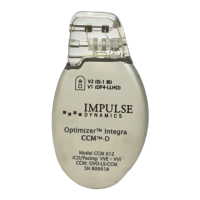
OPTIMIZER Integra CCM-D IPG.
• If the Call Doctor Alert Code “B31” is displayed, it means
that your Guardio Charger has detected repeated internal


 To Next Page