30
7.12 Call Doctor Alert Codes
Note: “Doctor” in the context of this manual is referring to the
doctor mentioned in the clinical trial informed consent.
In addition to charging your OPTIMIZER Integra CCM-D IPG, your
Guardio Charger is also able to notify you of an alert condition that
requires action.
Alert conditions are triggered by the detection of certain events by
your OPTIMIZER Integra CCM-D IPG or Guardio Charger.
When an alert condition occurs, your OPTIMIZER Integra CCM-D
IPG is programmed to send this information to your Guardio
Charger.
If a detected alert condition is associated with a Direct Action
Alert, an alert screen will be displayed by your Guardio Charger
accompanied by a beeping tone. Please refer to Figures 23, 24,
and 28 to identify the Direct Action Alert displayed by your
Guardio Charger. Once the displayed alert has been identified,
read the paragraph following the figure to learn what action is
required.
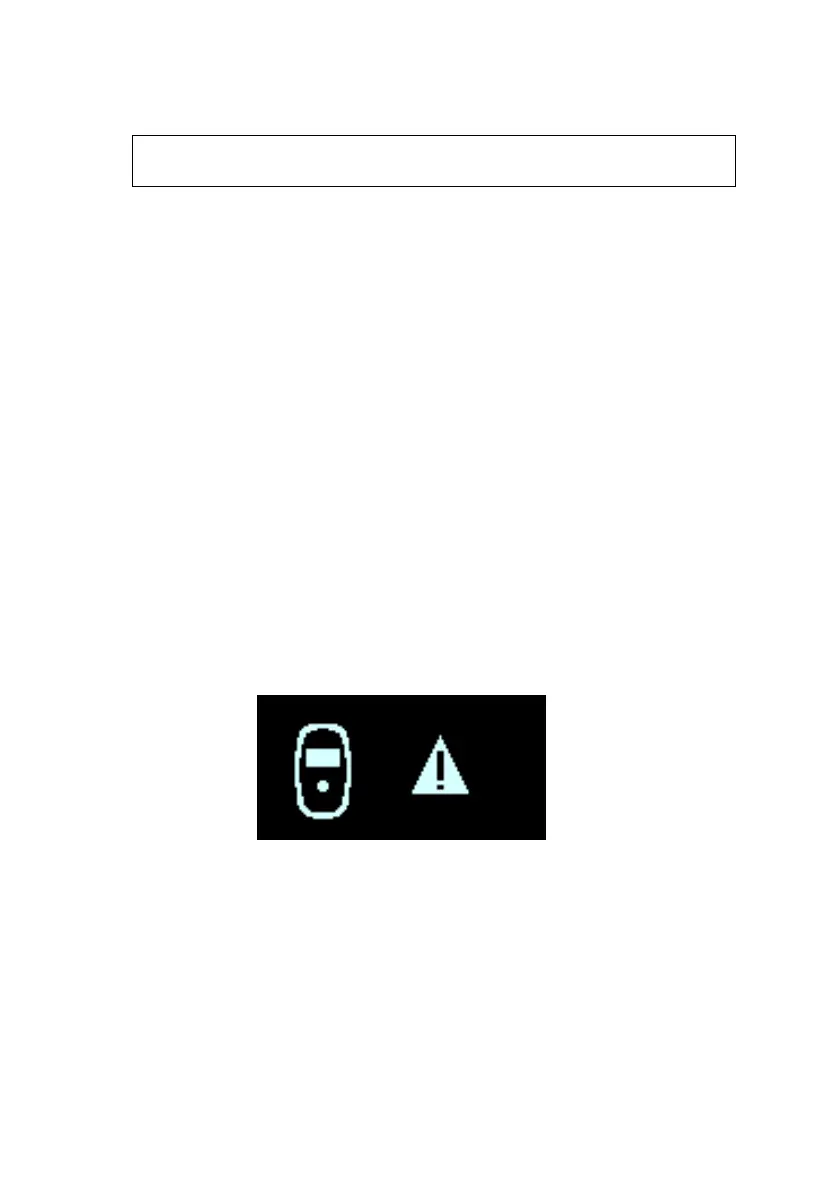
For certain alert conditions, the Call Doctor Alert will be preceded
by the Abnormal Condition Error screen, indicated by a warning
icon with a flashing exclamation point (see Figure 29),
accompanied by 3 long beeping tones.
Figure 29: Abnormal Condition Error Screen


 To Next Page