59
One illuminated bar indicates degraded QoS which may
require a longer charging time. Zero illuminated bars on
the Coupling Level icon accompanied by an audible
beeping tone indicates poor placement of the charging
wand. If the charging wand is not repositioned onto the
implant site within 20 seconds, the Guardio Charger will
emit 3 long beeping tones, display the Charging IPG
Coupling Error screen, and then shut off.
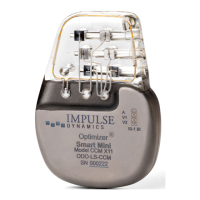
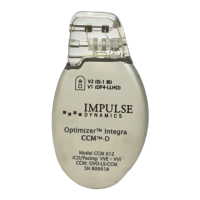
Besides charging the OPTIMIZER Integra CCM-D, the
Guardio Charger also serves as a way of messaging the
patient about alerts and other conditions. The Guardio
Charger is configured to communicate with the
OPTIMIZER Integra CCM-D IPG at least once a day. This
communication occurs whenever the IPG is within 1.5 m
(5 ft) of the Guardio Charger for a few minutes.
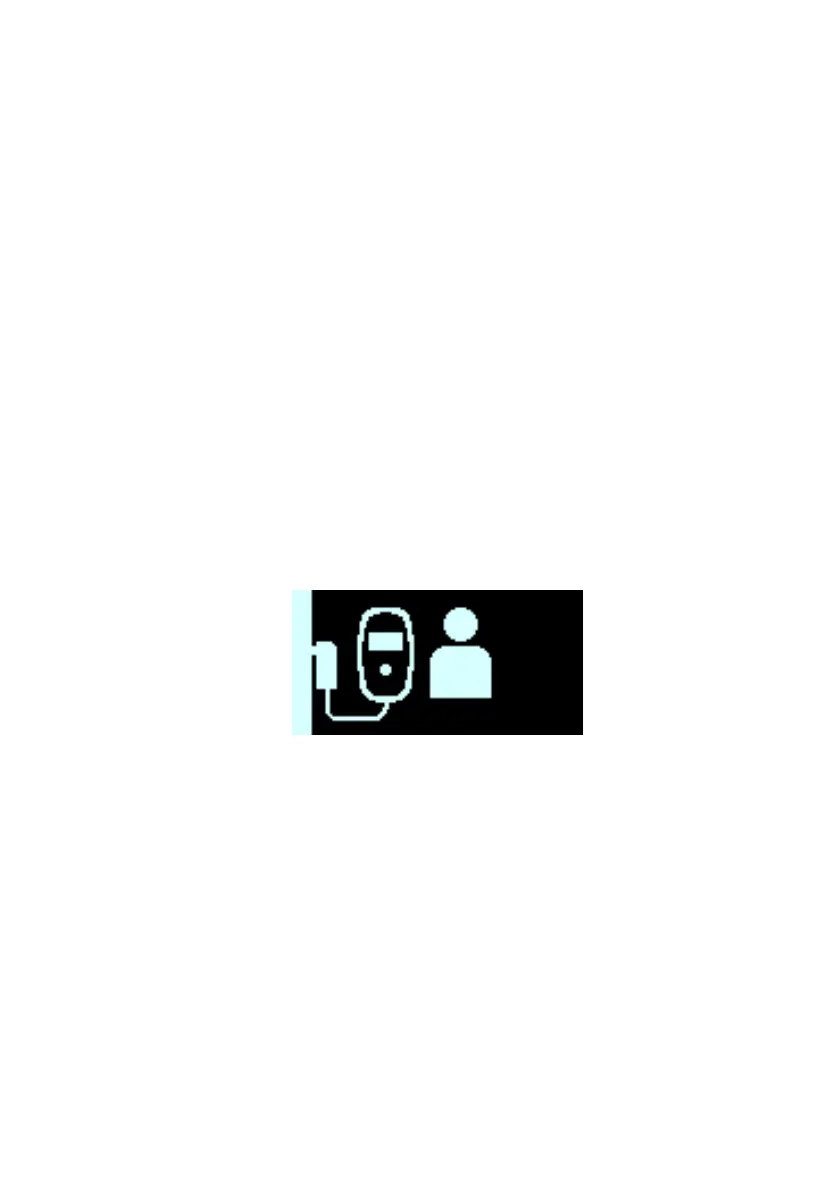
If the Guardio Charger and the OPTIMIZER Integra CCM-
D IPG do not communicate within a programmable time
period, the patient may see the “Long Time Without
Downloading Data From IPG” alert screen displayed by
the Guardio Charger:
In this case, instruct the patient to attempt to charge their
OPTIMIZER Integra CCM-D IPG with their Guardio
Charger. If the patient is able to charge their implanted
device successfully, then the alert screen should no
longer be displayed by the Guardio Charger. If the
attempt to charge the OPTIMIZER Integra CCM-D IPG
with the Guardio Charger is unsuccessful, please call the
24-hour Support Hotline (866-312-5370).


 To Next Page