3.
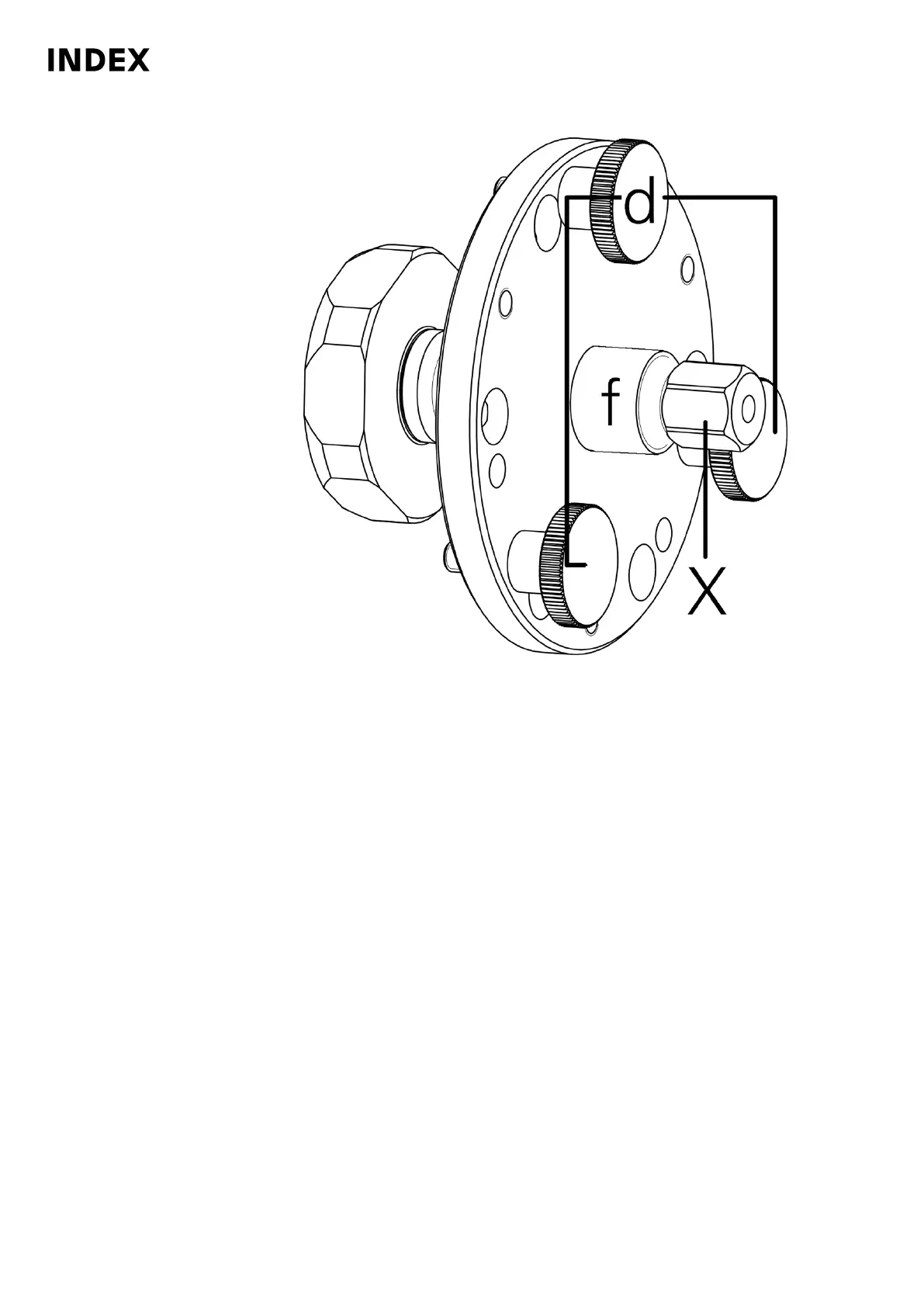
Removal tool for clamping element holder MS32 MS40
d
Knurled screw
f Screw spindle
X Hexagon
Turn the hexagon (X) on the screw spindle (f) until the clamping element
holder is removed.
4. Clean clamping element holder.
5. After cleaning, reassemble the clamping element holder. Insert cyl. head
screws (6x) and tighten them crosswise in 2 steps. In the 1st step to a
tightening torque of 8 Nm. In the 2nd step to 15 Nm.
Maintenance Summary - Care activities
36
Maintenance Instructions
MS40-8
DIM078EN - 02.06.2020



 To Next Page