4
4
System Requirements
Operang system
Windows XP Home or Professional with Service Pack 3 installed.
Informaon—if the text is not formaed or sized correctly with Windows XP operang system follow the instrucons below
to adjust the display dots per inch (dpi) seng.
For Windows XP the screen dpi seng must be set to default or 96 dpi.
1—Open Display in Control Panel.
2—On the Sengs tab, click Advanced.
3—On the General tab, in the DPI seng list, click 96 dots per inch (dpi).
4—Restart your computer when prompted.
Windows Vista all versions.
Windows 7 all versions.
Windows 8.x all versions.
Windows 10 all versions.
Soware Installaon Steps
The Nitrous Power Controller soware is located on the USB flash drive included with the NPC‐2006 kit. Plug the USB flash
drive into an available USB port on the computer.
Important—the soware must be located and started manually from the USB flash drive. The auto run feature is not imple‐
mented to provide increased security. Please follow the steps below to locate the soware installaon program.
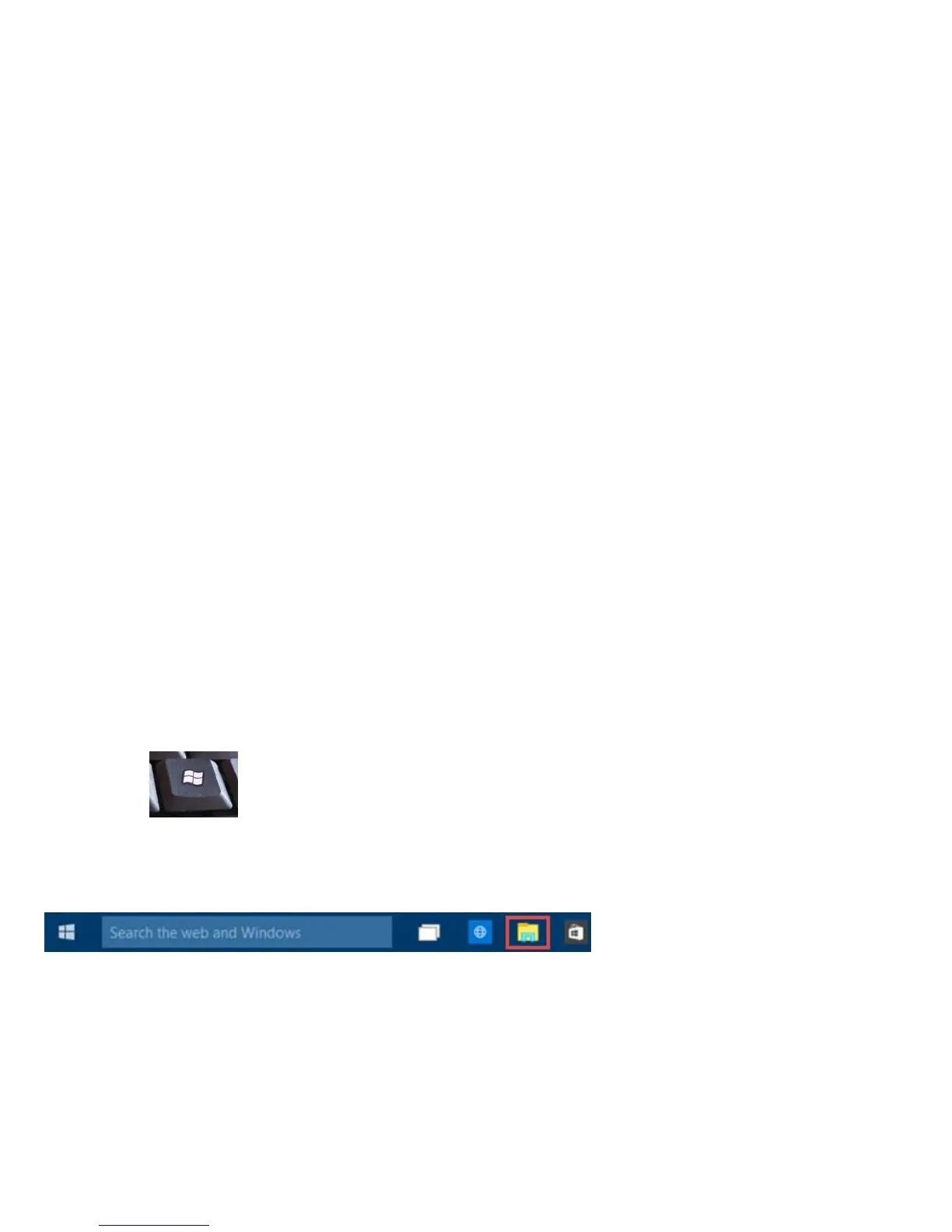
Please use one of the following methods to open Windows file explorer.
1—Press the Windows logo key + e together.
2—click on the File Explorer icon in the task bar.
3—click Start, point to All Programs, point to Accessories, and then click Windows Explorer.


 To Next Page