6
6
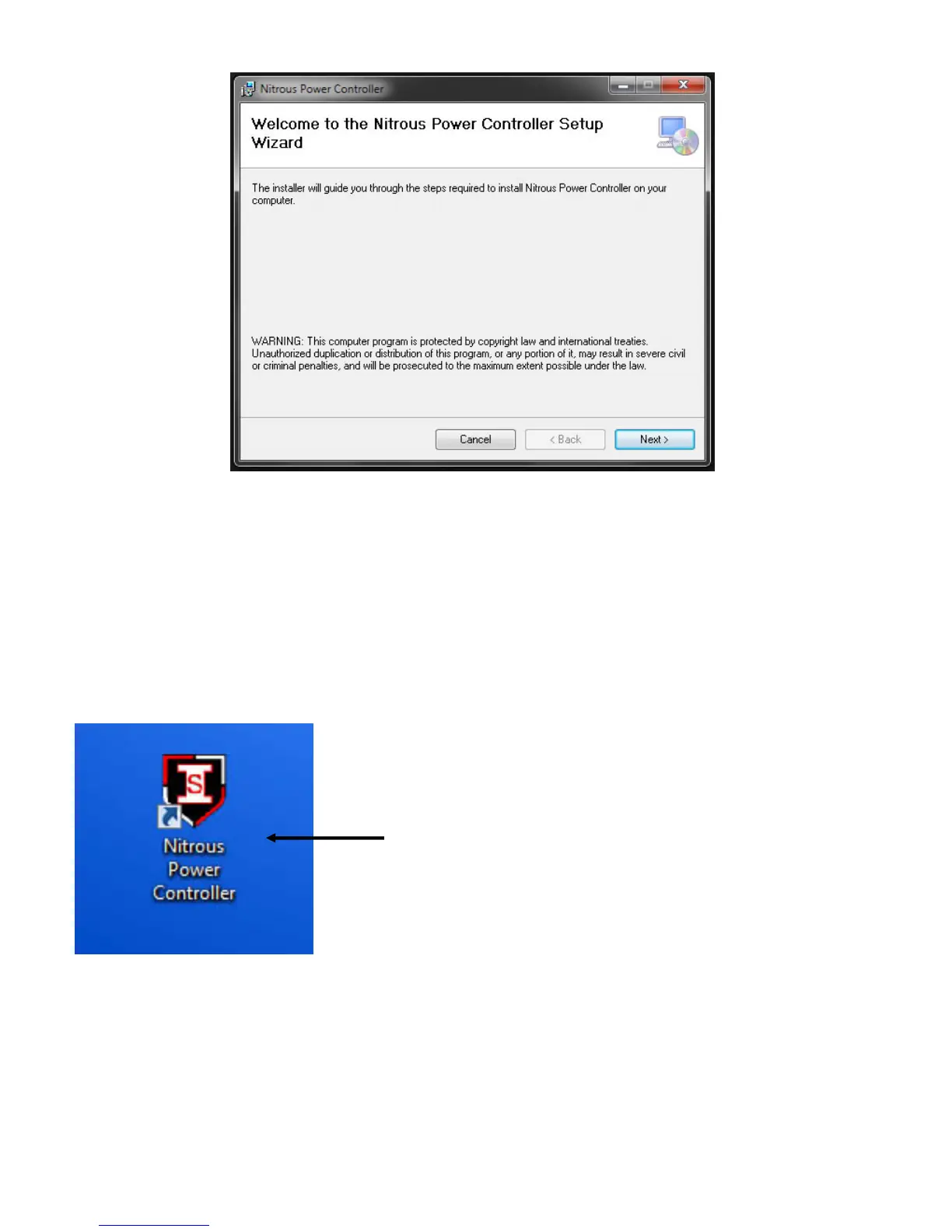
Click on the “Next” buon and follow the installaon wizard prompts as needed.
Important—Please allow the installaon wizard to install the soware in the default locaon when prompted.
You may be prompted to allow installaon from an unknown publisher, click on “Yes” to connue with installaon.
Allow the installaon program to complete.
On the Windows desktop you will find a “Nitrous Power Controller” icon.
Double click to start the soware.
Note—When the soware is installed a link to start the soware will also be placed in the program start menu. The installaon pro‐
gram also creates a link to un‐install the soware. If you no longer wish to have it installed or you need to remove a previous version
before updang to a more current version you may select this link from the All Programs/Inducon Soluons selecon.


 To Next Page