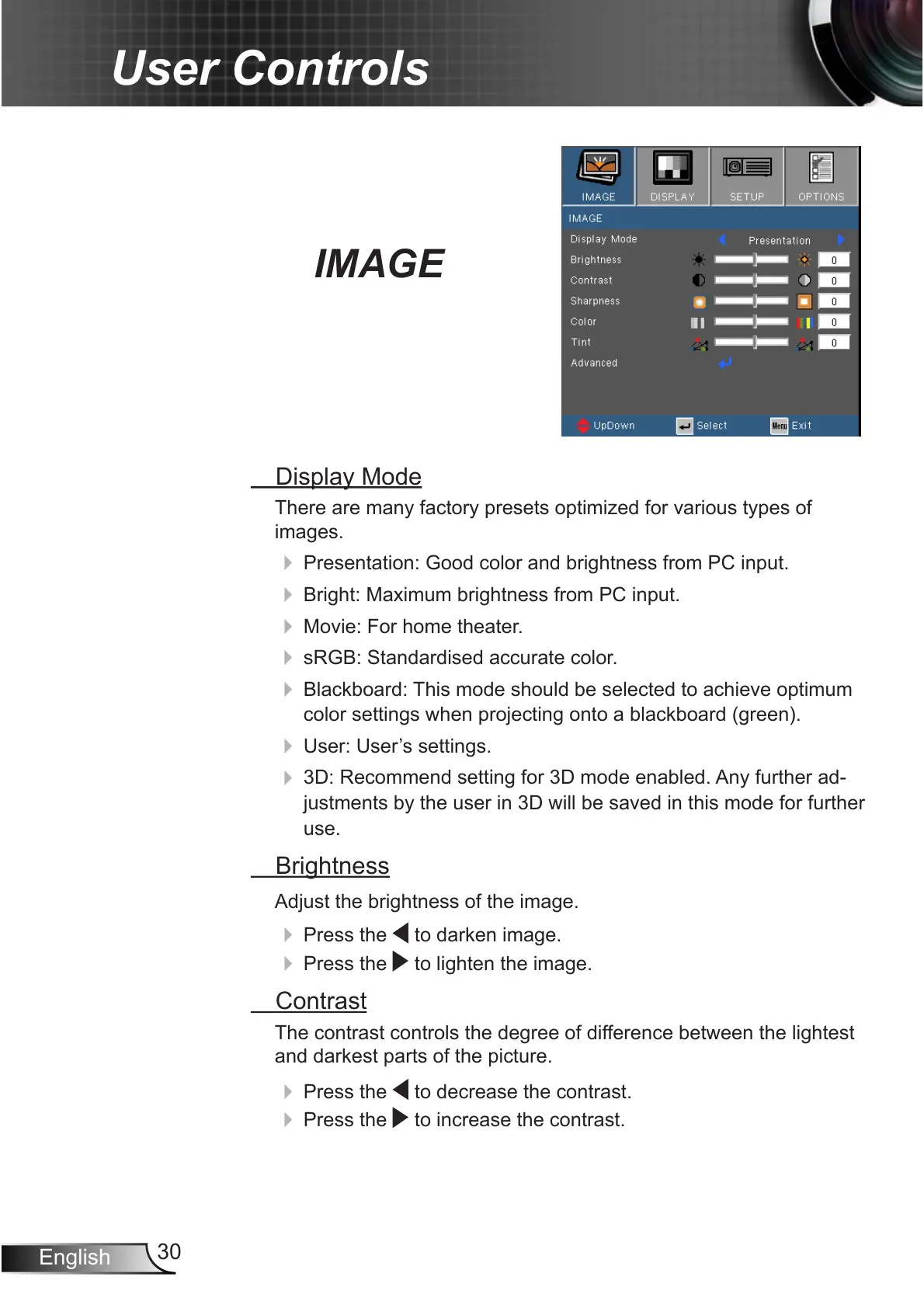
IMAGE
Display Mode
There are many factory presets optimized for various types of
images.
4
Presentation: Good color and brightness from PC input.
4
Bright: Maximum brightness from PC input.
4
Movie: For home theater.
4
sRGB: Standardised accurate color.
4
Blackboard: This mode should be selected to achieve optimum
color settings when projecting onto a blackboard (green).
4
User: User’s settings.
4
3D: Recommend setting for 3D mode enabled. Any further ad-
justments by the user in 3D will be saved in this mode for further
use.
Brightness
Adjust the brightness of the image.
4
Press the to darken image.
4
Press the to lighten the image.
Contrast
The contrast controls the degree of difference between the lightest
and darkest parts of the picture.
4
Press the to decrease the contrast.
4
Press the to increase the contrast.



 To Next Page