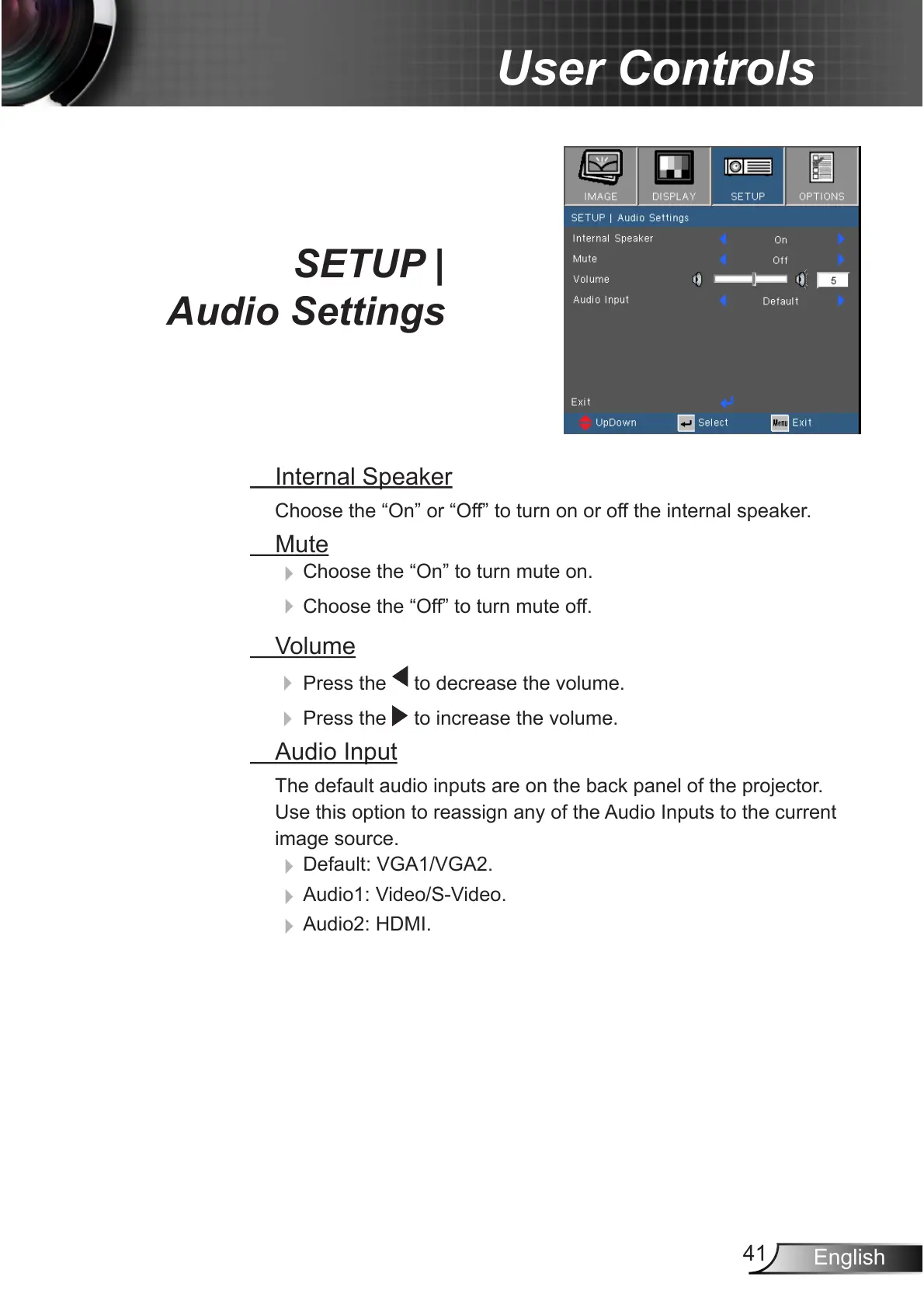
SETUP |
Audio Settings
Internal Speaker
Choose the “On” or “Off” to turn on or off the internal speaker.
Mute
4
Choose the “On” to turn mute on.
4
Choose the “Off” to turn mute off.
Volume
4
Press the to decrease the volume.
4
Press the to increase the volume.
Audio Input
The default audio inputs are on the back panel of the projector.
Use this option to reassign any of the Audio Inputs to the current
image source.
4
Default: VGA1/VGA2.
4
Audio1: Video/S-Video.
4
Audio2: HDMI.



 To Next Page