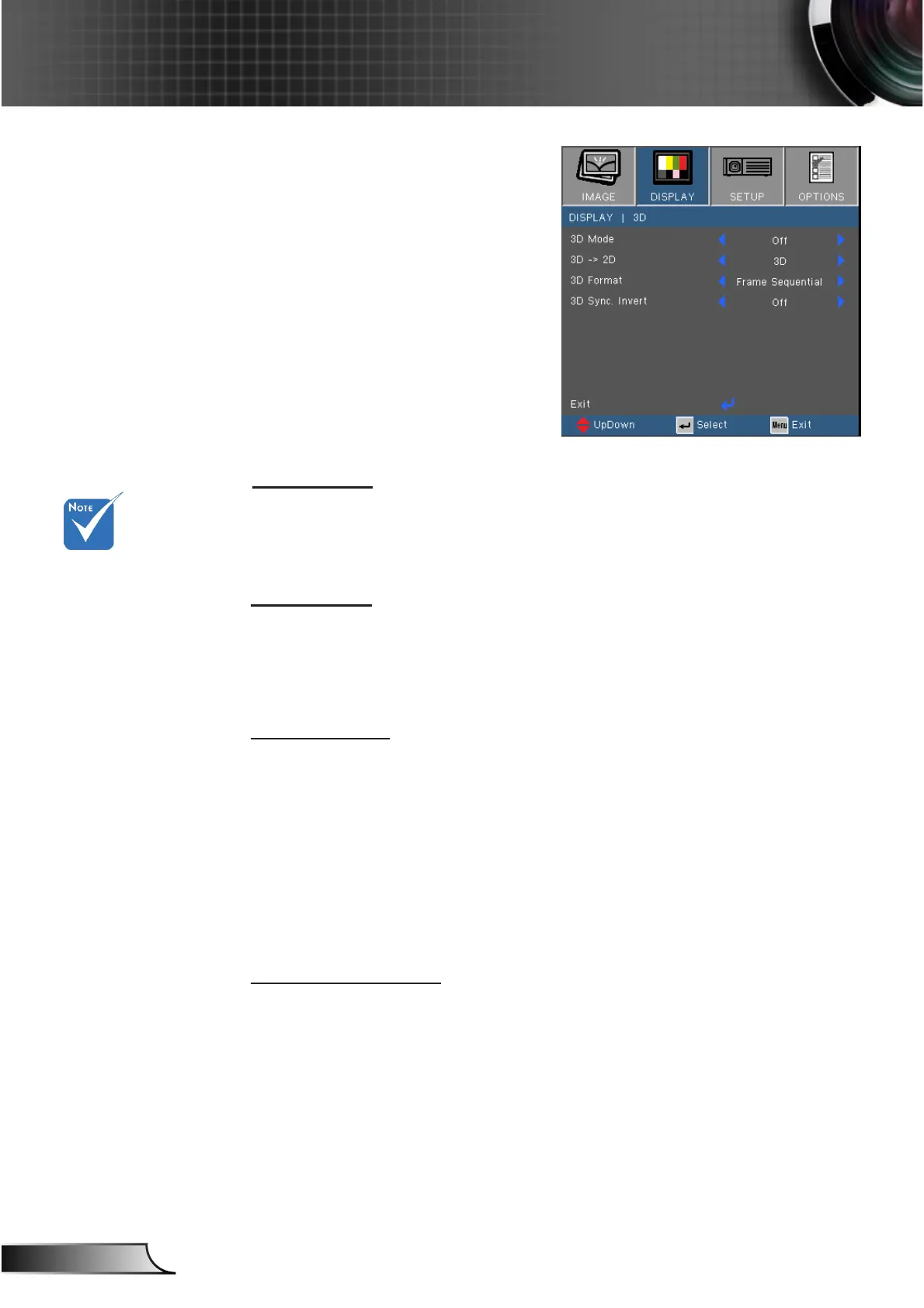
3D Mode
4
Off: Select “Off” to turn 3D settings off for 3D images.
4
DLP Link: Select “DLP Link” to use optimized settings for DLP
Link 3D images.
3D -> 2D
4
3D: Display 3D signal.
4
L (Left): Display the left frame of 3D content.
4
R (Right): Display the right frame of 3D content.
3D Format
4
Auto : When a 3D identication signal is detected, the 3D
format is selected automatically.
4
SBS: Use this mode for “Side-by-side” format 3D content.
4
Top and Bottom: Use this mode for “Top and Bottom” format 3D
content.
4
Frame Sequential: Use this mode for “Frame Sequential”
format 3D content.
3D Sync. Invert
4
Press the “On” to invert left and right frame contents.
4
Press the “Off” for default frame contents.
“3D Sync Invert” is
only available when
3D is enabled and
this mode 3D is for
DLP link glass only.
Compatible 3D
source, 3D content
and active shutter
glasses are required
for 3D viewing.
See page 55 for
supported 3D
formats.
DISPLAY | 3D



 To Next Page